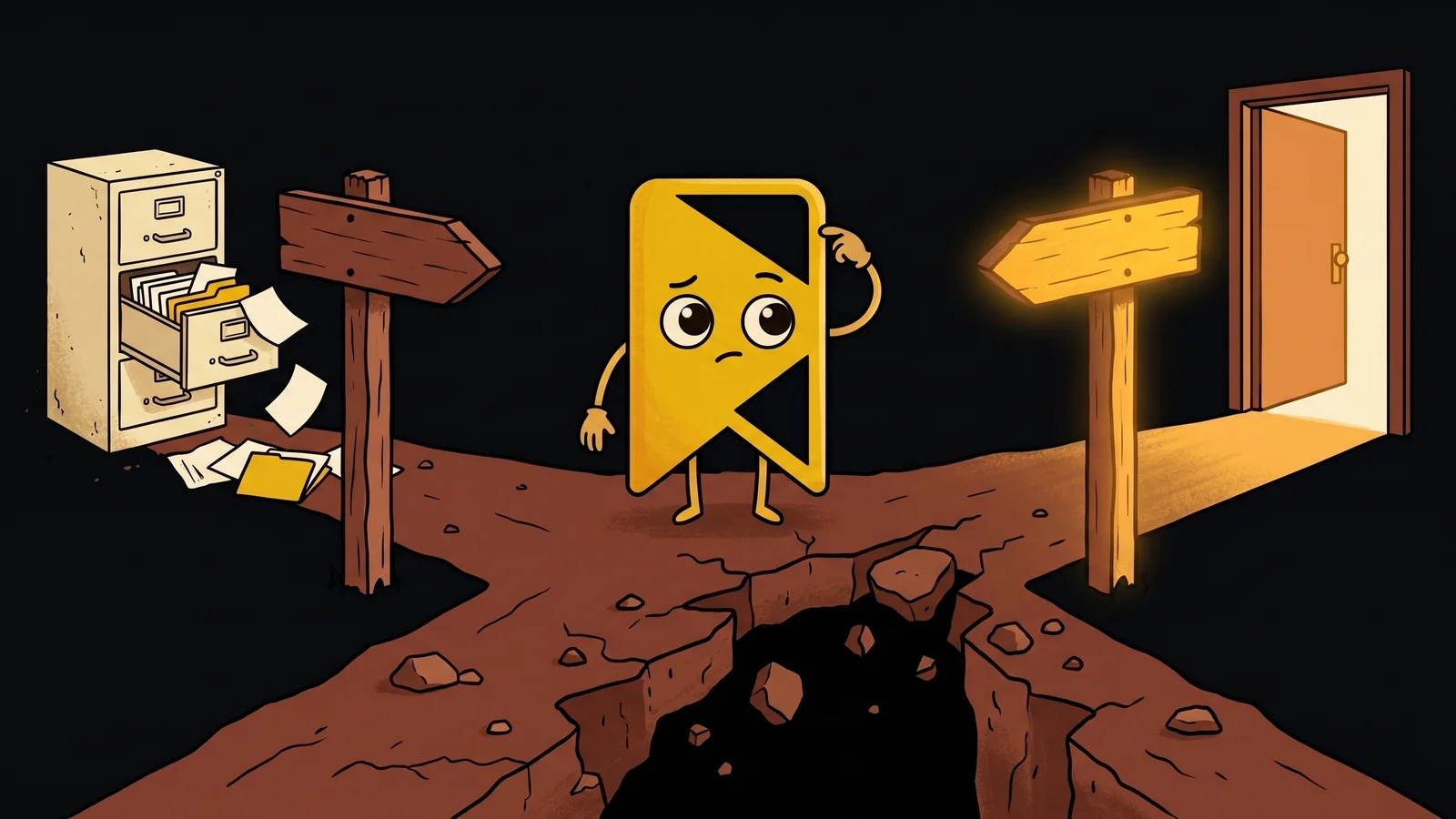
YouTube → Notion → nowhere: why your video knowledge base is broken
The 'save it to Notion' video workflow is breaking under its own weight in 2026. An opinionated walkthrough of why it fails, and what a working video knowledge base actually looks like.
Every productivity person you follow on X has the same workflow. They watch a YouTube video that hits them. They paste the link into Notion under a "Learnings" database. They add a few tags. They feel productive. Six months later they have 800 entries in that database and none of them are findable.
This is the YouTube → Notion → nowhere pipeline, and in 2026 it's the dominant pattern for video knowledge work. It's also broken. Not at the edges — at the core. Below is an honest look at why, and what a working video knowledge base actually looks like once you stop telling yourself the Notion database is one.
The fantasy
The pitch sells itself. Notion is text-shaped, so it must be searchable. You paste the video link, write a sentence or two of takeaway, tag it marketing or productivity, and now your future self can Cmd-K their way back to insight. Stack a thousand of these and you have a "second brain."
The seductive part is that the act of saving feels like learning. You watched the video. You wrote down what you learned. You put it in a database. You did the work.
The math doesn't survive contact with the second week. Two failures stack.
Failure mode #1: the entries are too short to search
A typical "video saved to Notion" entry contains:
- The YouTube title
- The URL
- A few tags
- Optionally: a 1-2 sentence personal takeaway
That's it. Maybe forty words of original text. Multiply by 800 entries and you have 32,000 words of typed notes — about a 100-page novella.
Two facts about that novella:
The information was in the video, not in your notes. A 60-minute YouTube interview contains roughly 8,000 words of spoken content. Your 30-word note captures one of them. When you search Notion later, you're searching the 30 — not the 8,000. The thing you remember from the interview is in the 8,000, and it's not in your database.
Tags decay. The first 50 entries had thoughtful, consistent tags. The next 300 had productivity, marketing, and interesting. The last 450 had no tags because you stopped at the share button and moved on. By month six, tag-based retrieval is statistically random.
The Notion database isn't a knowledge base. It's a list of receipts for videos you didn't really remember.
Failure mode #2: you don't go back
The second failure is more uncomfortable to admit. Reviewing 800 saved-video entries is not pleasurable. The thumbnails are small. The summaries are too thin to trigger recall. You can't see what's inside without clicking through to YouTube, re-watching, scrubbing.
So you don't. You add to the database. You don't read from it.
This isn't a personal failure of discipline. It's the natural consequence of the format. Reading a list of 800 receipts to find one quote requires more time than just searching YouTube directly — and YouTube's own search at least has thumbnails and creator names that trigger recognition. Your Notion list has neither.
A knowledge base that you never query is not a knowledge base. It's a graveyard.
The shape of a working video knowledge base
Whatever it looks like, three properties have to hold:
1. The index covers the inside of the video, not just the outside.
Title, URL, your sentence-summary — those are outside-the-video metadata. The valuable thing in a 60-minute interview is the spoken content. A working index has to contain the transcript, structured for retrieval. Anything less is searching the title shelf at a library that won't open the books.
2. Search has to do the recall, not your memory.
The whole point of an external knowledge base is that you don't have to remember which video it was in. You remember the concept — "the bit about pricing strategy" — and the system surfaces the moment. If you have to remember which row in which database to look at, the database is no better than your phone's notes app.
3. The act of saving has to be one tap.
If saving requires opening another app, choosing a database, writing a summary, and tagging, you'll stop. The bar for "I'll save this for later" has to be roughly the same as "I'll like this tweet." Otherwise you skip the save, and the knowledge base shrinks because the input pipe is closed.
These three are the spec. Most existing tools fail at least one.
Why Notion can't do this (and what it could do well)
Notion is a database product. It's excellent at databases. The problem isn't Notion; the problem is using a database product for a job that needs retrieval over unstructured content the user didn't author.
What Notion would have to ship to fix this:
- Fetch transcripts of saved YouTube videos automatically (it doesn't).
- Index those transcripts with semantic + full-text retrieval (it doesn't — its current Notion AI is a top-layer LLM over the keyword search of what you typed).
- Surface results by transcript chunk with deep-link timestamps (it doesn't — it shows the entry you wrote, not the moment inside the video).
- Support Reels and TikTok URLs as first-class citizens (it doesn't — they're opaque links).
None of these are impossible. They're just a long way from Notion's product DNA, which is "structured collaborative documents." A YouTube → Notion → nowhere user is asking Notion to be a video-transcript search engine, and Notion is not that.
Where Notion is genuinely excellent: collaborative project docs, lightweight CRMs, structured-data lists where you author the rows. Use it for what it's good at. Don't ask it to be a video bookmarker. The mismatch is the whole problem.
The one-tool answer
A video knowledge base that actually works is a specialised tool. Specifically: one that
- Fetches transcripts of saved videos automatically (YouTube, Instagram Reels, TikTok)
- Chunks and embeds them for semantic search
- Runs hybrid retrieval (semantic + full-text) so paraphrased queries work and exact phrases still rank correctly
- Deep-links results to the original video at the timestamp
- Saves in one tap from anywhere — browser extension, mobile share-extension, paste field
We built SavedThat to be exactly that tool. Not because Notion is bad — it's great — but because video bookmarking is a different job than document collaboration, and tools optimised for the wrong job lose at the right one.
This isn't unique to us. The category — purpose-built transcript-search tools — is small but real: Glasp, Mem, and a few others. The list is in our comparison post. What unifies them is that they all stopped pretending a general-purpose notes app was the right primitive for the video-knowledge-base job and built something narrower.
The deeper point
Productivity culture in 2026 is heavy on the "one tool to rule them all" framing — Notion as the second brain, Obsidian as the personal knowledge management system, Roam as the networked-thought capture surface. The pitch is appealing because tool-switching is annoying.
But specialisation wins where the job is specific enough. Video knowledge is specific. The constraints are different from document knowledge:
- The content is multi-modal (audio + visual + text).
- The user didn't author it.
- The interesting parts are timestamped moments, not whole documents.
- The volume scales fast because saving is one tap.
A general-purpose tool ends up with a worst-of-all-worlds product surface — too generic to handle the timestamped retrieval well, too overbuilt to make saving one tap. Specialised tools win the surface they were designed for, and you string them together with shared URLs (a transcript search tool deep-links into YouTube; YouTube's a player; both are reachable from your Notion project doc when you need to reference them).
Use Notion for what Notion is for. Save your videos to a tool that searches inside them. Stop pretending one app is a knowledge base for everything and notice that your 800-entry "Learnings" database has produced zero referenced quotes in twelve months.
It's not a discipline problem. It's a tool-shape problem. The fix is on the supply side.
Keep reading
Search inside saved videos: the complete 2026 guide
Search inside saved videos by what was actually said — across YouTube, Instagram, and TikTok. How transcript search works in 2026, and four tools that do it.
Best video bookmark manager with transcript search (2026)
The best video bookmark manager with transcript search in 2026: seven tools compared honestly, from SavedThat and Quiki to Raindrop Pro, Mymind and Glasp.
What people actually save: a data study (2026)
What people actually save, measured: 558 videos, 622 saves and 358 searches on SavedThat. Short-form wins the count, YouTube holds 90% of the spoken words.
Frequently asked questions (2026)
Are you saying Notion is bad?
No. Notion is excellent at structured collaborative documents, lightweight CRMs, and team wikis. The argument here is that a video knowledge base — saving and retrieving information from videos you watched but didn't author — is a different job than what Notion was designed for. Use Notion for what it's great at; use a specialised tool for video retrieval. The two coexist.
Could I just use Notion's AI features to make this work?
Not really. Notion's AI search runs on top of the text you've manually entered, not on transcripts of the videos you've linked. Pasting a YouTube URL into a Notion page doesn't fetch or index the transcript — Notion has no transcript pipeline. AI search over your one-sentence summaries is a polish layer on the same broken retrieval surface.
What about Obsidian / Roam / Reflect for this?
Same architectural mismatch. All three are excellent personal-knowledge-management tools for text the user authored. None of them index transcripts of saved videos. Reflect ships semantic search over your notes, which is great for finding text you wrote, but it doesn't help find a quote from a YouTube video you watched.
I already have 800 entries in Notion. Should I migrate?
Bulk-migrate the YouTube/Reel/TikTok URLs out of your Notion database and into a transcript-search tool that can actually search inside them. Keep your Notion summaries — they're useful as personal annotations on the videos. The transcript-search layer indexes the audio; your Notion annotations index your reactions. Two complementary surfaces, not competing ones.
What's the bar for needing a tool like this versus just remembering things?
Roughly: if you save more than 3 videos a month and at least once a quarter you find yourself thinking 'I know I saw this somewhere,' the math has flipped against just remembering. Below that volume, human memory plus YouTube's own search is fine. Above that volume, the gap between what you save and what you find again becomes the bottleneck on actually using saved videos as a learning input.
Is this an ad for SavedThat?
Yes and no. We built SavedThat because we hit the failure mode this post describes and couldn't find a tool we'd buy ourselves. We're recommending the category (specialised transcript search) honestly — Glasp and Mem are also valid choices for different sub-cases, covered in our comparison post. The category point stands whether or not you ever use our product specifically.