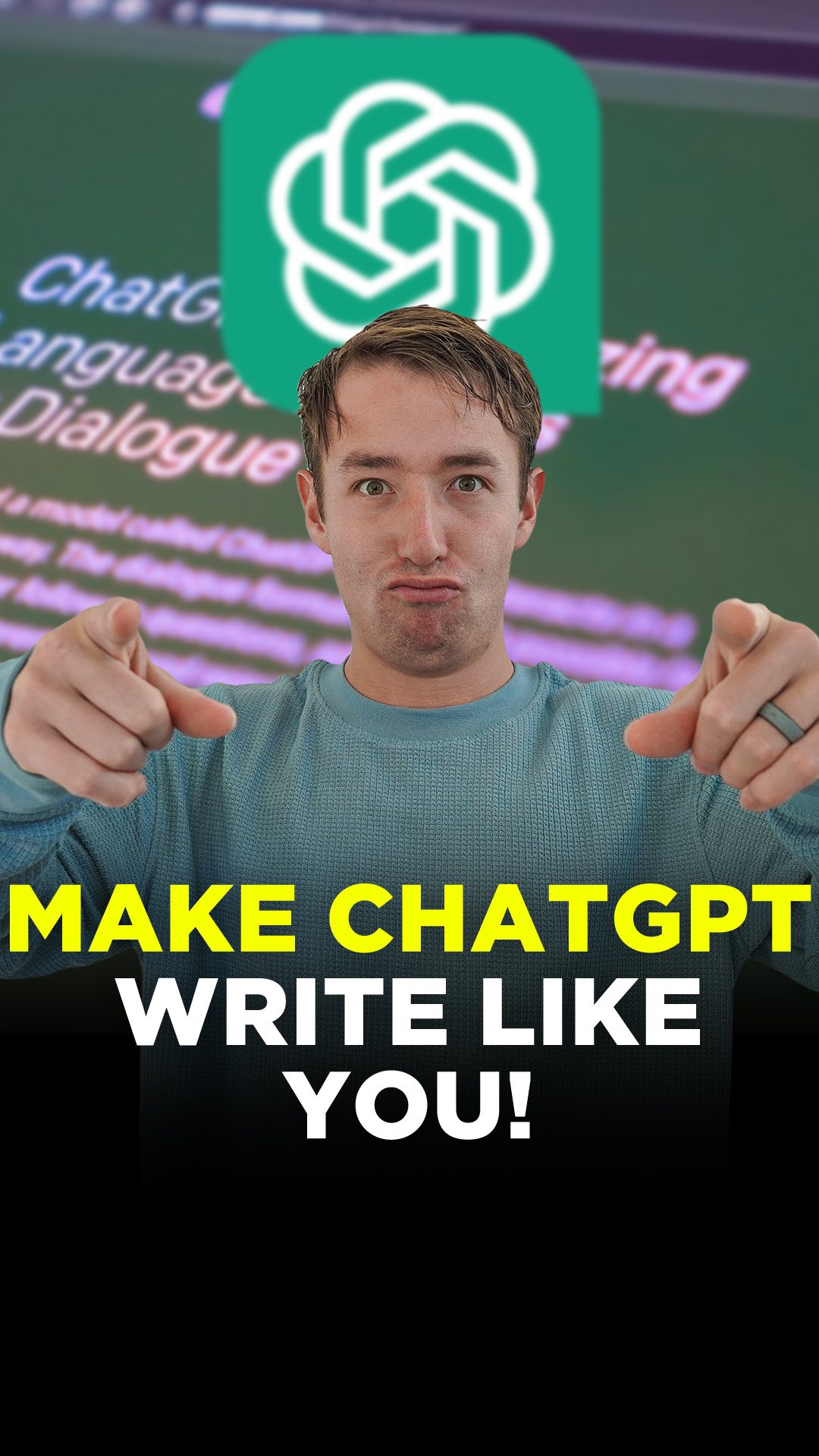
Make ChatGPT Write Like You—Not a Robot!
Search inside any video
SavedThat transcribes your saved videos and lets you search across all of them instantly. Save this video and find any moment.
TL;DR
Learn how to make ChatGPT write in your unique style by using specific instructions for tone, clarity, and engagement.
Chapters
- 0:00Introduction to ChatGPT Writing01
- 0:05Setting Your Tone02
- 0:15Conciseness and Clarity03
- 0:25Avoiding AI Buzzwords04
- 0:35Improving Formatting05
- 0:45Using Active Voice06
- 0:50Encouraging Criticism07
Transcript
Want ChatGPT to write like you instead of sounding like a robot? Here's how to fix it. All you need to do is add these instructions to every prompt, or if you have ChatGPT+, set them in your custom instructions for automatic results. Here's what to include. First, your tone. Direct, personable, and casual. No over-the-top positivity. Two, concise and clear. No fluff, short sentences, and easy to read paragraphs.
Three, no AI buzzwords. Avoid cliches like game changer, unlock, and stark contrast, things like that. Skyrocket. 4. Better formatting. Use bullet points, numbered lists, and tables for readability. 5. Active voice. Write in a way that feels natural and engaging.
6. No over explaining. Just deliver the response, no necessary commentary. 7. Fresh research. If available, pull in recent info from the web. 8. Criticism allowed. ChatGPT should push back when needed, not just agree. I've put all of this into a simple prompt, comment the word prompt, and I will personally DM it to you.
Are you the creator or rights holder of this video? Request removal of this transcript.
Related Transcripts
 0:45Instagram
Want ChatGPT to sound less like AI?
Micro Tech India | Tech News
 0:41Instagram
Unlock the true potential of ChatGPT with the ACDQ formula!
The AI Surfer
 14:11YouTube
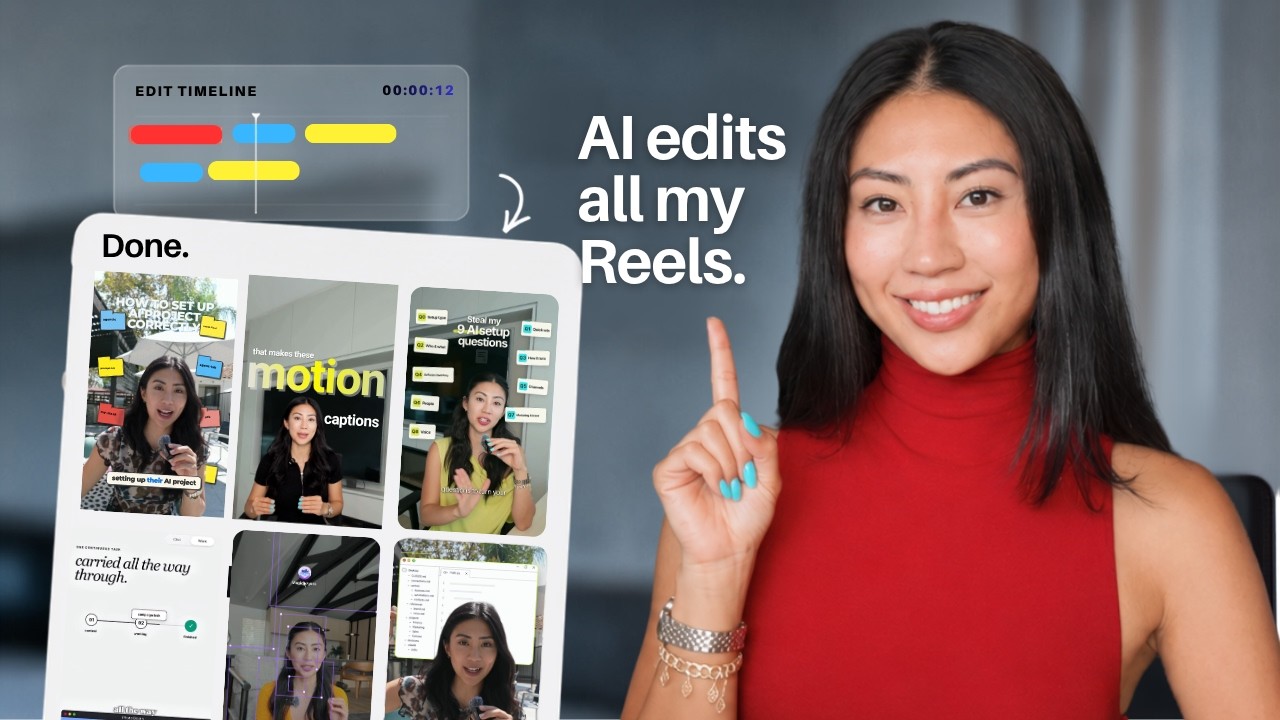
How I use AI to edit all my Short-form Videos (Hyperframes Setup & Prompts)
Softgirlnocode
 0:52Instagram
How to create AI videos with JSON Prompts 🔥 Comment “AI” for a link to the prompts!
Rourke Sefton-Minns
 3:54Instagram
(YES, this also works for ChatGPT) Point your phone at your Claude and let it…
Chinye | AI Strategist | Founder | Author
 0:46Instagram
I’m going to remind you one more time, ChatGPT gets its answers from search engines.
Edward Sturm
Never lose a moment again
Save videos from YouTube, Instagram, and TikTok. Search everything that was said, and jump to the second.
Start Saving Videos - Free Trial