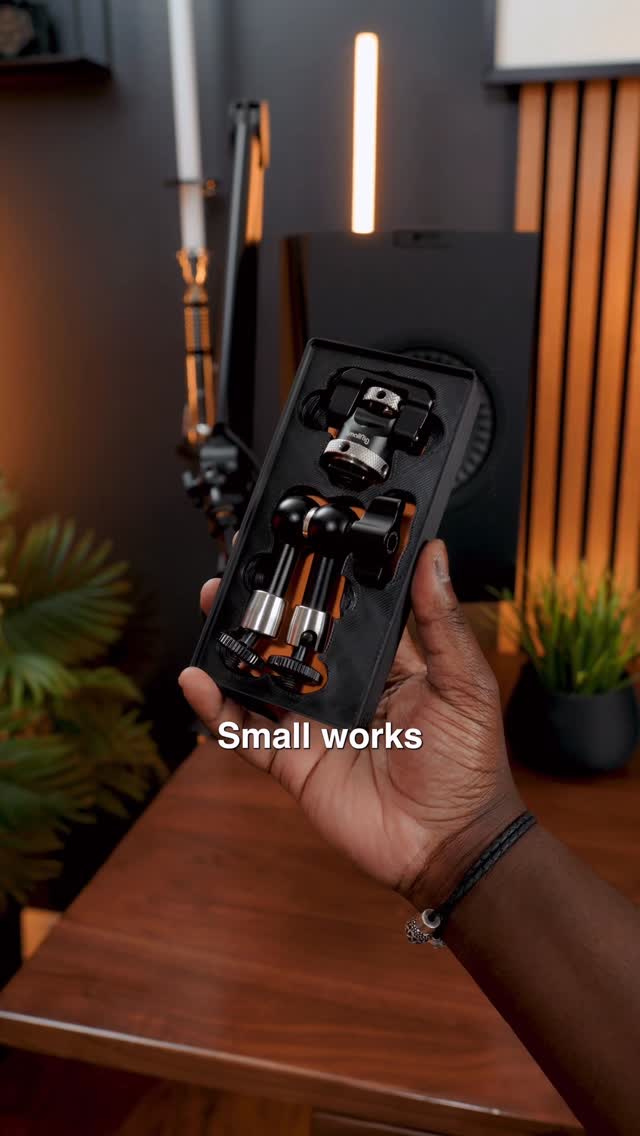
Listen… don’t call it OCD 😂 I just think everything deserves assigned seating…
Search inside any video
SavedThat transcribes your saved videos and lets you search across all of them instantly. Save this video and find any moment.
TL;DR
Learn how to organize your drawer using a 3D printer and modular design techniques for efficient tool storage.
Chapters
- 0:00Introduction to Organized Drawers01
- 0:10Preparing Your Base Plate02
- 0:20Measuring Your Drawer03
- 0:30Using the Design Website04
- 0:40Uploading Your Tool Image05
- 0:50Adjusting Tool Dimensions06
- 1:00Printing and Pro Tips07
- 1:10Conclusion and Happy Printing08
Transcript
Nah, don't call me OCD, I know I'm not the only one that wants an organized drawer where everything fit in its place. But if you got a 3D printer already, that's half of the battle. So let me show you how I would do it with just my phone. First, you're gonna need your base plate and that's because this system is modular, you can shift things around and it also helps to keep your bins locked in.
Then measure your drawer or your space and make sure you convert from inches to millimeters. Then go to this website right here, but don't worry, comment OCDKing and I'll DM you all the steps. Make sure you are on the tab that says grips. Because once you enter the measurements, it will generate the base plate for your entire drawer.
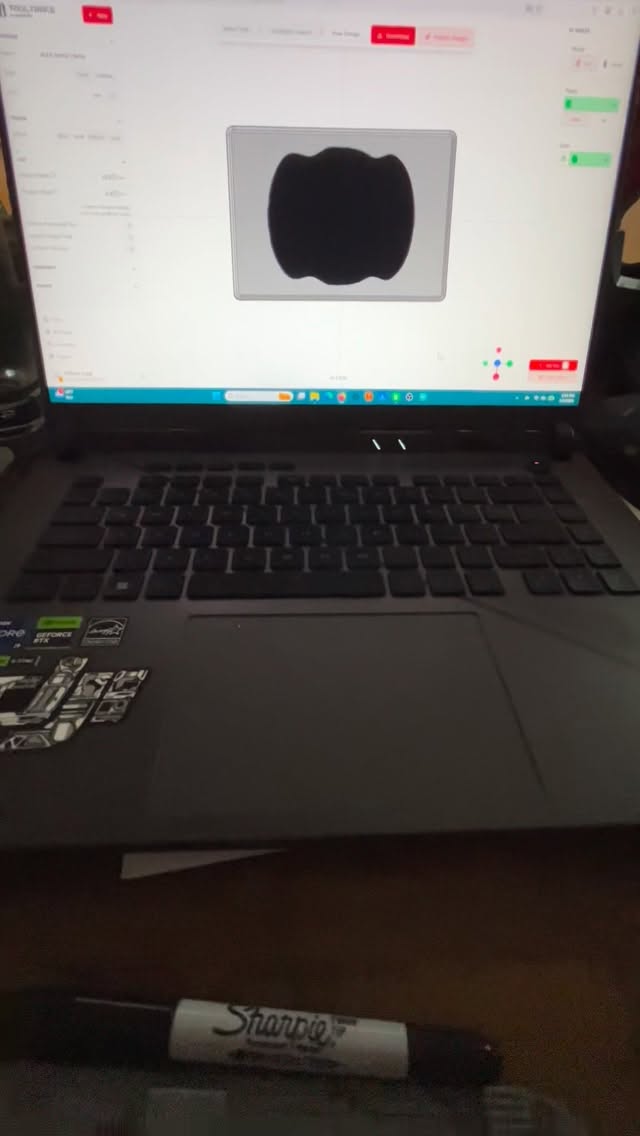
But it's also broken down to fit the size of most printers and these little things that connect to each other. Then grab a piece of paper and put your tool next to it. Your tool doesn't have to be smaller than the paper. The software is just going to use the paper for scaling. And take a picture and go to Tool Trace AI.
Upload your image and the software is going to detect your paper and your tool. You can refine things. You can even head finger holds, select the height and how much offset you want to fit your tool. Small works best for me. And then go ahead and print. I printed my E-lens is a different color so my printer doesn't have to do any color
changes. But you can do whatever you want and pro tip. Not every tool needs its own bin. Some tools you can combine into one pin. Now happy printing because I know I'm not the only OCD around here.
Are you the creator or rights holder of this video? Request removal of this transcript.
Related Transcripts
 2:26Instagram
Just sharing the tools with ya.
Austerity Project
 2:53Instagram
So you want to organize your LEGO?
Rusty Dusty
 2:32Instagram
#️⃣Organizando el taller con IMPRESIÓN 3D - Día 8 En el episódio de hoy: cómo…
Jair Dominguez Garza
 2:34Instagram
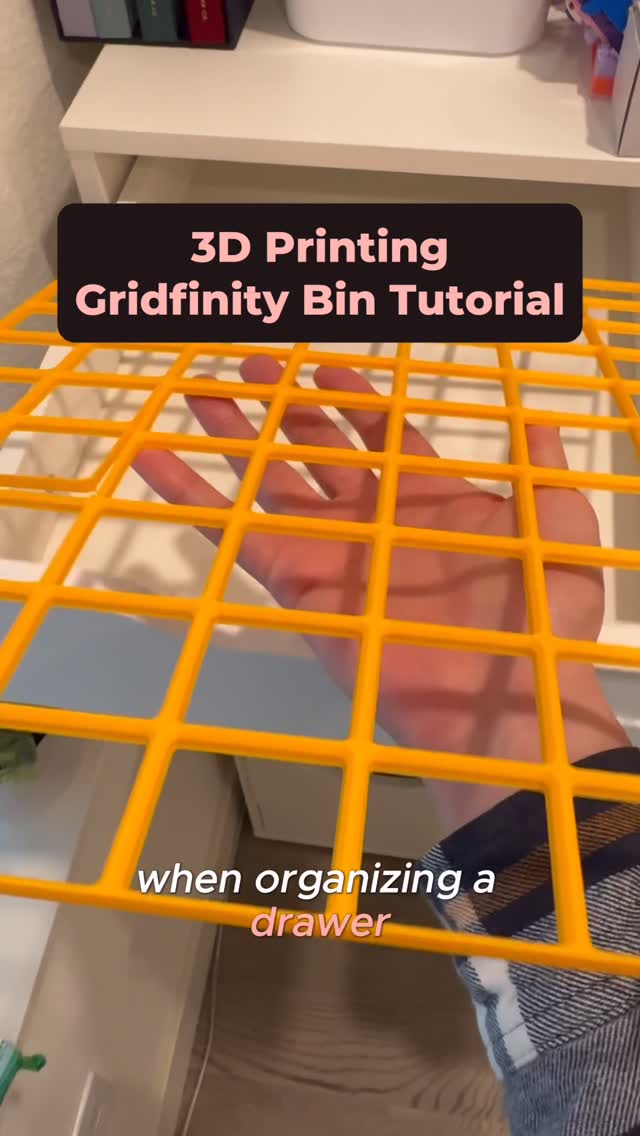
Here’s a 3D print tutorial to show you how to create custom gridfinity bins for your drawer.
Suburban Dad
 2:56Instagram
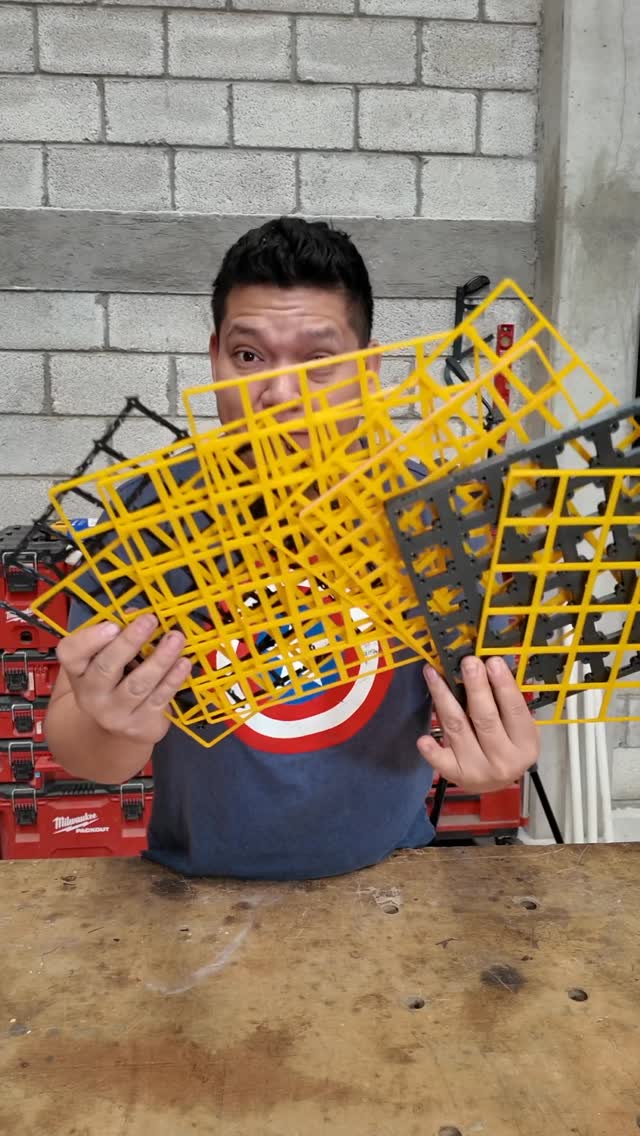
🧐Organizando el taller con IMPRESIÓN 3D - PT.
Jair Dominguez Garza
 1:15Instagram
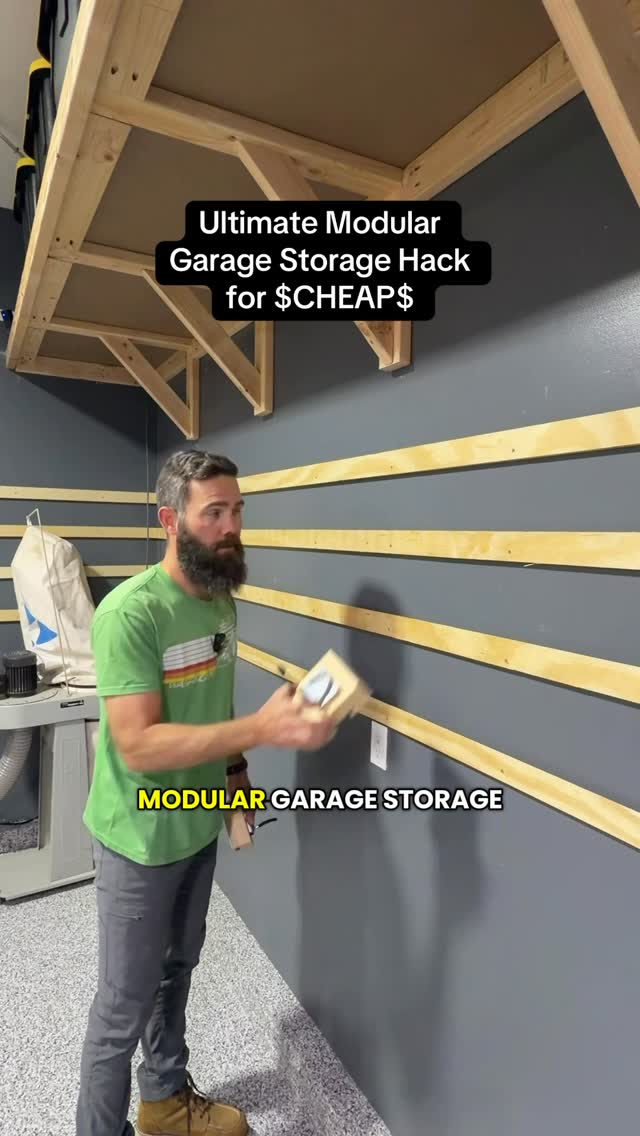
modular garage storage hack.
Greg | DIY Garage
Never lose a moment again
Save videos from YouTube, Instagram, and TikTok. Search everything that was said, and jump to the second.
Start Saving Videos - Free Trial