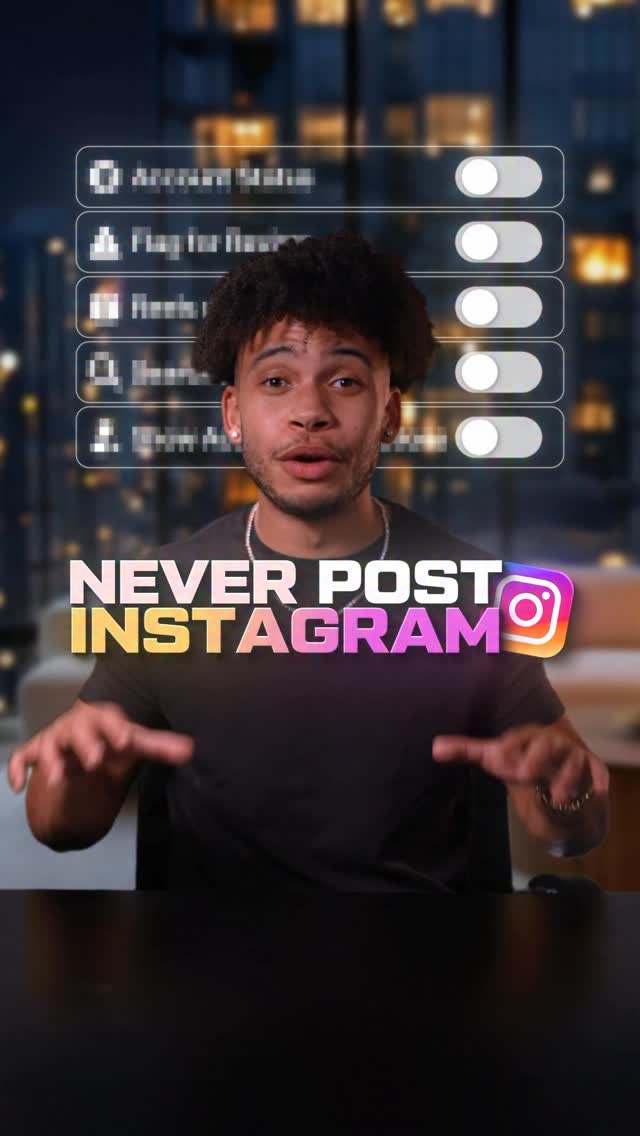
Fix These 5 Settings ⚙️ Save this before posting on Instagram 📲 Fix Instagram…
Search inside any video
SavedThat transcribes your saved videos and lets you search across all of them instantly. Save this video and find any moment.
TL;DR
Learn how to optimize your Instagram settings to avoid shadow banning, enhance visibility, and increase engagement for your posts.
Chapters
- 0:00Introduction to Instagram Settings01
- 0:05Check for Shadow Banning02
- 0:15Adjust Follow Settings03
- 0:25Enable Cross Posting to Facebook04
- 0:35Allow Search Engine Results05
- 0:45Turn on Account Suggestions06
- 0:50Conclusion07
Transcript
Never post on Instagram until you fix these five settings. Number one, make sure your account isn't shadow banned. Go to settings, then account status, and then make sure all three options are checked green. Number two, by default, Instagram blocks certain accounts from following you. Now, half will be fake, but the other half are real. So to stop
this, go to settings, tap follow and invite friends, and turn off flag for review. Now, these next three have gotten me millions of views for free. Number three, go to settings. you have gotten me millions of views for free number three go to
settings and then cross posting then under automatically share tap next to your instagram reels now your videos will get views from facebook number four go to settings account privacy and turn on allow and search engine results now your videos can be shown on
google search and then number five best for last go to edit profile on desktop and then make sure account suggestions is turned on this will get your profile suggested on your competitors accounts save this for later This will get your profile suggested on
Are you the creator or rights holder of this video? Request removal of this transcript.
Related Transcripts
 0:47Instagram
𝙎𝙩𝙤𝙥 𝙋𝙤𝙨𝙩𝙞𝙣𝙜 𝙤𝙣 𝙄𝙣𝙨𝙩𝙖𝙜𝙧𝙖𝙢 𝙐𝙣𝙩𝙞𝙡 𝙔𝙤𝙪 𝙁𝙞𝙭…
Innerlink | Content Marketing
 0:56Instagram
Video by yurasergienko1
Юра Сергиенко
 0:35Instagram
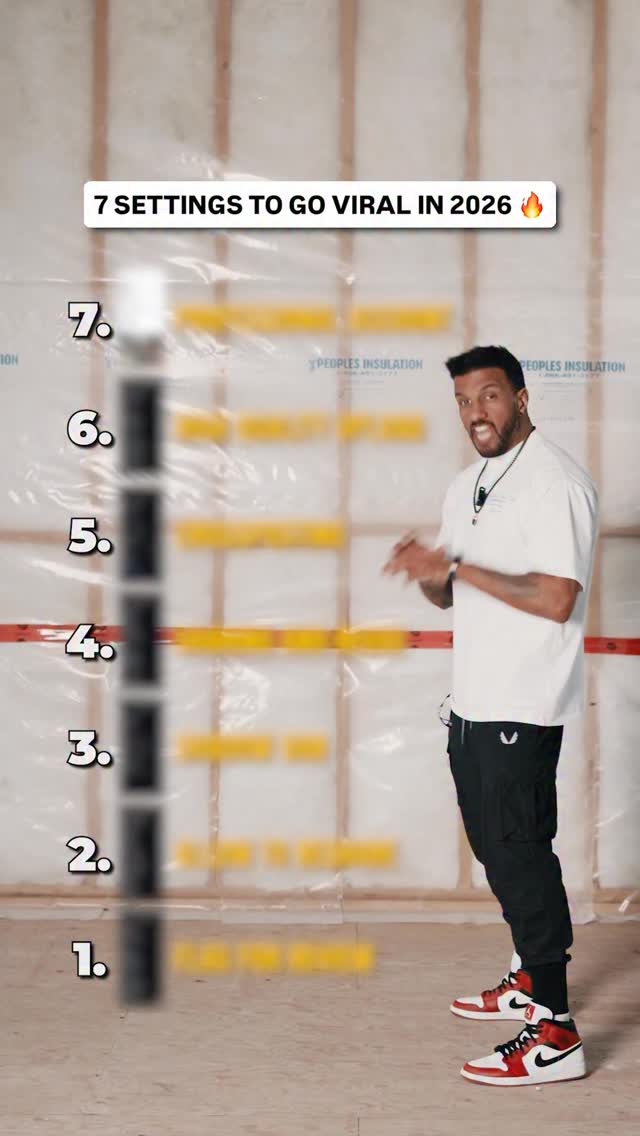
Follow @therealbrianmark for more value 🔥🔥 And comment or DM “100k” to grow…
Brian Ron Mark - Business Coach for Online Trainers
 0:32Instagram
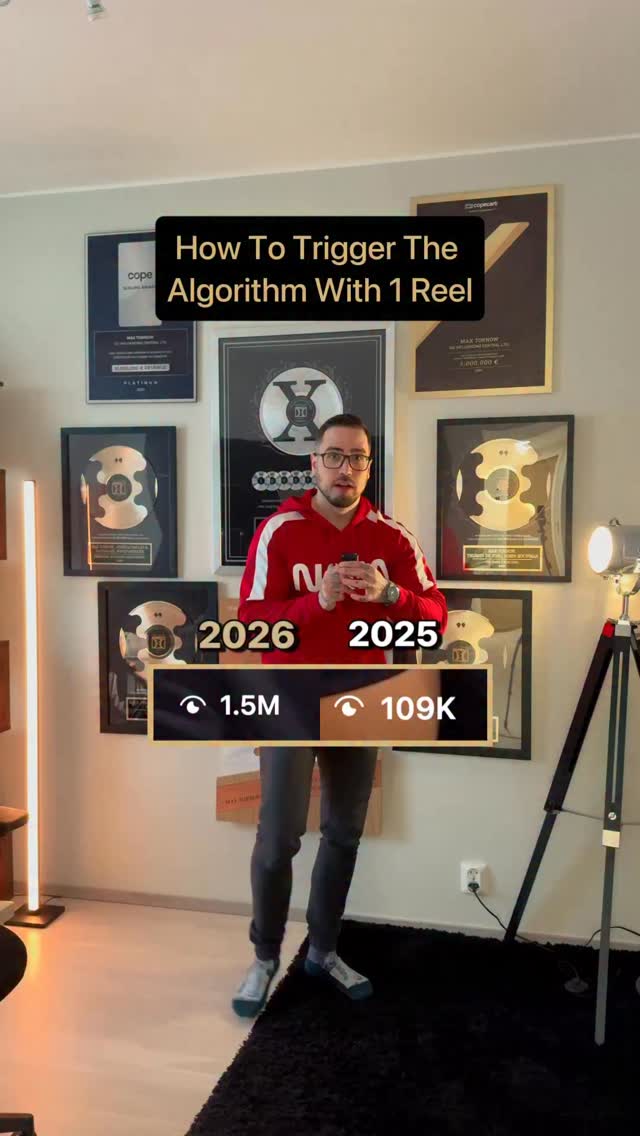
Comment “views” to get my free guide on how to get 1m views 👇
Maximilian Tornow
 2:48Instagram
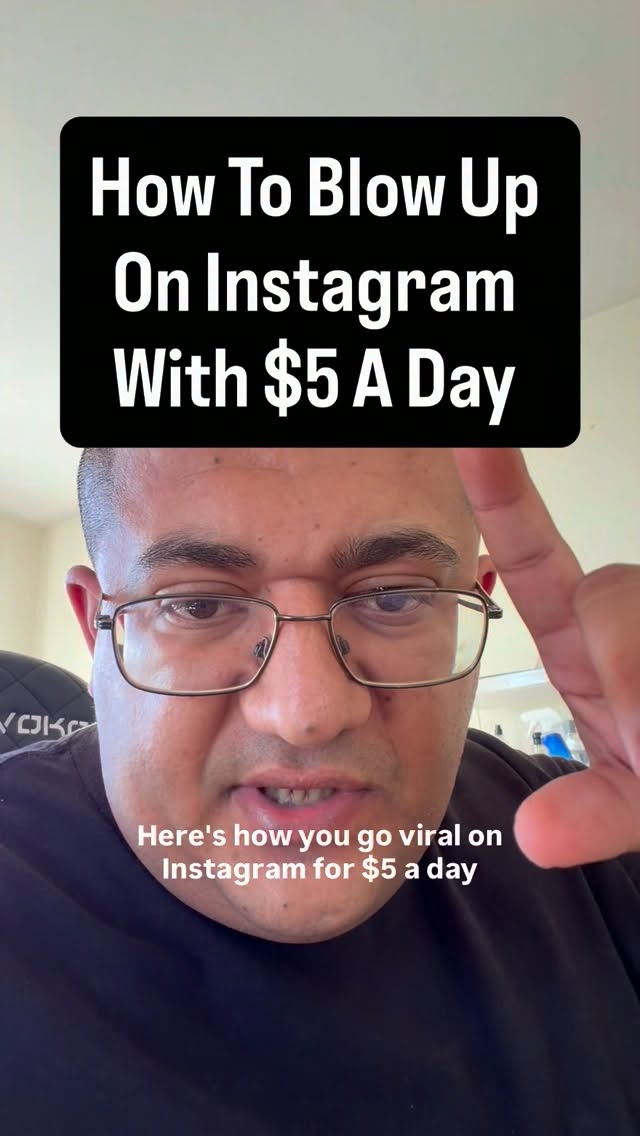
How to blow up on Instagram with $5 a day… #musicmarketing #musicbusiness
Promogod
 1:08Instagram
I have 14,721 saved posts on Instagram and I never look at them 🫠 This app…
AGGIE LAL ✨ your biohacking bestie
Never lose a moment again
Save videos from YouTube, Instagram, and TikTok. Search everything that was said, and jump to the second.
Start Saving Videos - Free Trial