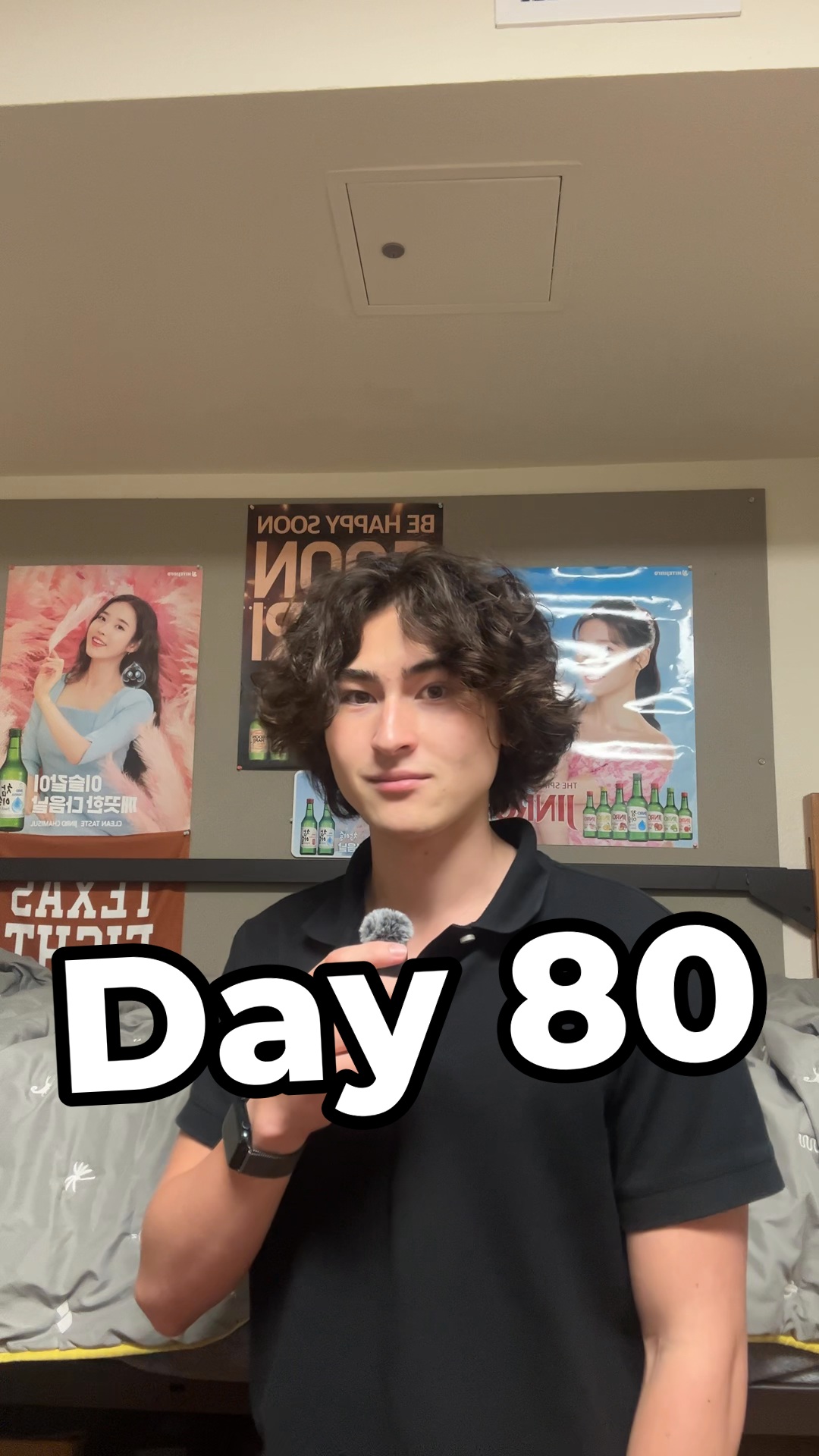
day 80 of posting every day until @curatedating has 3,000 daily active users
Search inside any video
SavedThat transcribes your saved videos and lets you search across all of them instantly. Save this video and find any moment.
TL;DR
In this video, Aiden Johnston shares his video editing system, detailing the steps and tools used to create engaging content efficiently.
Chapters
- 0:00Introduction to Video Editing System01
- 0:10Step 1: Choosing a Hook02
- 0:20Step 2: Rough Cut with WhisperX03
- 0:30Step 3: Adding Subtitles04
- 0:40Step 4: Selecting Music05
- 0:50Step 5: Incorporating B-Roll06
- 0:58Step 6: Transitions and Edits07
- 1:05Step 7: Call to Action08
Transcript
This video that you're watching and every single other video on my page is edited by Claude Code. Here is my whole system in 60 seconds. Number one, the hook. I have a document of 255 proven viral hooks. Claude picks the best one for my video topic and compares them to my best performing videos. Number two, rough cut. A free tool called WhisperX timestamps every single word. It's able to find every breath, pause, filler word, and cut all of it.
If I say a line twice, it chooses the better take. Number three, subtitles. Same transcript with two or three words on screen at a time. Number four, music. I paste a link, it downloads with YTDLP, files the song by Feeling and Vibe, and is able to suggest music based on the video topic. Half of my library is trending music, and the other half is random plants vs. zombies and anime soundtracks.
Number 5, B-Roll. I just drop files into a folder, and Claude labels and sorts everything. Plus, it's able to screenshot images off of the web with an agent browser, and if I need recordings of my app, a Mac mini in my dorm room runs an iPhone simulator that Claude taps during records. Number 6, Transitions.
Hard cuts, a zoom every once in a while, just making sure that things change every three seconds, because people on this app have the attention span of a ham sandwich. Number seven, call to action. Comment real on this video and nothing will happen because I am too cheap for many chat. Paste this video into your quad and tell it to make no mistakes.
Are you the creator or rights holder of this video? Request removal of this transcript.
Related Transcripts
 1:43Instagram
day 88 of posting every day until @curatedating has 3,000 daily active users
Aiden Johnston
 1:29Instagram
day 84 of posting every day until @curatedating has 3,000 daily active users
Aiden Johnston
 1:31Instagram
day 72 of posting every day until @curatedating has 3,000 daily active users
Aiden Johnston
 1:59Instagram
day 90 of posting every day until @curatedating has 3,000 daily active users
Aiden Johnston
 0:59Instagram
day 83 of posting every day until @curatedating has 3,000 daily active users
Aiden Johnston
 1:33Instagram
day 49 of posting every day until @curatedating has 3,000 daily active users
Aiden Johnston
Never lose a moment again
Save videos from YouTube, Instagram, and TikTok. Search everything that was said, and jump to the second.
Start Saving Videos - Free Trial