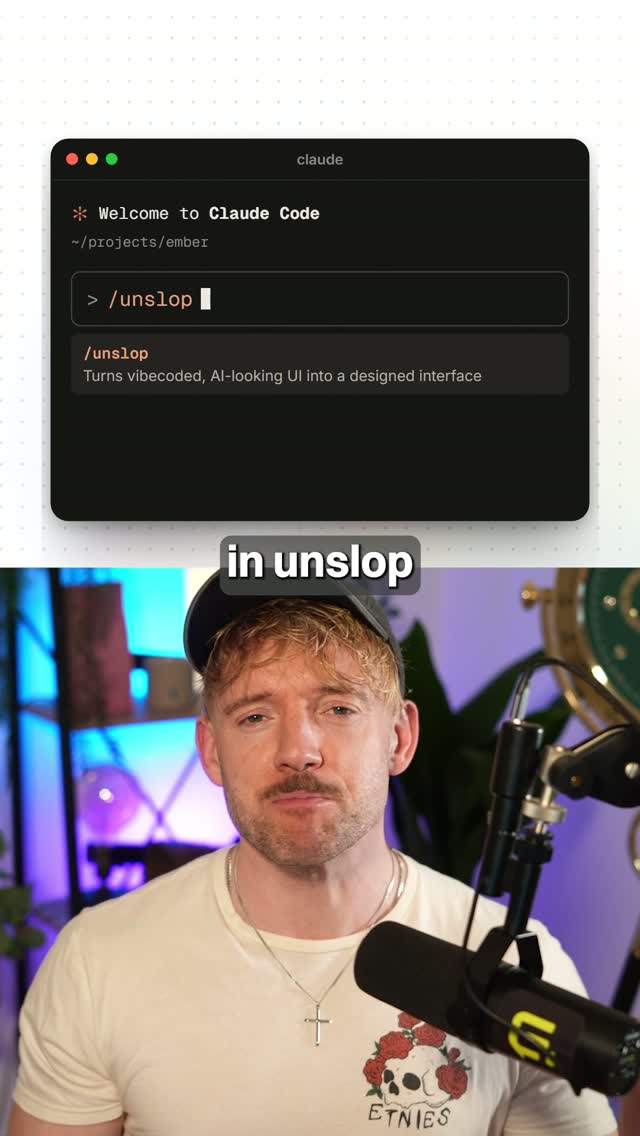
Comment "UNSLOP" and I'll send you the skill.
Search inside any video
SavedThat transcribes your saved videos and lets you search across all of them instantly. Save this video and find any moment.
TL;DR
Learn how to improve your website's design by removing AI-generated elements and applying a designer's touch with a simple command.
Chapters
- 0:00Introduction to UNSLOP01
- 0:05Using UNSLOP on Your Website02
- 0:15Identifying AI Slop Elements03
- 0:25Applying Designer's Process04
- 0:30Conclusion and Call to Action05
Transcript
somebody just turned a real designer into a lord skill so instead of saying to claude make it look less like ai slop you give called an actual designer's process now most people will use this on a new site better fix is using it on one that you already have just type in unslop and paste your website link into it will find every sign of ai slop purple gradients emojis and glowing
buttons then it fixes the spacing the icons the copy and the colors in a style from your product So instead of jumping from one style to another, you're getting a system that a designer would use. Comment on Snop and I'll send it over to you.
Are you the creator or rights holder of this video? Request removal of this transcript.
Related Transcripts
 0:37Instagram
Comment "APPLE" and I'll send you the skill.
Jack Roberts
 0:35Instagram
AI slop vs.
Griffin Wooldridge
 0:33Instagram
Comment “LINES” and I’ll send you the link + the skill 👇 I asked for a 3D…
speedy_devv
 0:40Instagram
Comment “SKILL” for the prompt and Claude Code skill🚀 You have 400 saved reels…
Aidan Murphy
 0:33Instagram
comment “skill” for the link, trying something new generative ui is lowkey sick
mudasir
 0:45Instagram
Comment “SKILL” and I’ll send you the link to the GitHub repo!
You had me at LLM
Never lose a moment again
Save videos from YouTube, Instagram, and TikTok. Search everything that was said, and jump to the second.
Start Saving Videos - Free Trial