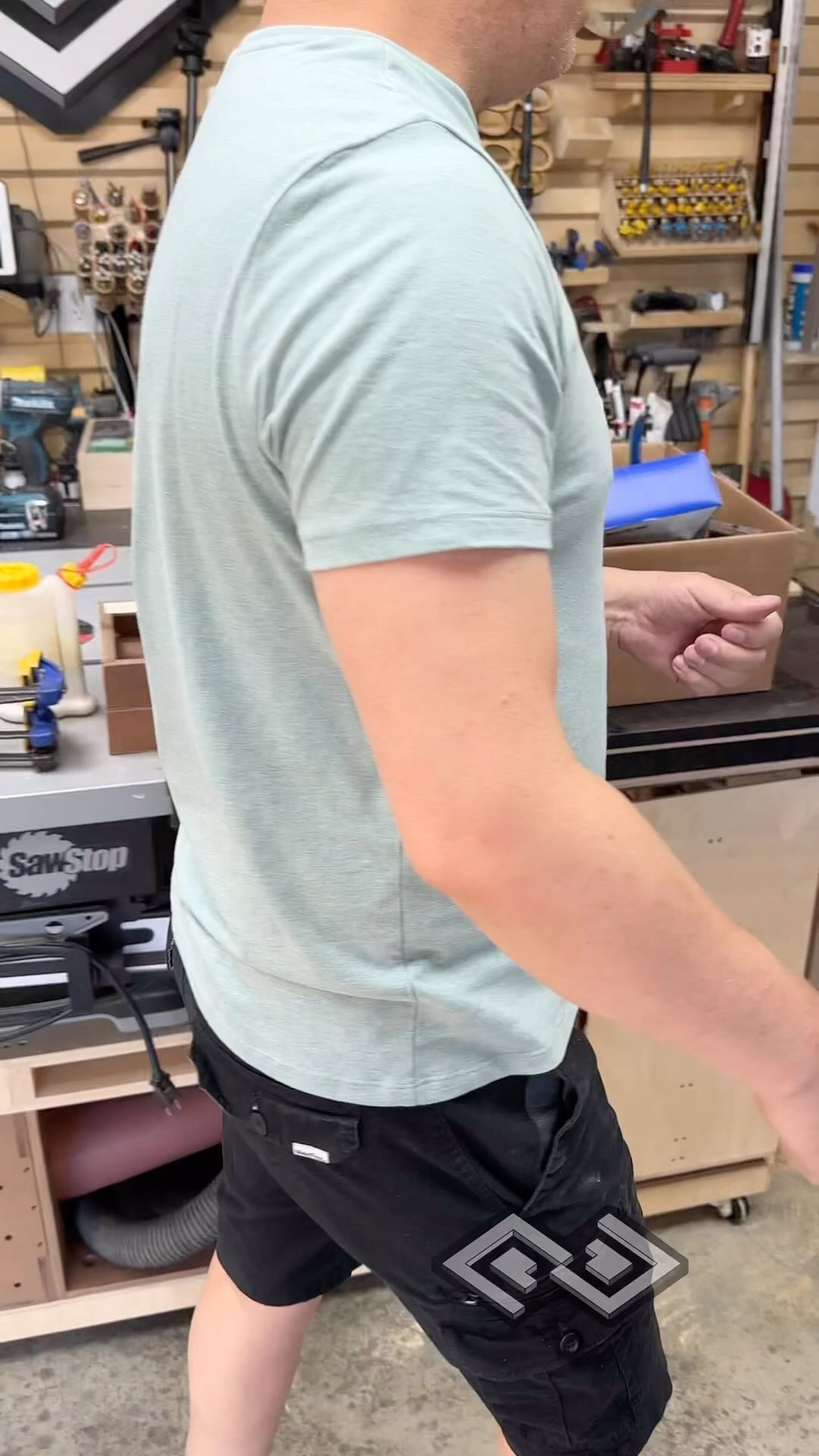
#3dscanning our #mitersaw using an app called @scaniverse on iPhone14 .
Search inside any video
SavedThat transcribes your saved videos and lets you search across all of them instantly. Save this video and find any moment.
TL;DR
Learn how to use your phone's LiDAR sensor to create 3D scans of tools for project planning, with tips on exporting and using the scans in design software.
Chapters
- 0:00Introduction to 3D Scanning01
- 0:05Using LiDAR Sensors02
- 0:12Exporting Scans03
- 0:20Using Fusion 36004
- 0:25Conclusion05
Transcript
Have you ever scanned any of your tools in your workshop? We're using our phone to generate some 3D scans to help with a mock-up we're working on. A lot of the new phones out there have LiDAR sensors on them, so it makes this scanning process really easy. The scans aren't perfect though, they're just a rough estimation of size. Once you're done with the scans, you can export them out into different formats and then bring them into a program like Fusion 360.
Most of the finer details are lost, but for planning out a mobile cart for these tools, it's really helpful.
Are you the creator or rights holder of this video? Request removal of this transcript.
Related Transcripts
 0:44Instagram
Today I’m scanning and carving the next two tool box drawers into kaizen foam…
Steve Moseley
 1:03Instagram
For our Satisfactory helmets, we purchased visors and then 3D modeled the…
Bill Doran
 2:26Instagram
Just sharing the tools with ya.
Austerity Project
 0:58Instagram
Meta has just released and open-sourced their latest Segment Anything models, SAM 3 and SAM 3D.
Roberto P. Nickson
 0:55Instagram
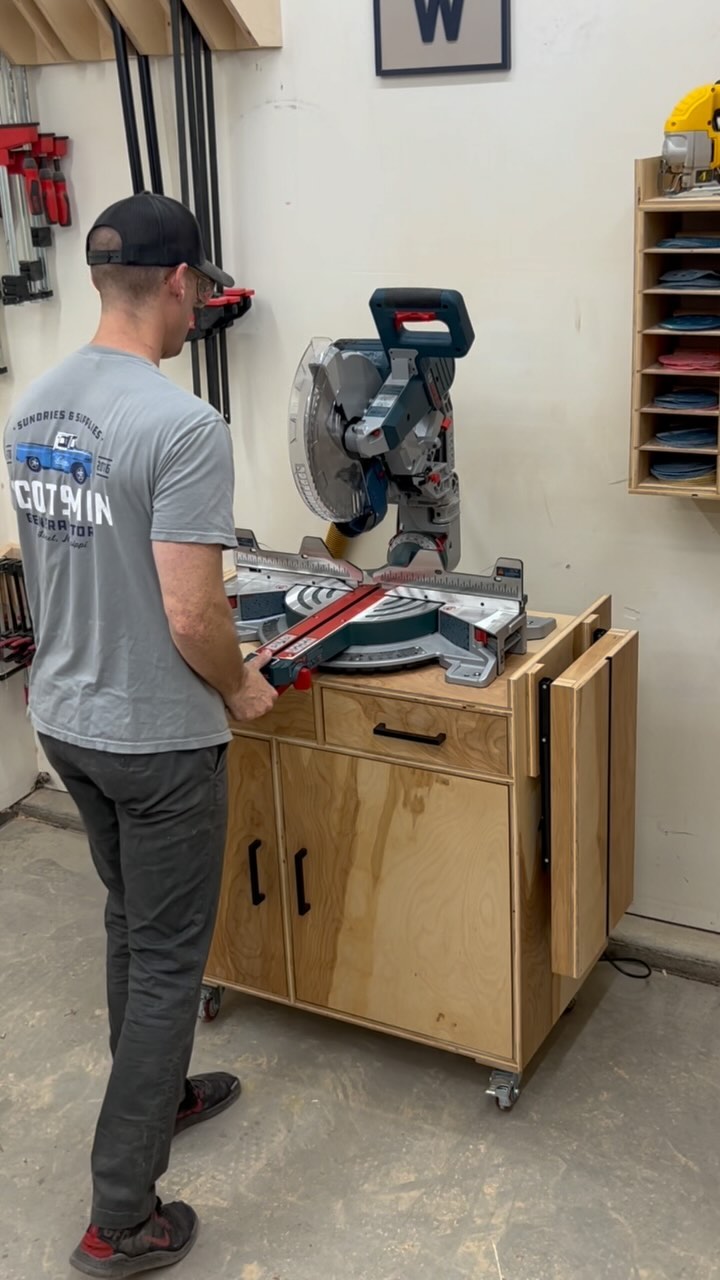
I am very excited that I figured out how to build a miter saw station that can…
Thomas Gojkovich
 1:16Instagram
How to store your tools.
Brian Carlson
Never lose a moment again
Save videos from YouTube, Instagram, and TikTok. Search everything that was said, and jump to the second.
Start Saving Videos - Free Trial