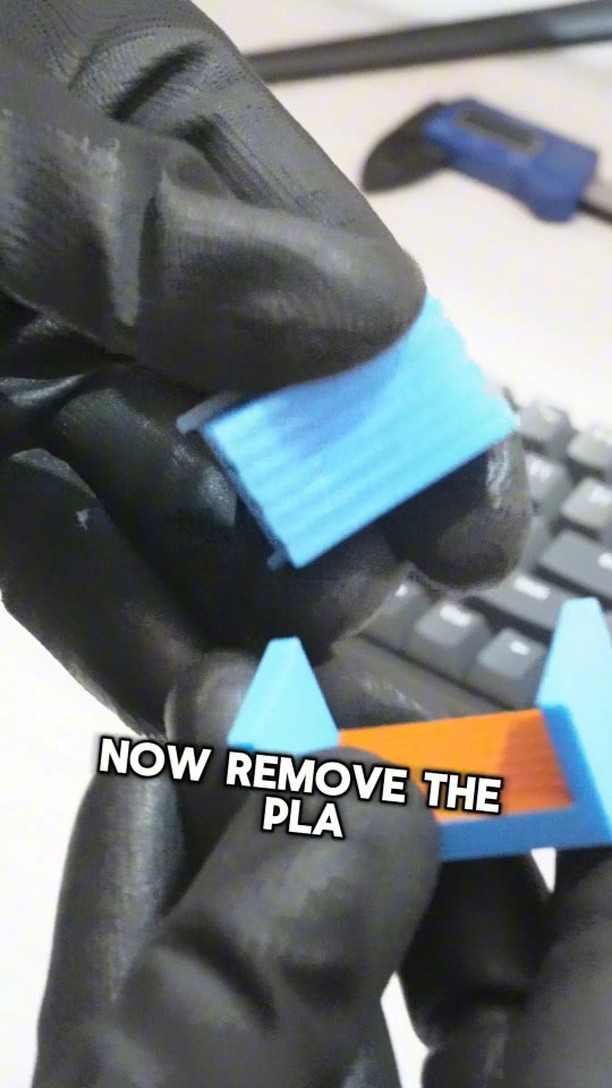
Day 14 of Astonishing 3D Printing Hacks.
Search inside any video
SavedThat transcribes your saved videos and lets you search across all of them instantly. Save this video and find any moment.
TL;DR
Learn how to improve the quality of supported face layers in 3D printing by adjusting slicer settings for a smoother finish.
Chapters
- 0:00Introduction to Supported Faces01
- 0:10Understanding Support Gaps02
- 0:20Adjusting Slicer Settings03
- 0:30Slicing and Printing Process04
- 0:40Removing Supports Cleanly05
Transcript
So when you print something with supports, the supported face layer doesn't look like the top layer, which is smooth and clean. Supported face is rough. That's mostly because your slicer sets a 0.2 millimeter gap between the supports and the actual print. Here's how you can make the supported face as good as the top layer. Go to your bamboo slicer and just change these support settings.
Change the style to snug. Set the support raft interface to PETG. If you're printing with PLA or vice versa, set the top and bottom Z distance to zero, change the interface pattern to rectilinear, and set the top interface spacing to zero.
Now hit Slice and Print, and this is how your print is going to look. Now, remove the PLA supports. To remove the PETG support layer, use a sharp object like a utility knife, carefully penetrate between the layers, and remove it. And there you go. It's as clean and tidy as the top layer.
Are you the creator or rights holder of this video? Request removal of this transcript.
Related Transcripts
 1:18Instagram
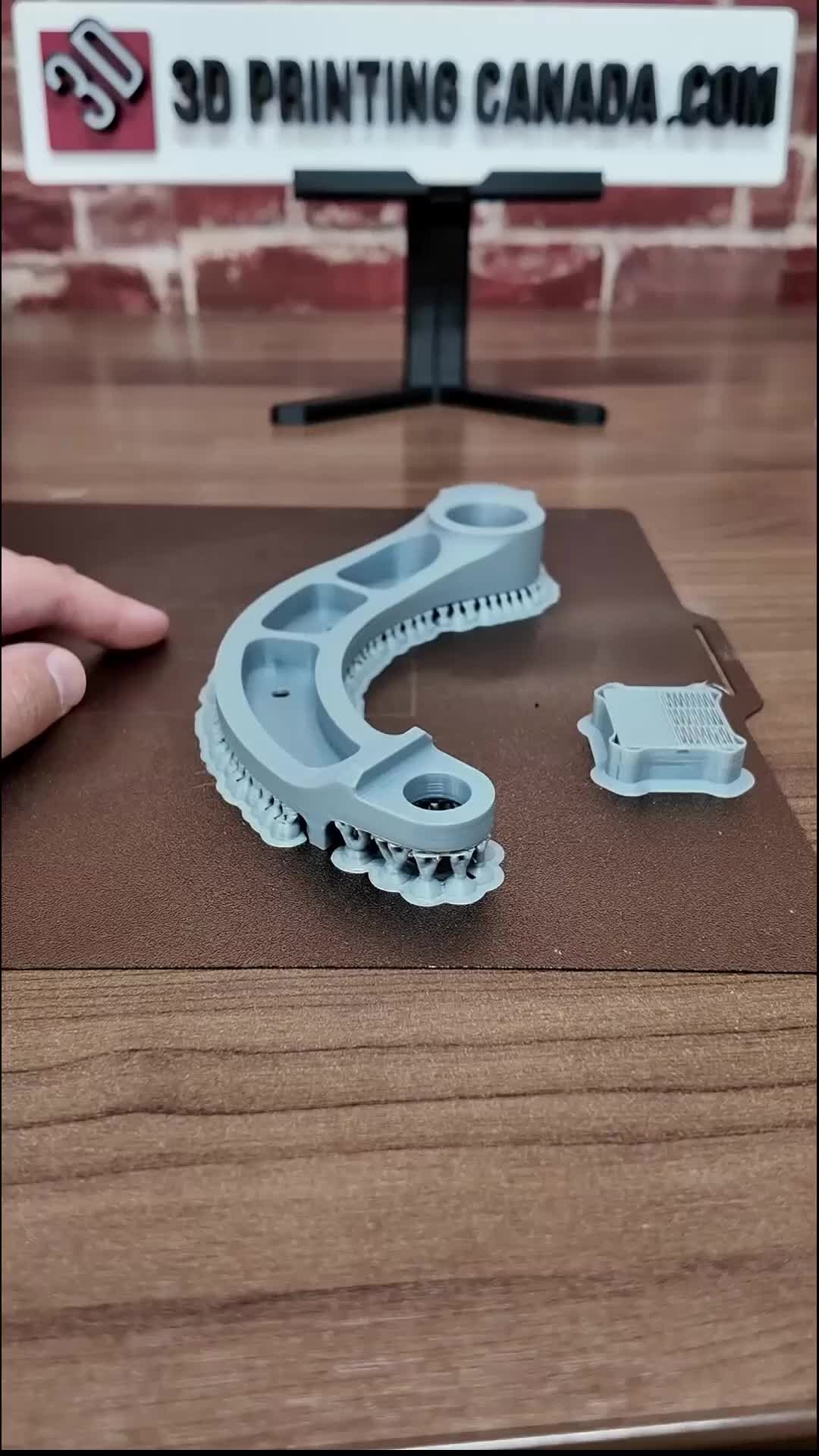
Easy To Remove Supports - PETG with PLA #3dprinting
3D Printing Canada
 0:35Instagram
Day 3 of 20 3D Printing DIY Hacks #3dprint If you want any information about…
Josh
 0:32Instagram
3D Printing Everyday for 365 Days #stem #3dprinting #3dprint #ideas #useful
_charlie_designs
 0:39Instagram
Day 1 of 20 3D Printing DIY Hacks #3dprinting if you want more info on products…
Josh
 0:25Instagram
3D Printing Everyday for 365 Days #stem #3dprinting #3dprint #ideas
_charlie_designs
 0:27Instagram
3D Printing Everyday for 365 Days #stem #3dprinting #3dprint #ideas
_charlie_designs
Never lose a moment again
Save videos from YouTube, Instagram, and TikTok. Search everything that was said, and jump to the second.
Start Saving Videos - Free Trial