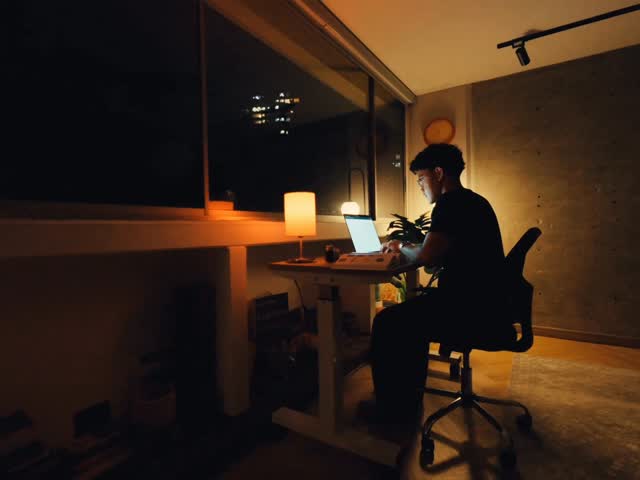
Creating UI Animations with AI 🤯 @higgsfield.ai This feature is still in Beta…
Search inside any video
SavedThat transcribes your saved videos and lets you search across all of them instantly. Save this video and find any moment.
TL;DR
Learn how to create UI animations using Bad Motion by Higgsfield, including workflow tips and reference image generation.
Chapters
- 0:00Introduction to UI Animations01
- 0:05Finding Reference Images02
- 0:10Using Claude for Animation Prompts03
- 0:15Uploading to Higgsfield04
- 0:20Creating Reference Images with Nano Banana05
- 0:25Final Steps and Access06
Transcript
You've been asking how to create these UI animations in my video, and now you can do it too. It's called Bad Motion by Higgsfield, and this is my exact workflow. First, start by finding your reference. For me, I love that clean Apple style animation. Take that image, drop it into Claude, and ask it to generate a detailed animation prompt based on the motion you want. Once you get the prompt, paste it
animation prompt based on the motion you want. Once you get the prompt, paste it into Higgsfield and upload the reference image. You can also create a reference image using Nano Banana. Then repeat the same process in the first example, and that's it. Comment Motion to get access and a full breakdown.
Motion to get access and a full breakdown.
Are you the creator or rights holder of this video? Request removal of this transcript.
Related Transcripts
 14:11YouTube
How I use AI to edit all my Short-form Videos (Hyperframes Setup & Prompts)
Softgirlnocode
 0:55Instagram
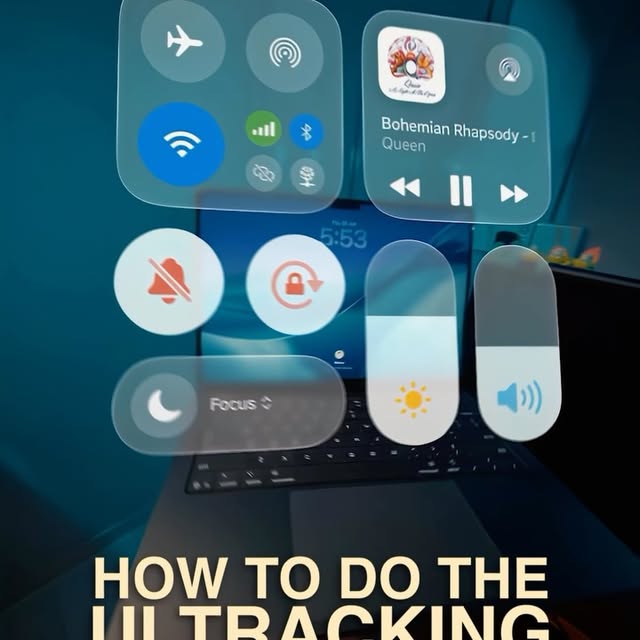
This is the UI Tracking Effect!
Declann Drostan Tan | Content Creator
 0:42Instagram
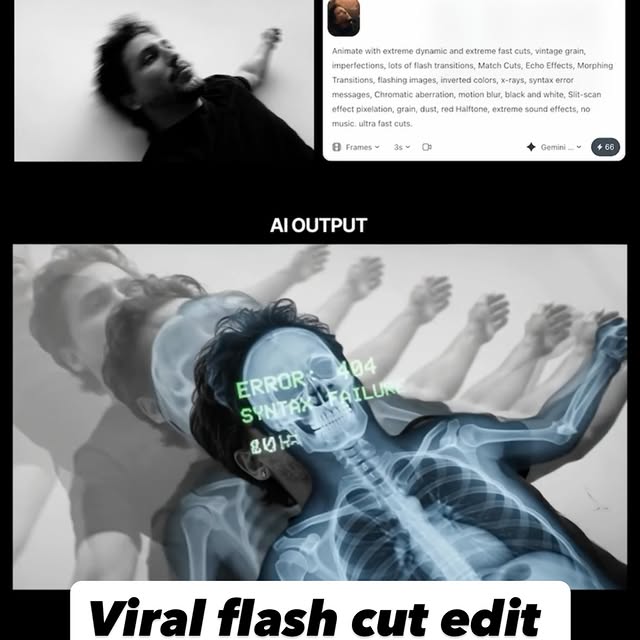
Comment AI for the link & guide to recreate these viral flash-cut edits,…
Jo Mendes
 17:27YouTube
Claude Fable 5 + Higgsfield MCP Will Make You Rich!
Higgsfield AI
 33:23YouTube
Make Ultra Realistic AI Short Films with Fable 5 + Seedance 4K (Full Workflow)
Higgsfield AI
 0:29Instagram
Comment "HEYGEN" to get this AI that lets you create fully edited videos with simple prompts.
Nick Saraev
Never lose a moment again
Save videos from YouTube, Instagram, and TikTok. Search across all your transcripts with AI-powered semantic search.
Start Saving Videos — It's Free