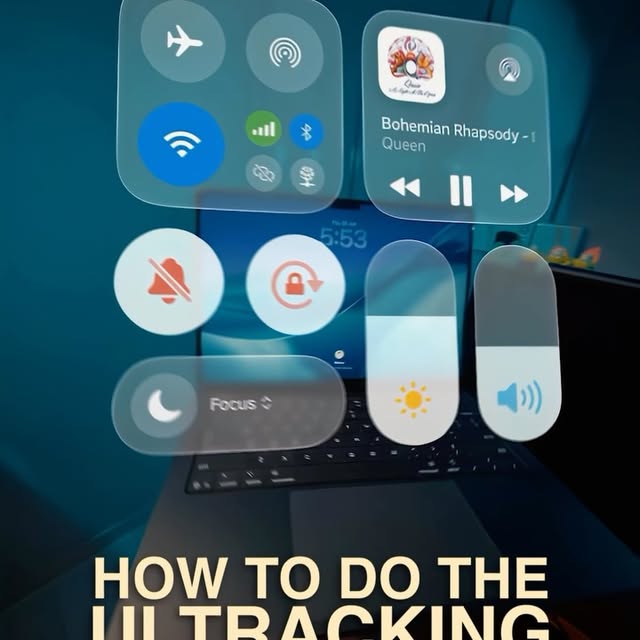
This is the UI Tracking Effect!
Search inside any video
SavedThat transcribes your saved videos and lets you search across all of them instantly. Save this video and find any moment.
TL;DR
Learn how to create the UI tracking effect on your phone without VFX experience using simple tools and techniques.
Chapters
- 0:00Introduction to UI Tracking Effect01
- 0:05Preparing Your Video and Screenshots02
- 0:15Using Higgsfield.ai for Image Creation03
- 0:30Generating Video with Seedense 2.04K04
- 0:45Final Steps and Tips05
Transcript
This is the UI tracking effect and this is how you can do it all on your phone without any VFX experience. Alright, firstly grab a video of you holding and tilting a laptop. Then take a screenshot of the control center on your phone and crop the excess away. In the gallery, take a screenshot of the first frame of your video. Alright, now go to Higgsfield.ai, Create, Images, NanoBananaPro and upload the screenshot of your video as well as the control center picture.
Then paste in this prompt which of course you can get for free in the comment word guide. Now just hit Generate and you'll get this. Download it. Now go back to Create, Videos and choose the new Seedense 2.04K. Then change your bitrate from Standard to High. This gives you a much sharper and less compressed video and it's very important when you're creating heavy visual effects this one.
Upload both your new AI image and the video of you moving the laptop. Then copy and paste in the second prompt from my guide, hit Generate and voila, you'll get this. and follow for more effects these.
and follow for more effects these.
Are you the creator or rights holder of this video? Request removal of this transcript.
Related Transcripts
 0:41Instagram
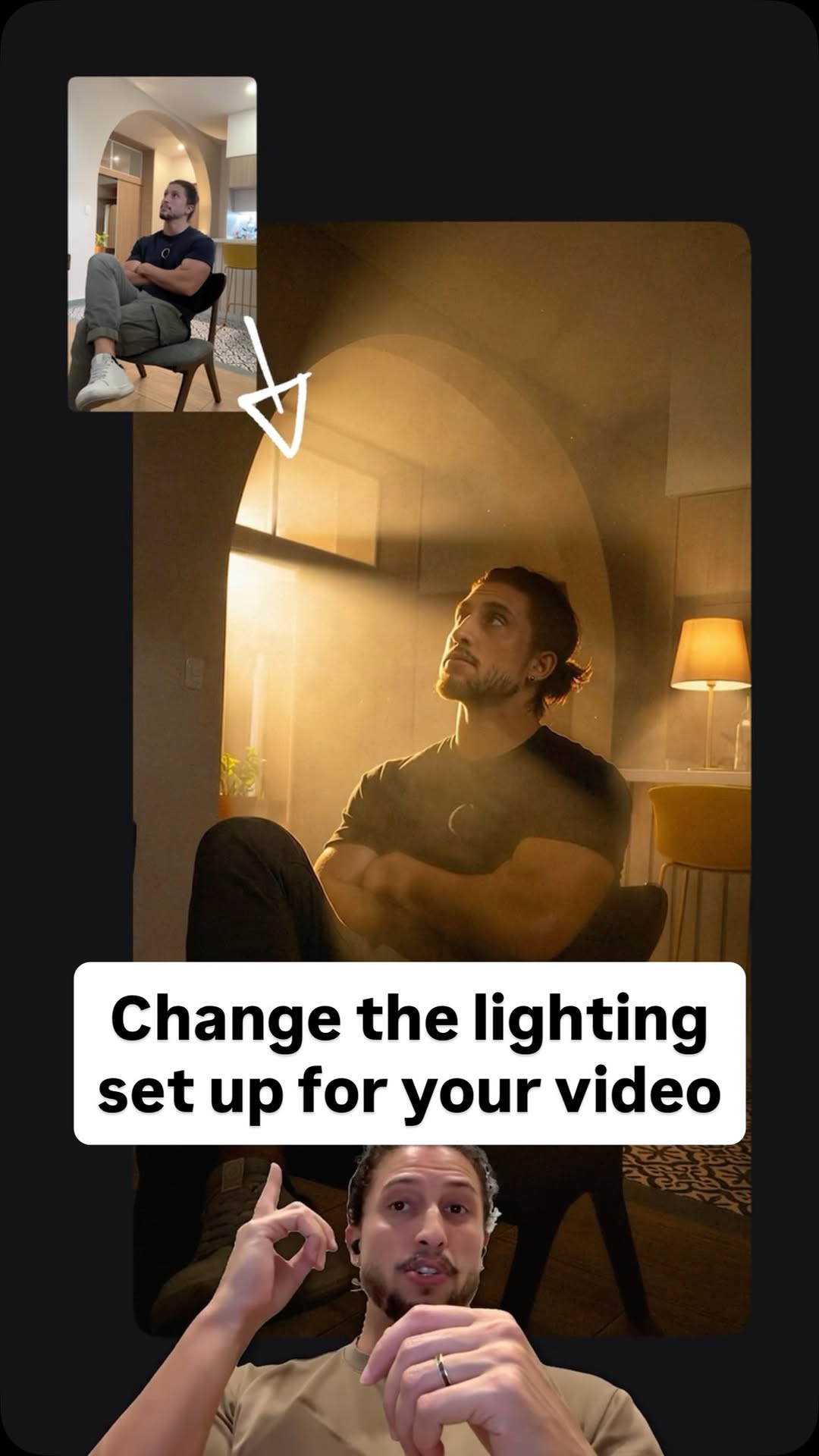
Comment Ai for the link.
Jo Mendes
 0:43Instagram
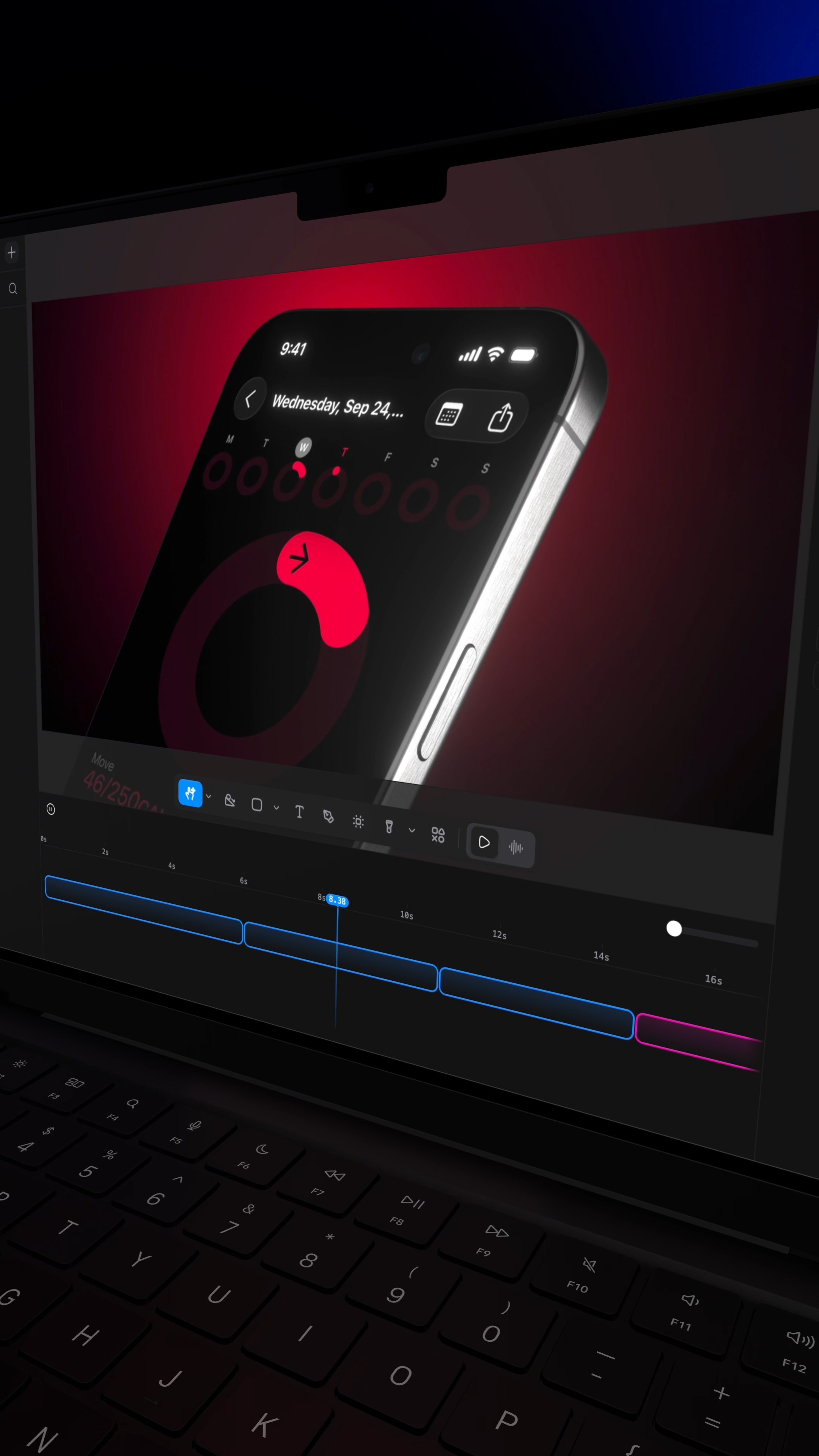
Comment RL and I'll send you the site that turns a screenshot into a $10,000 looking video.
Raylight
 1:17Instagram
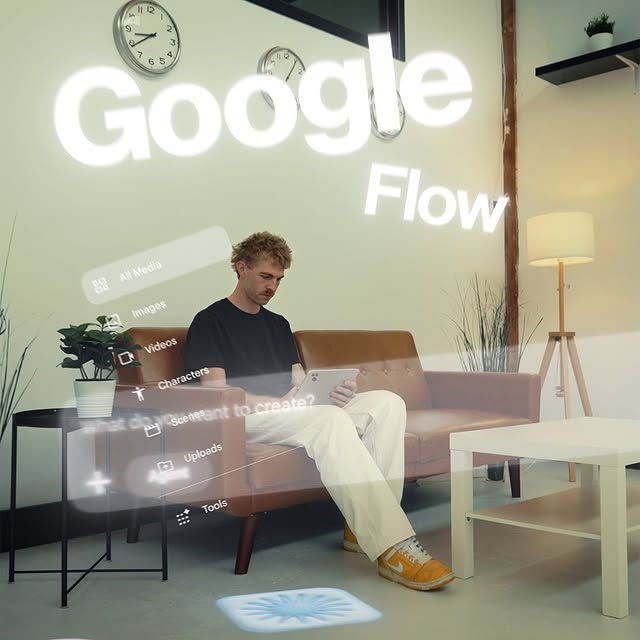
This is game changing in terms of tools built for creators.
Will Schafer
 0:45Instagram
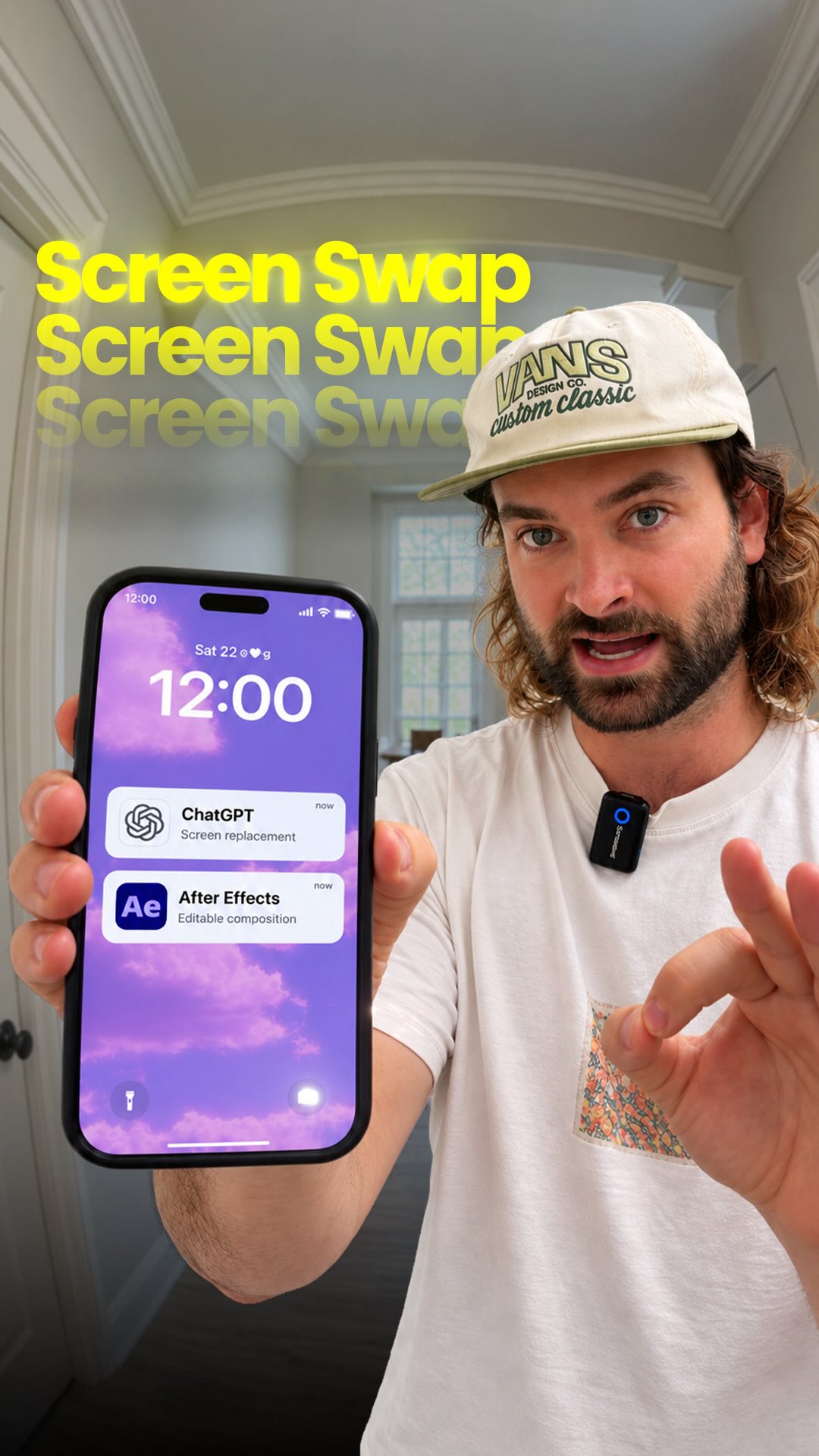
AI can do screen replacements for you 🔥 Comment “AI” for my prompts GPT-6…
Rourke Sefton-Minns
 0:39Instagram
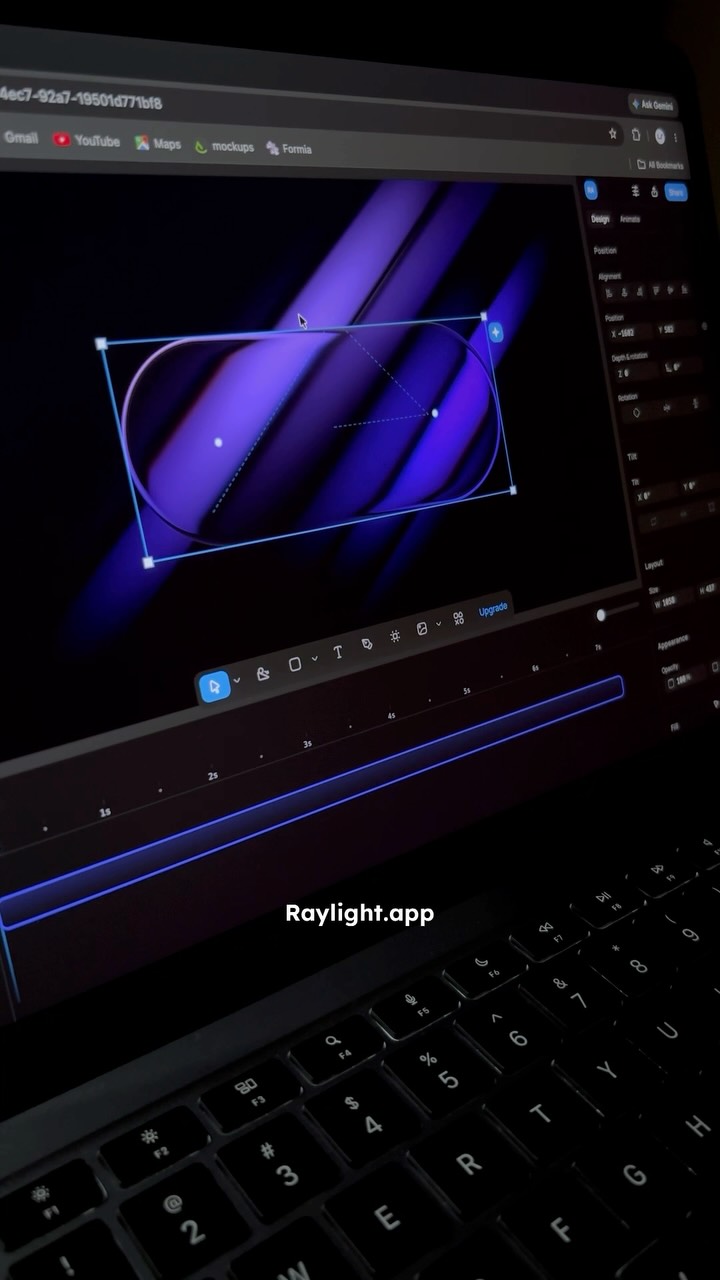
I found a website that helps you create stunning motion graphics in just a few clicks.
Ramshad | Visual Designer
 1:06Instagram
comment "Kallaway" and i’ll send the breakdown over 👇 Day 1 of recreating…
Johannes Forseth | AI Systems
Never lose a moment again
Save videos from YouTube, Instagram, and TikTok. Search everything that was said, and jump to the second.
Start Saving Videos - Free Trial