Comment Ai for the link.
Search inside any video
SavedThat transcribes your saved videos and lets you search across all of them instantly. Save this video and find any moment.
TL;DR
Learn how to achieve studio quality lighting using AI, generate thumbnails, and extract editable text layers for your video projects.
Chapters
- 0:00Introduction to AI Lighting01
- 0:10Generating AI Thumbnails02
- 0:20Extracting Editable Text Layers03
- 0:30Using Motion Control in Video04
- 0:40Finalizing Your Design Elements05
Transcript
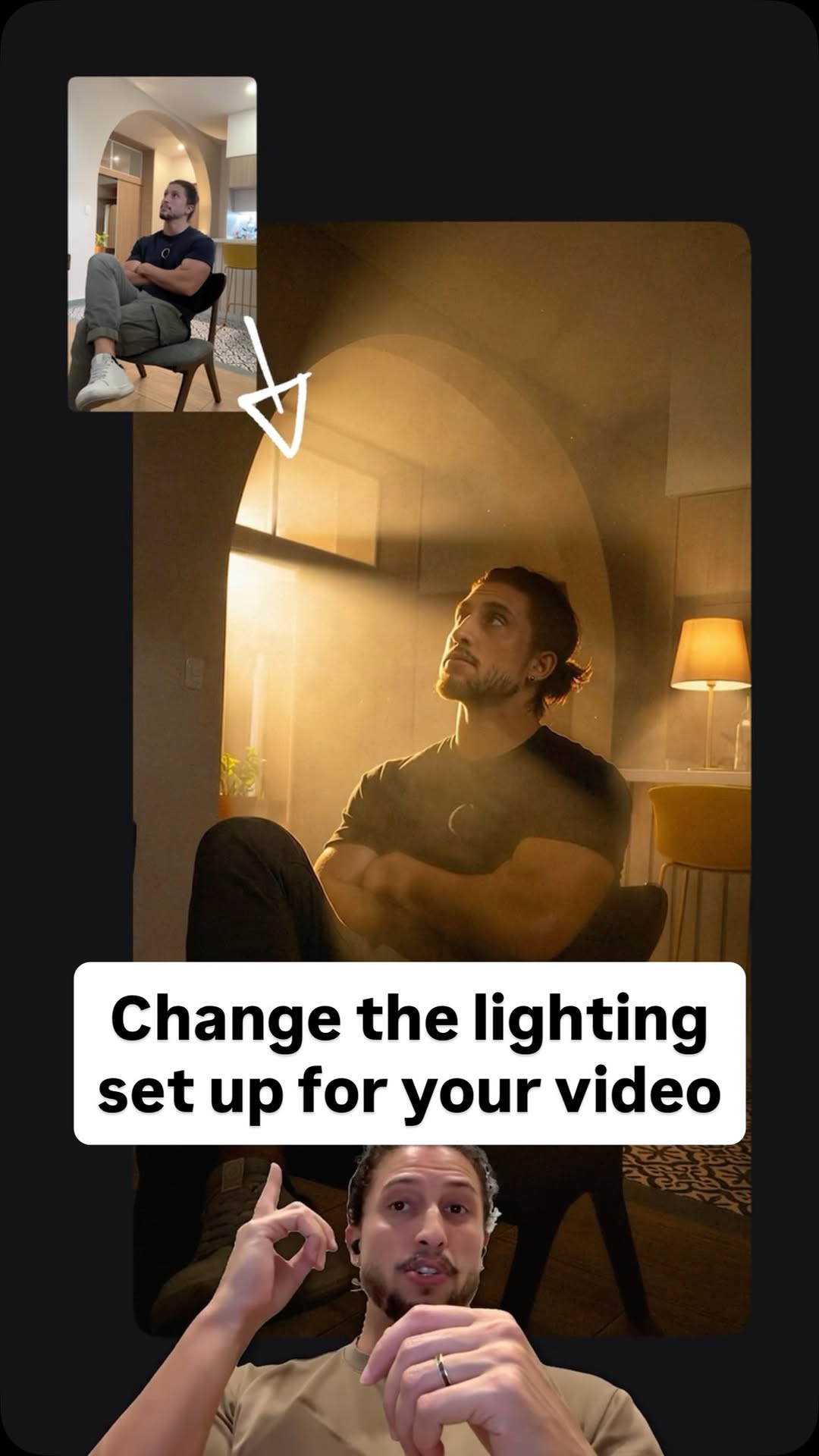
Four steps with AI get you studio quality lighting by stealing the lighting setup. Then generate AI thumbnails and extract the text as editable layers. Drop your reference image here and ask for a description of the lighting as a prompt and for an NB Pro to show the setup as a maquette. Drop these back in NB Pro with a screenshot of the first frame of your video. And boom. Now you can draw
elements precisely in your image with a pen tool, and with clean motion control, use the original video to drive the motion of your new image. Then ask SeaDream to make the thumbnails, and with the Edit Elements button here, you can extract the text from generated assets and edit them. And here in Love Art, this button works on
any design, by the way.
any design, by the way.
Are you the creator or rights holder of this video? Request removal of this transcript.
Related Transcripts
 0:42Instagram
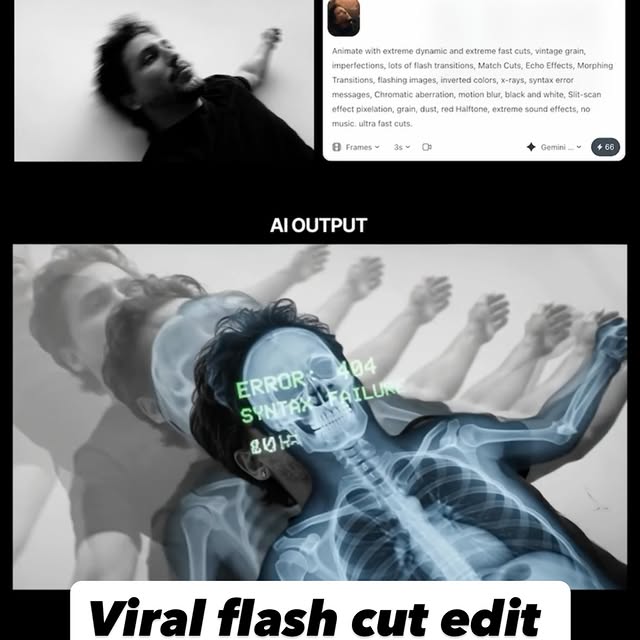
Comment AI for the link & guide to recreate these viral flash-cut edits,…
Jo Mendes
 0:33Instagram
Comment AI for the link to this new AI video model inside Artlist that can turn…
Jo Mendes
 0:36Instagram
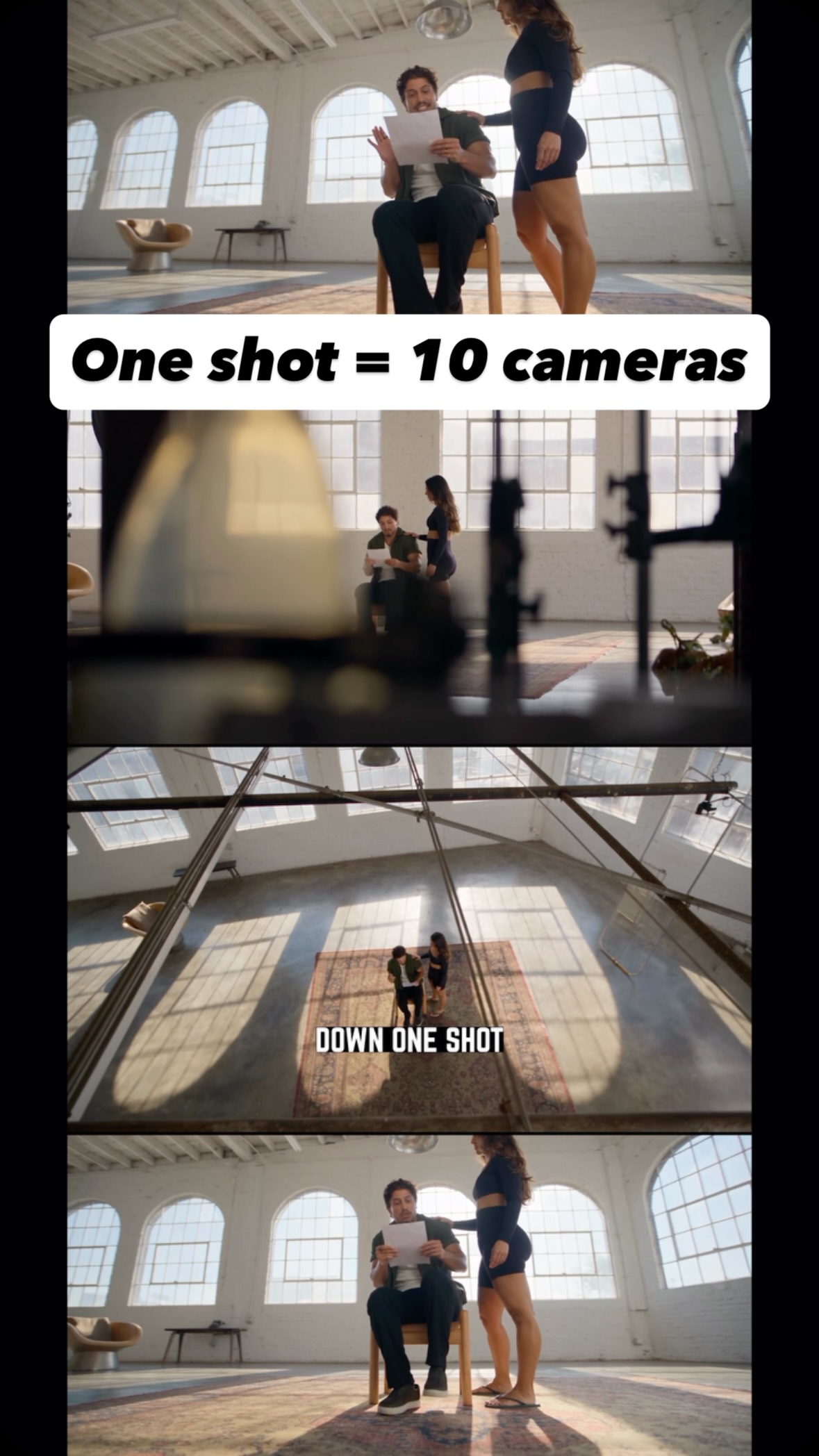
Comment AI for the link and guide to turn one shot into endless creative angles…
Jo Mendes
 0:42Instagram
Comment AI for the link and prompts that can turn multiple references (images,…
Jo Mendes
 0:31Instagram
comment “editor” to get free access!!
alex
 0:55Instagram
Drop “EDIT” below and I’ll send you my full walk through video on how I edit my videos with AI.
Justyn Berkovits | AI for Solo Founders & Entrepreneurs
Never lose a moment again
Save videos from YouTube, Instagram, and TikTok. Search everything that was said, and jump to the second.
Start Saving Videos - Free Trial