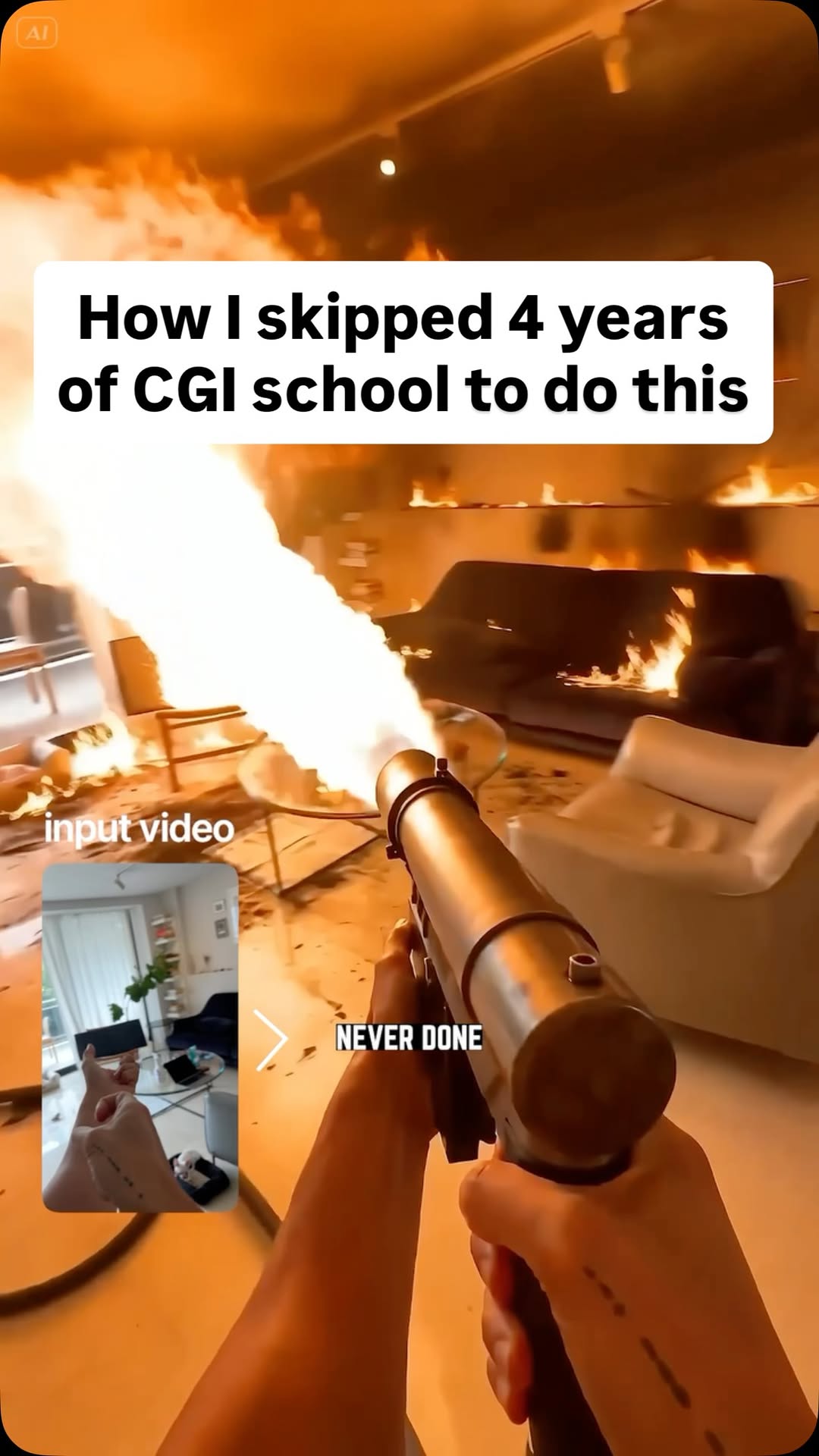
Comment AI for the link and prompts that can turn multiple references (images,…
Search inside any video
SavedThat transcribes your saved videos and lets you search across all of them instantly. Save this video and find any moment.
TL;DR
Learn how to enhance your videos with special effects and motion animation using AI, simplifying complex editing tasks with reference images and audio.
Chapters
- 0:00Introduction to AI Video Enhancement01
- 0:10Adding Reference Images and Audio02
- 0:20Tagging Elements in Your Prompt03
- 0:30Mixing Assets with AI04
- 0:40Conclusion and Comments05
Transcript
You can now add special effects to your actual video, enhance your video you've never done before, and create motion animation replacing complex video editing software. And compared to other places this is available in the US and worldwide. To do this is difficult to comprehend at first because you can add up to 12 reference images, audio and even video. You tag each element in your prompt to explain your idea and the
even video. You tag each element in your prompt to explain your idea and the AI will mix all your assets with a single prompt. Boom. Pause and try to find all the elements because it's all here except one. Let me know in the comments.
me know in the comments.
Are you the creator or rights holder of this video? Request removal of this transcript.
Related Transcripts
 0:41Instagram
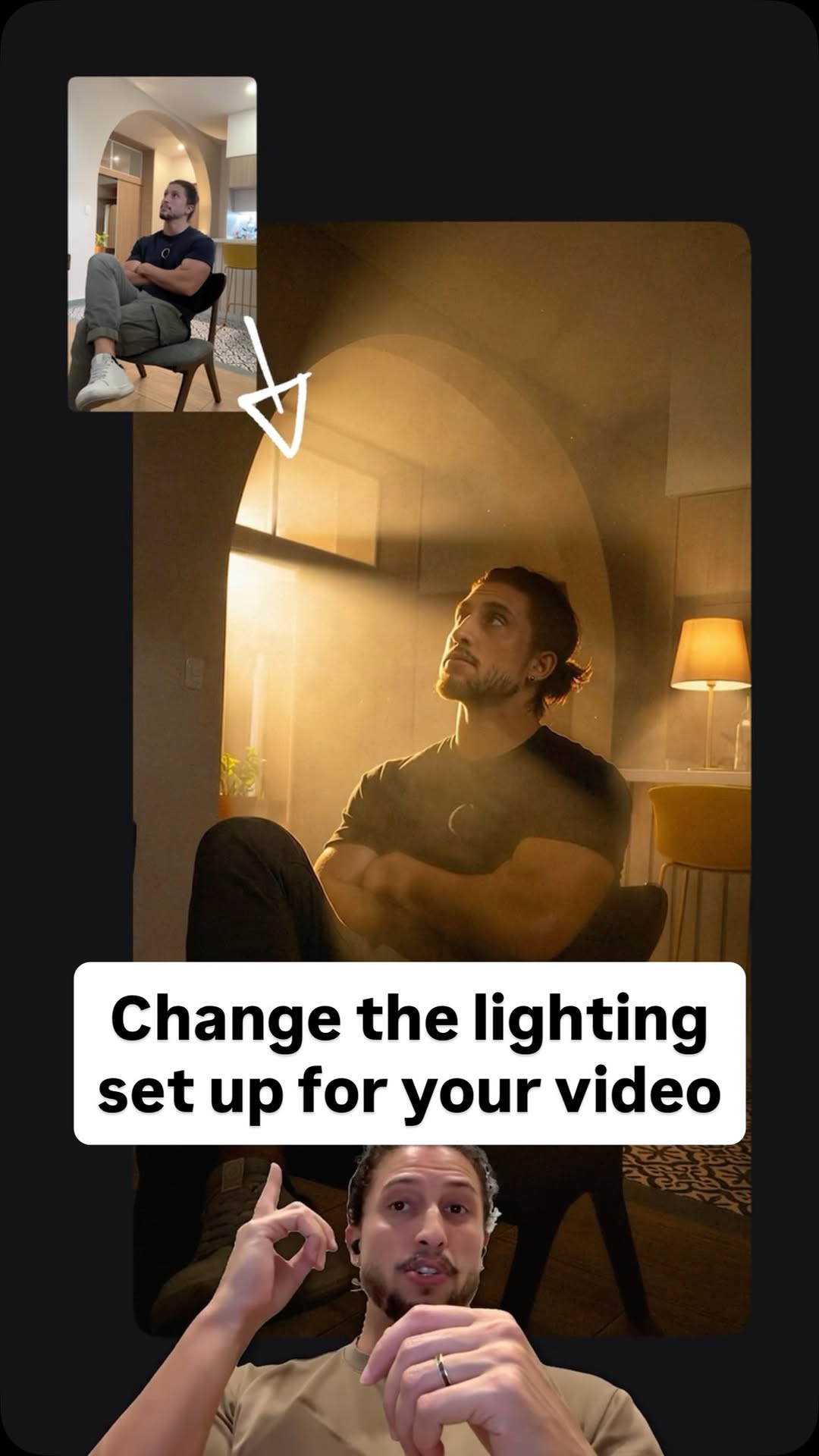
Comment Ai for the link.
Jo Mendes
 0:42Instagram
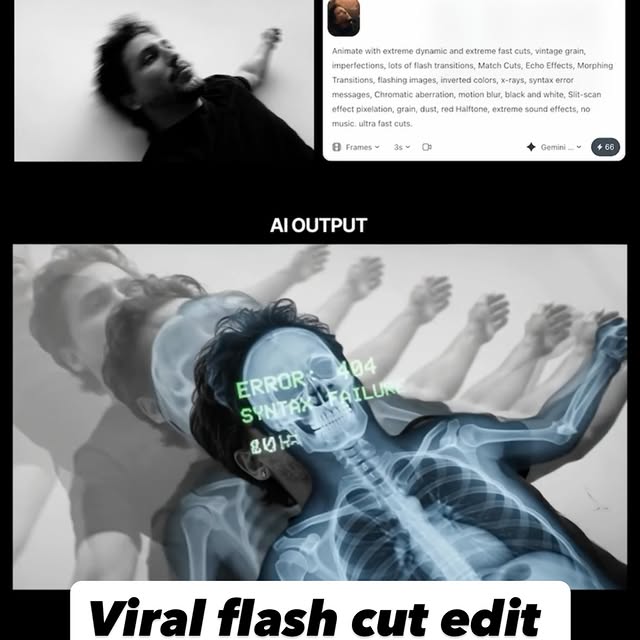
Comment AI for the link & guide to recreate these viral flash-cut edits,…
Jo Mendes
 0:33Instagram
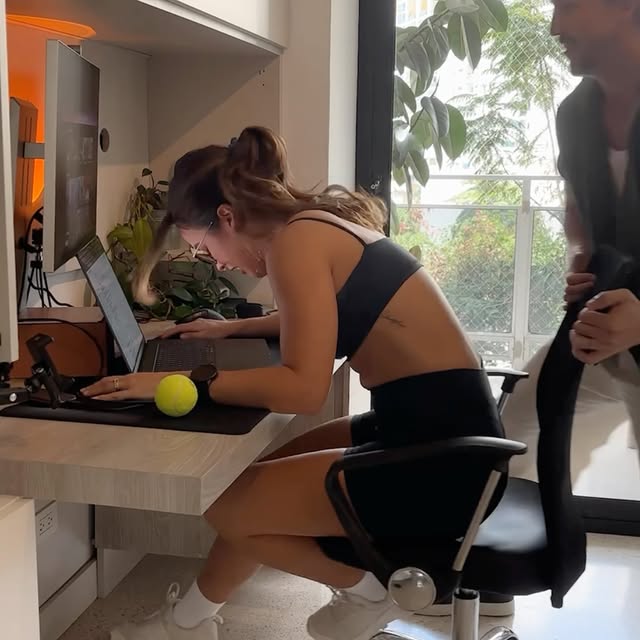
Comment AI for the link to this new AI video model inside Artlist that can turn…
Jo Mendes
 0:52Instagram
How to create AI videos with JSON Prompts 🔥 Comment “AI” for a link to the prompts!
Rourke Sefton-Minns
 0:29Instagram
Comment "HEYGEN" to get this AI that lets you create fully edited videos with simple prompts.
Nick Saraev
 0:36Instagram
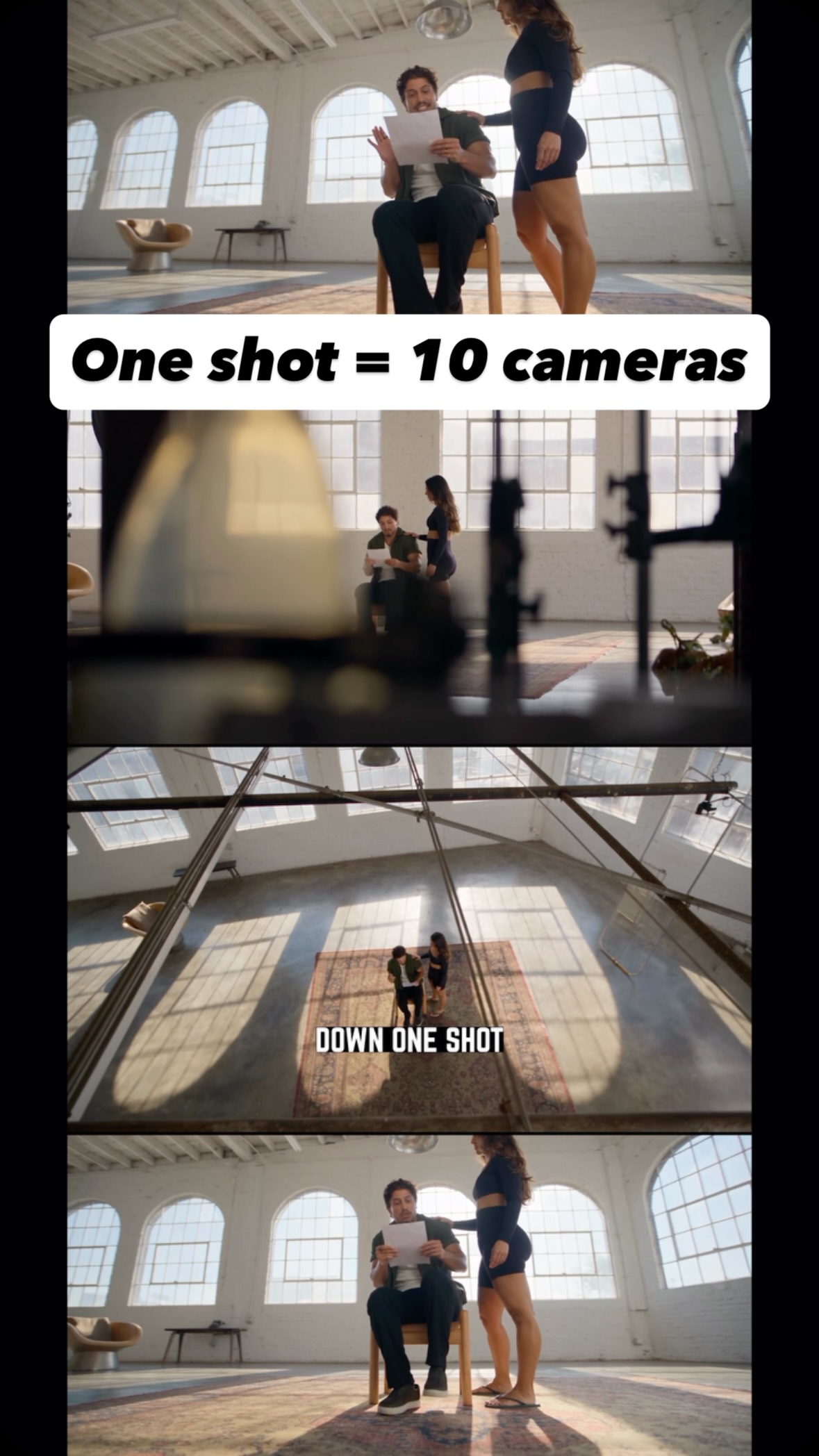
Comment AI for the link and guide to turn one shot into endless creative angles…
Jo Mendes
Never lose a moment again
Save videos from YouTube, Instagram, and TikTok. Search across all your transcripts with AI-powered semantic search.
Start Saving Videos — It's Free