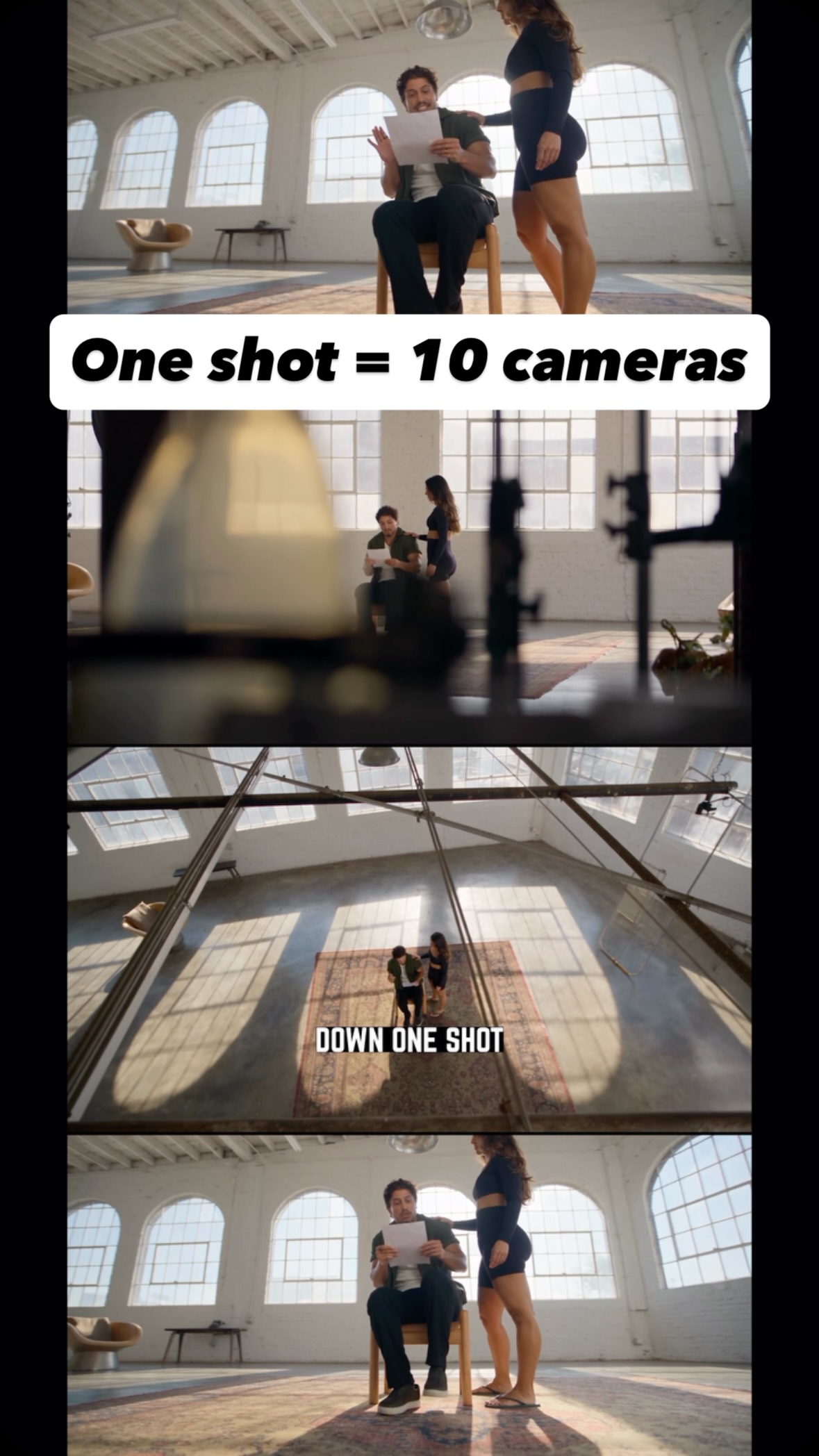
Comment AI for the link and guide to turn one shot into endless creative angles…
Search inside any video
SavedThat transcribes your saved videos and lets you search across all of them instantly. Save this video and find any moment.
TL;DR
Learn how to transform a single talking head video into multiple creative angles using image and video generation techniques.
Chapters
- 0:00Introduction to Video Transformation01
- 0:05Taking a Screenshot of Your Video02
- 0:10Using Image Generators for Enhancement03
- 0:20Importing Video and Image into Video Generator04
- 0:30Finalizing the Transformation Process05
Transcript
Hey, I can now turn one boring talking head video into something that looks like you had a hepatitis when you're full of cameras filming you. All of these shots came from one video. First take a screenshot of your talking head. Open image generator and use NV2 or GPT-2 to turn it into a pro studio.
With the pen tool, draw extra items or command click to change stuff. Then open video generator and import your original video with that image and use cdance 2.5 to transform the entire recording. I'll put the workflow and prompts down below. One shot now looks like 8 entirely made inside a livar.
I'll put the workflow and prompts down below. One shot now looks like 8 entirely made inside a livar.
One shot now looks like 8 entirely made inside a livar.
Are you the creator or rights holder of this video? Request removal of this transcript.
Related Transcripts
 0:41Instagram
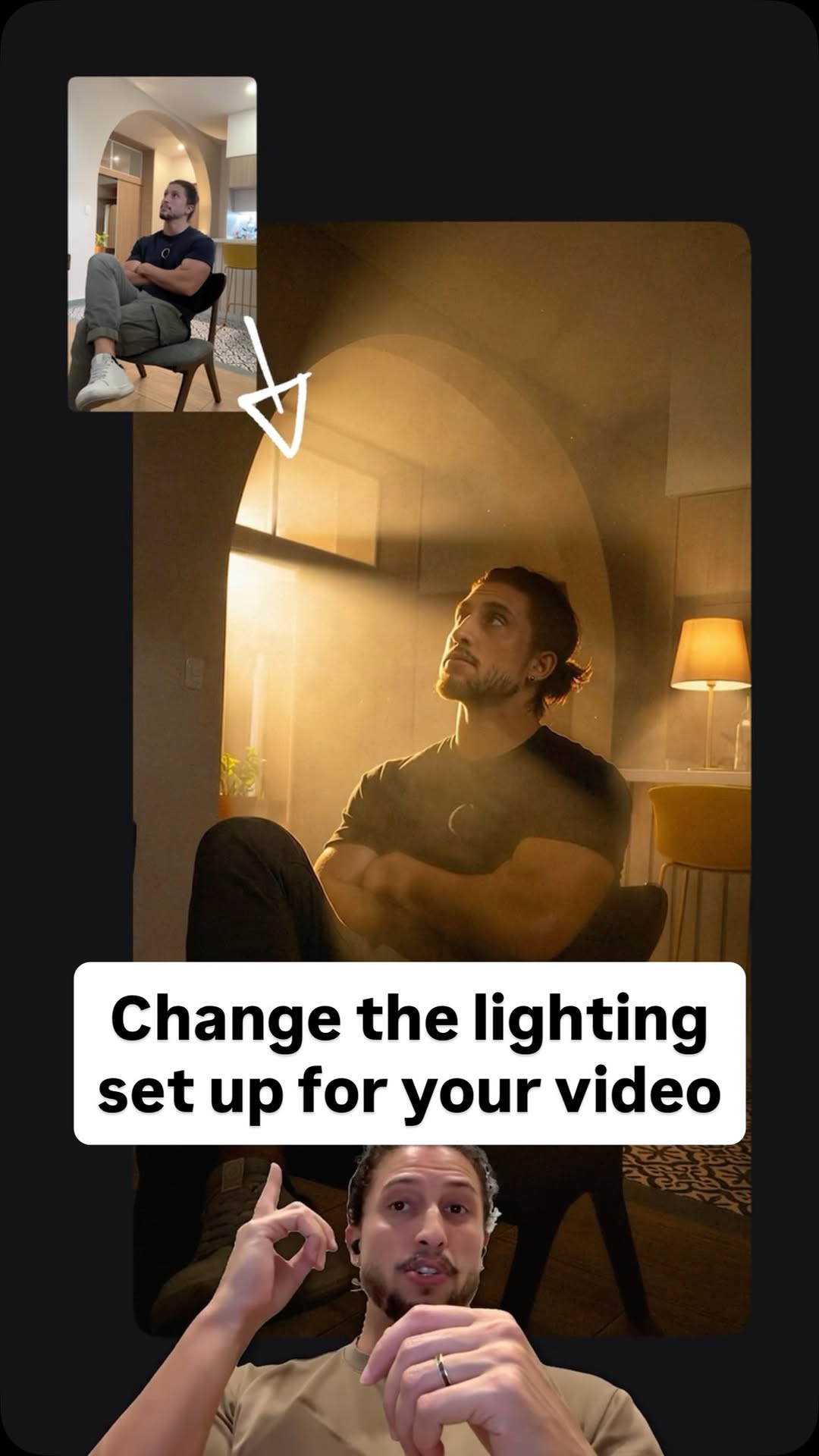
Comment Ai for the link.
Jo Mendes
 0:42Instagram
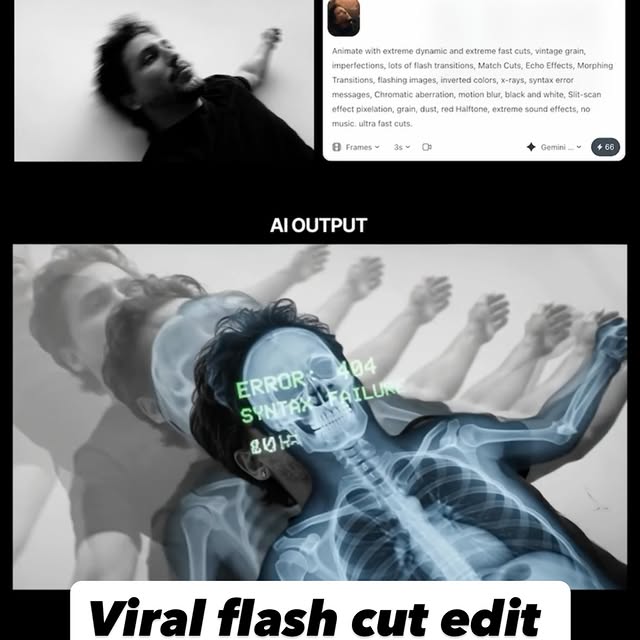
Comment AI for the link & guide to recreate these viral flash-cut edits,…
Jo Mendes
 0:42Instagram
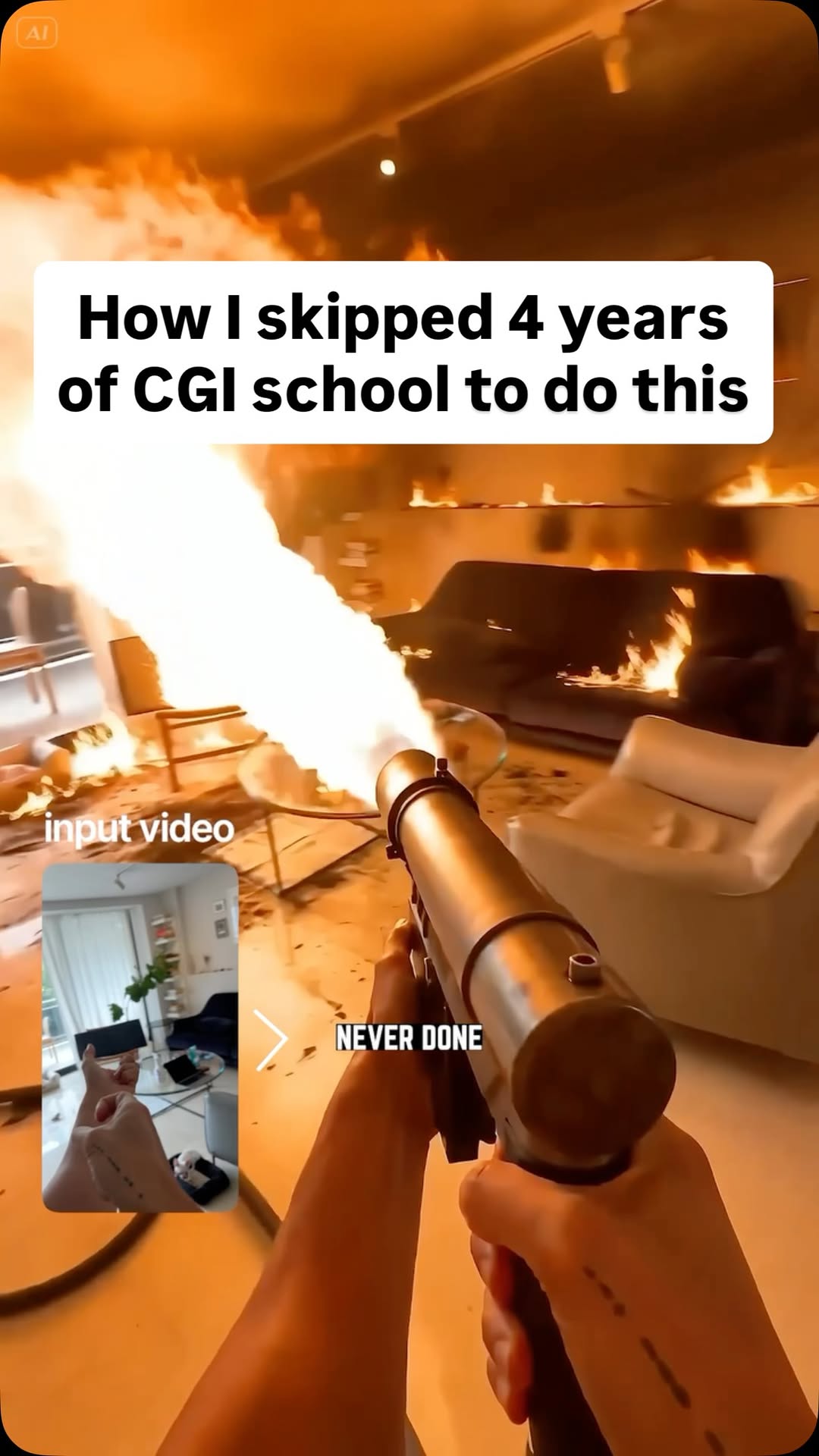
Comment AI for the link and prompts that can turn multiple references (images,…
Jo Mendes
 0:33Instagram
Comment AI for the link to this new AI video model inside Artlist that can turn…
Jo Mendes
 14:11YouTube
How I use AI to edit all my Short-form Videos (Hyperframes Setup & Prompts)
Softgirlnocode
 1:06Instagram
comment "Kallaway" and i’ll send the breakdown over 👇 Day 1 of recreating…
Johannes Forseth | AI Systems
Never lose a moment again
Save videos from YouTube, Instagram, and TikTok. Search everything that was said, and jump to the second.
Start Saving Videos - Free Trial