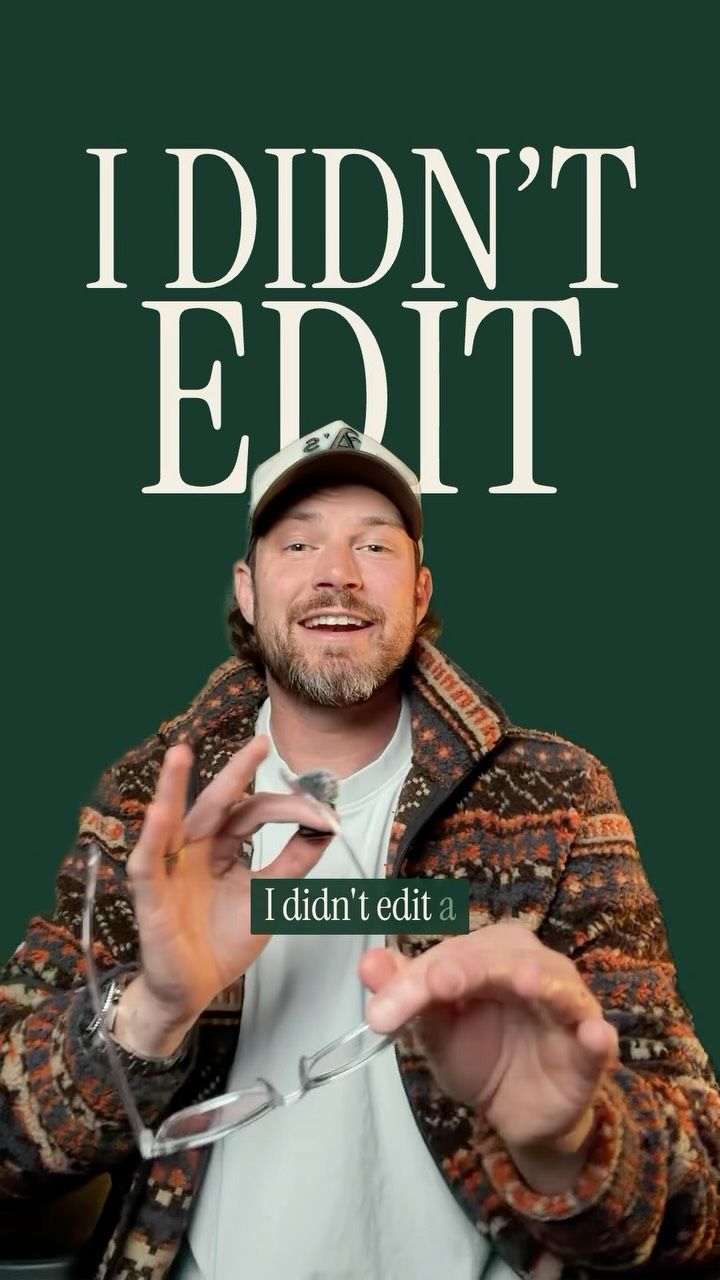
Drop “EDIT” below and I’ll send you my full walk through video on how I edit my videos with AI.
Search inside any video
SavedThat transcribes your saved videos and lets you search across all of them instantly. Save this video and find any moment.
TL;DR
Learn how to edit videos effortlessly using AI, with a focus on creating aesthetic and engaging content without traditional editing tools.
Chapters
- 0:00Introduction to AI Video Editing01
- 0:10How Claude Edits Videos02
- 0:20Creating Aesthetic Videos03
- 0:30Using Storyboards for Edits04
- 0:40Making Changes in Real-Time05
- 0:50Call to Action for Full Walkthrough06
Transcript
I didn't edit a single second of this video. Claude did. No cap cut, no edit zap, nothing. One sentence and the whole video is edited. Watch, I tell Claude, make it more aesthetic. The whole thing warms up, my best videos float in, and the titles look like a magazine cover. And I know nothing about video editing. I just drop in the raw footage
with the bad takes still in it, and a few minutes later, you get exactly what you're seeing now. So I can say, make it moody and the colors go dark. And the captions come in huge. And lots of people are doing this right now. My way is a little different because before rendering, it gives me a complete storyboard. So I can see what Claude is thinking
before it creates my video. And if I want to make any changes, I just explain what I want to see. I never have to open editing app. Tighter cut, bigger captions. That's just one more sentence. I recorded a video walking you through exactly how I do this. And if you want it, just drop edit in the comments below,
and I'll send it over. And if you're not already, make sure to follow me for more daily AI tips just like this.
Are you the creator or rights holder of this video? Request removal of this transcript.
Related Transcripts
 1:04Instagram
comment "edit" and i’ll send the breakdown over👇 Day 4 of letting claude code…
Johannes Forseth | AI Systems
 14:11YouTube
How I use AI to edit all my Short-form Videos (Hyperframes Setup & Prompts)
Softgirlnocode
 28:15YouTube
Claude Video Editing Just Became Unrecognizable
Nate Herk | AI Automation
 0:41Instagram
Comment Ai for the link.
Jo Mendes
 1:11Instagram
Comment “MOTION” and I’ll send you my ai video editor skill that avoids ai slop edits.
Michael Quoc Ly
 1:06Instagram
Editing has gotten a whole lot easier now that we can speak to edit out videos…
Jens Heitmann
Never lose a moment again
Save videos from YouTube, Instagram, and TikTok. Search everything that was said, and jump to the second.
Start Saving Videos - Free Trial