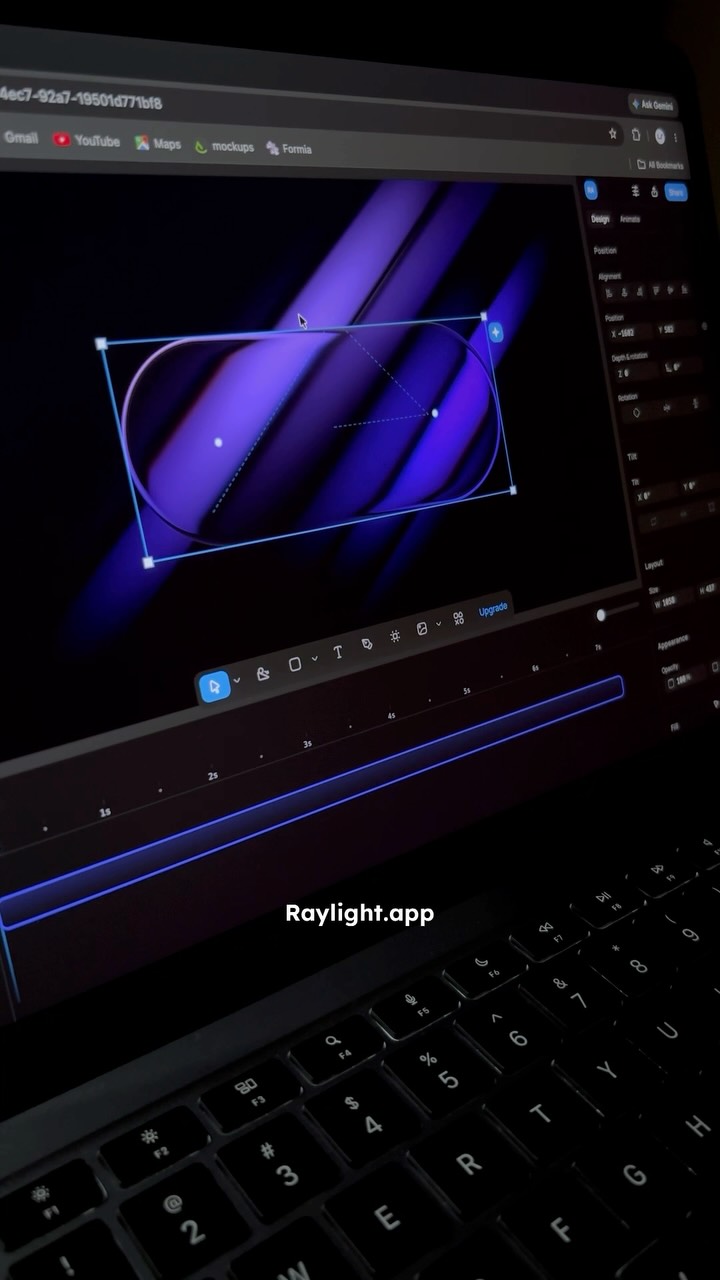
I found a website that helps you create stunning motion graphics in just a few clicks.
Search inside any video
SavedThat transcribes your saved videos and lets you search across all of them instantly. Save this video and find any moment.
TL;DR
Learn how to create stunning motion graphics easily with Raylight.app, a fast tool offering customizable templates for professional animations.
Chapters
- 0:00Introduction to Raylight.app01
- 0:05Creating animations with templates02
- 0:15Customization options available03
- 0:25Exporting your project04
- 0:35Conclusion and follow-up05
Transcript
I found a website that helps you create stunning motion graphics in just a few clicks. The website is called Raylight.app and it's one of the fastest motion design tools I've used. In just a few minutes, you can create professional-looking animations with ready-made templates. Many of them are free to use, and with my promo code, you'll get your first month of watermark-free export.
Everything is fully customizable, so you can easily add your own images, logos, icons, and make every animation fit your brand. When you're finished, export your project as a video or web-ready format with a single click. Follow for more design tools and creative inspiration.
Follow for more design tools and creative inspiration.
Are you the creator or rights holder of this video? Request removal of this transcript.
Related Transcripts
 0:36Instagram
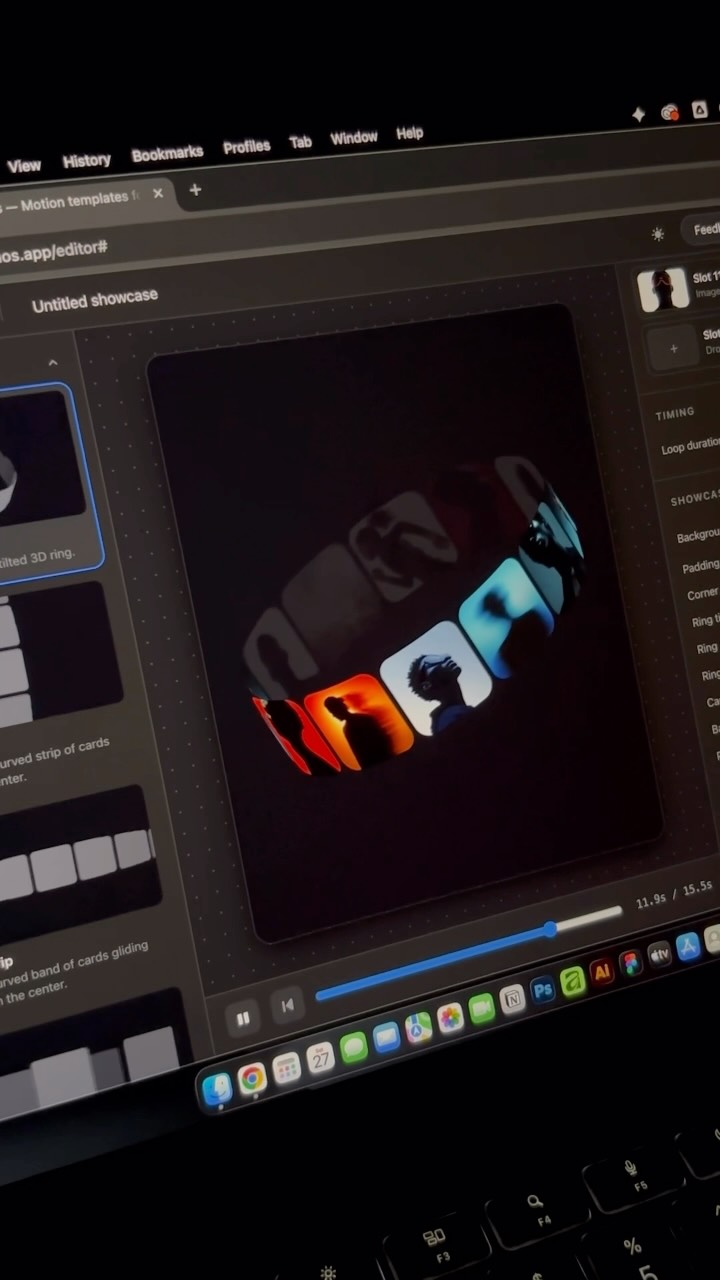
Let me show you an underrated free website for graphic and motion designers.
Ramshad | Visual Designer
 0:43Instagram
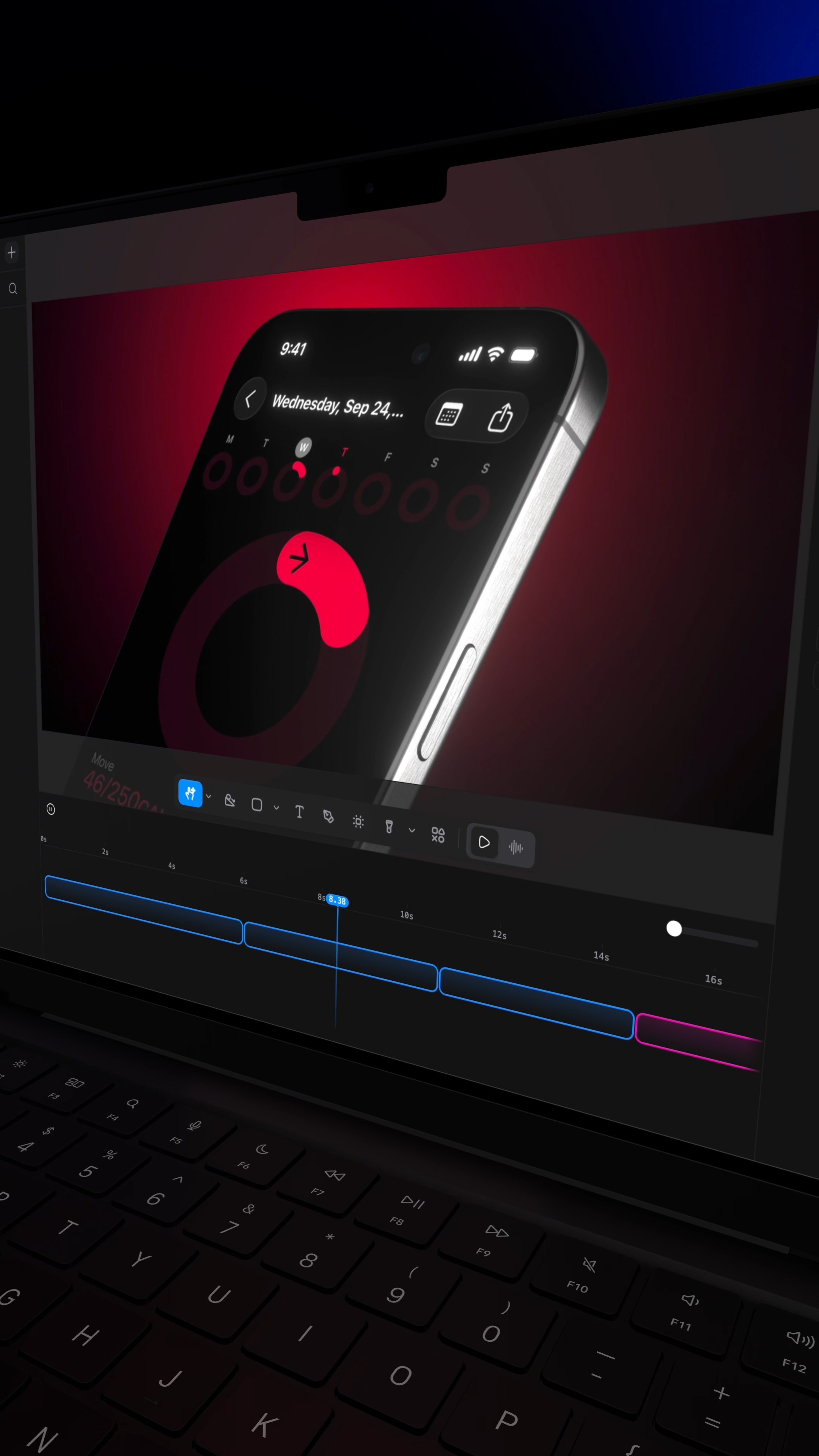
Comment RL and I'll send you the site that turns a screenshot into a $10,000 looking video.
Raylight
 0:46Instagram
No motion design experience?
Ben Aizen | Artzen Media
 0:50Instagram
🚀 Create Professional Logo Animations with AI — FOR FREE!
Devansh Rathore
 0:42Instagram
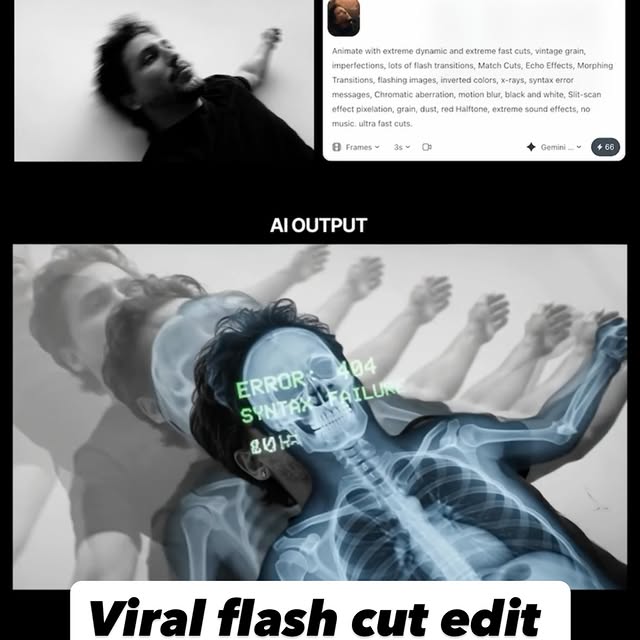
Comment AI for the link & guide to recreate these viral flash-cut edits,…
Jo Mendes
 0:31Instagram
👇🏼Comment « VIDEO » and I’ll send you all the tool links.
Adrien Ninet
Never lose a moment again
Save videos from YouTube, Instagram, and TikTok. Search everything that was said, and jump to the second.
Start Saving Videos - Free Trial