
👇🏼Comment « VIDEO » and I’ll send you all the tool links.
Search inside any video
SavedThat transcribes your saved videos and lets you search across all of them instantly. Save this video and find any moment.
TL;DR
Learn about three essential tools to create engaging product videos quickly and effectively, enhancing your software's visibility and revenue.
Chapters
- 0:00Introduction to Video Tools01
- 0:05Klight Overview02
- 0:12ShotBase Features03
- 0:19AutoAE Explanation04
- 0:25Conclusion and Call to Action05
Transcript
If you want to make videos like this in 10 minutes, to bring views and revenue to your software, these are the only 3 tools you need. First, Klight. This one is a library of ready-made product videos. Pick a template you like from the marketplace, drop your product screenshots into it, and you get cinematic product shots. Next, ShotBase. It captures anything you record, adds the auto-zooms for you, and exports in whatever format you need.
And finally, AutoAE. Plug the skill into Cloud Code, describe any animation you want, and it renders it for you. Comment the video, and I'll send you all the tool links.
Comment the video, and I'll send you all the tool links.
Are you the creator or rights holder of this video? Request removal of this transcript.
Related Transcripts
 0:28Instagram
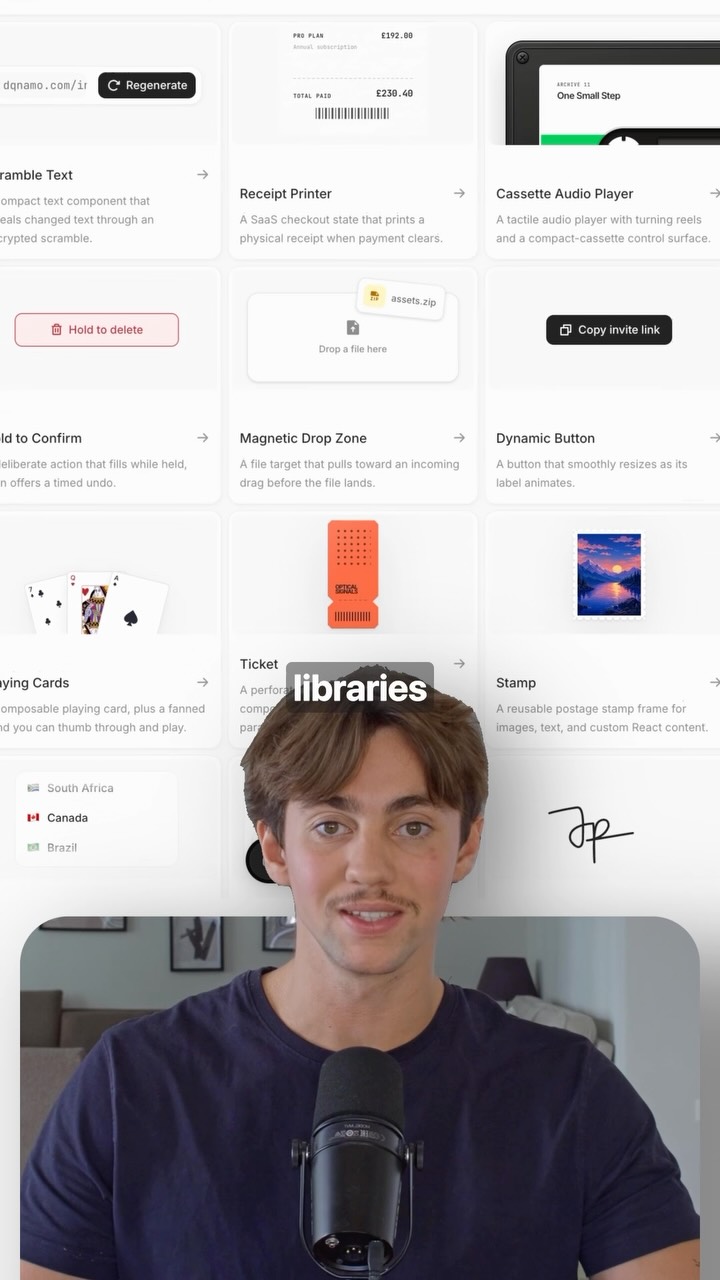
👇🏼Comment “BLOCKS” and I’ll send you the link to the full library.
Adrien Ninet
 0:32Instagram
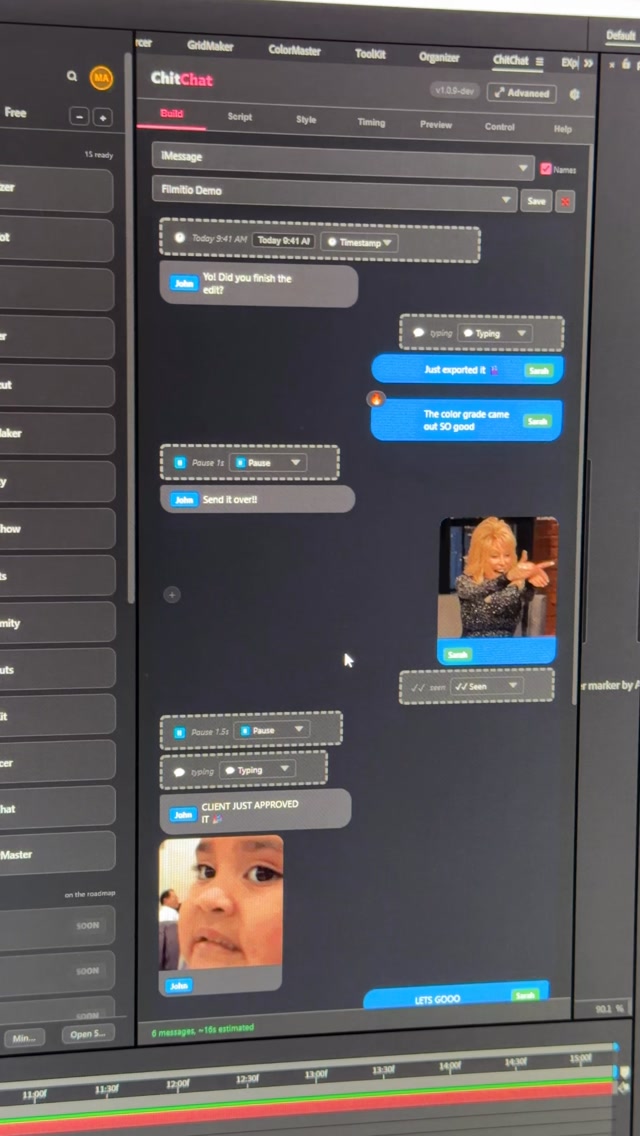
Comment CHITCHAT and I’ll send you the link 👇 Stop building text message bubbles by hand.
Filmit.io
 0:43Instagram
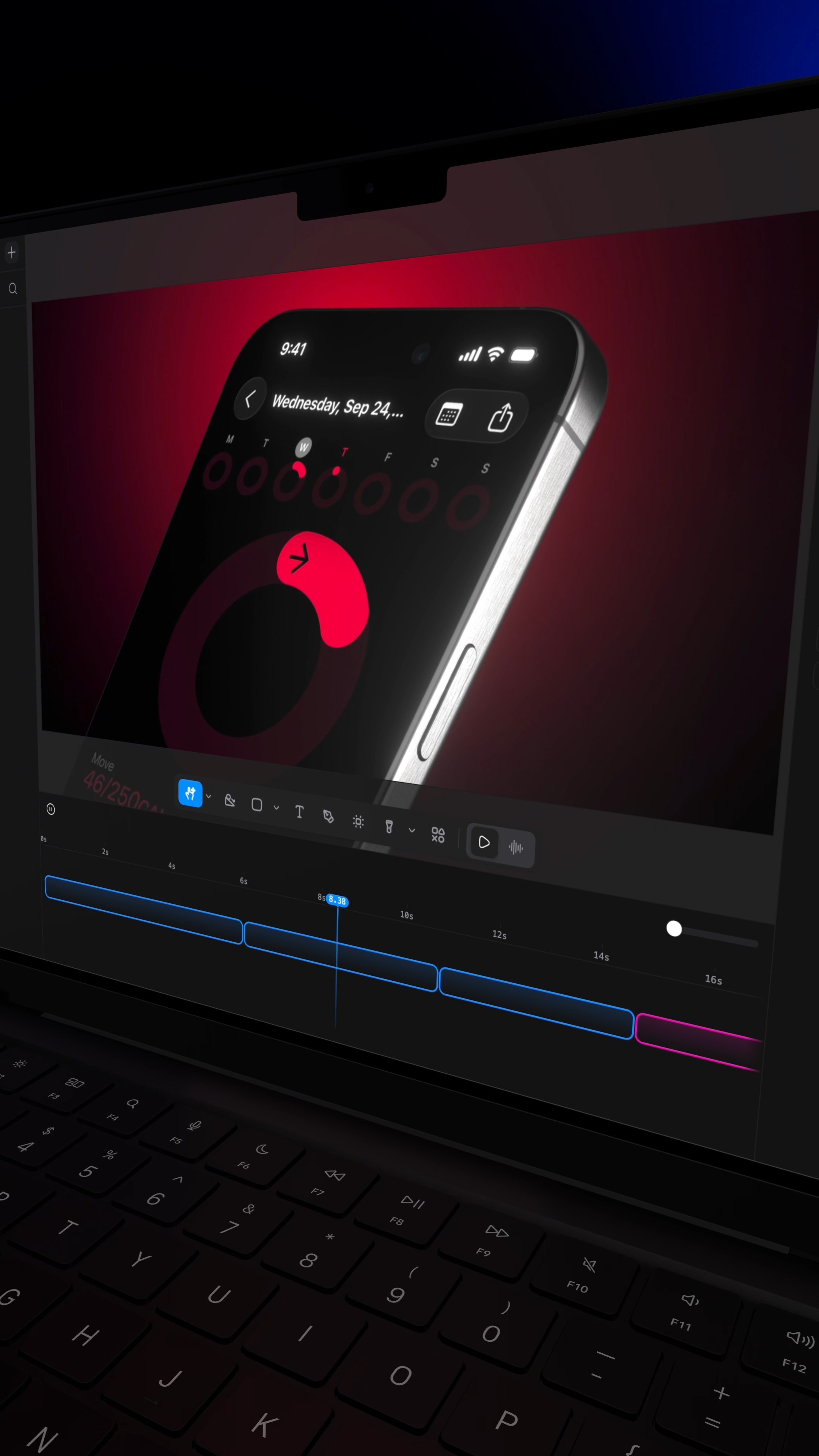
Comment RL and I'll send you the site that turns a screenshot into a $10,000 looking video.
Raylight
 0:41Instagram
Comment "VIDEO" to get this AI that can create Long-form Videos In minutes.
Nick Saraev
 0:33Instagram
Comment “LINES” and I’ll send you the link + the skill 👇 I asked for a 3D…
speedy_devv
 0:31Instagram
comment “editor” to get free access!!
alex
Never lose a moment again
Save videos from YouTube, Instagram, and TikTok. Search everything that was said, and jump to the second.
Start Saving Videos - Free Trial