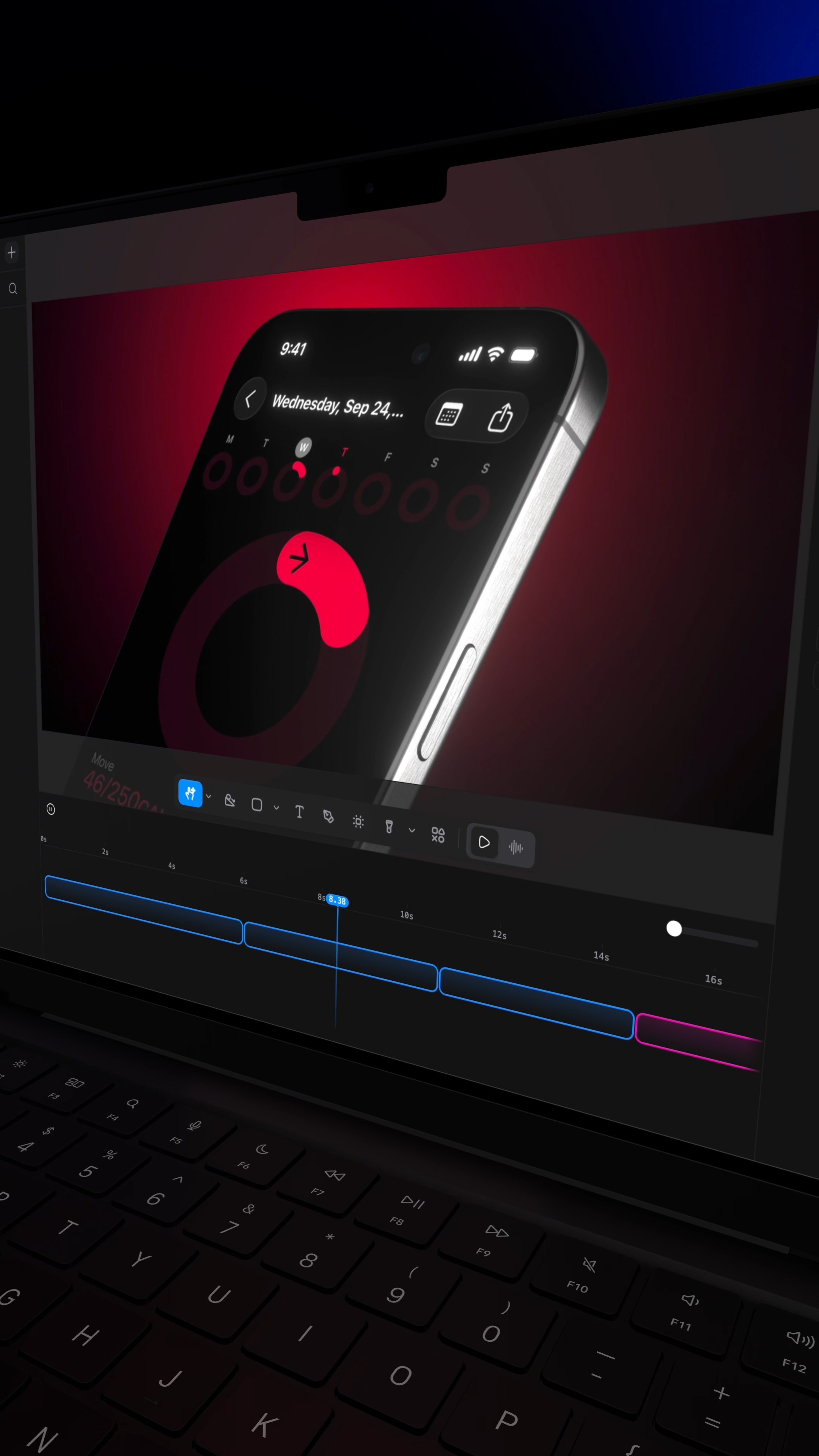
Comment RL and I'll send you the site that turns a screenshot into a $10,000 looking video.
Search inside any video
SavedThat transcribes your saved videos and lets you search across all of them instantly. Save this video and find any moment.
TL;DR
Learn how to transform a simple screenshot into a professional-looking video using Raylight, a free tool for creating motion graphics quickly.
Chapters
- 0:00Introduction to Raylight01
- 0:05Choosing a Template02
- 0:15Customizing Your Video03
- 0:25Exporting Your Video04
- 0:35Conclusion and Follow Up05
Transcript
This secret website turns a boring screenshot into a $10,000 launch video, and it's free to start. It's called Raylight, and it's the fastest way to make motion graphics without touching After Effects. In a few minutes, you can make videos that look like a studio made them using ready-made templates. Here's how it works. Pick a template. Click the layer you want to
change. Drop in a screenshot of your website, your app, or your portfolio. That's it. You can change the text, the colors, the shapes, everything, so it matches your taste. The best part is almost all the templates are free. When you're done, export it as a video in one click. Follow for more design
tools like this.
Are you the creator or rights holder of this video? Request removal of this transcript.
Related Transcripts
 0:39Instagram
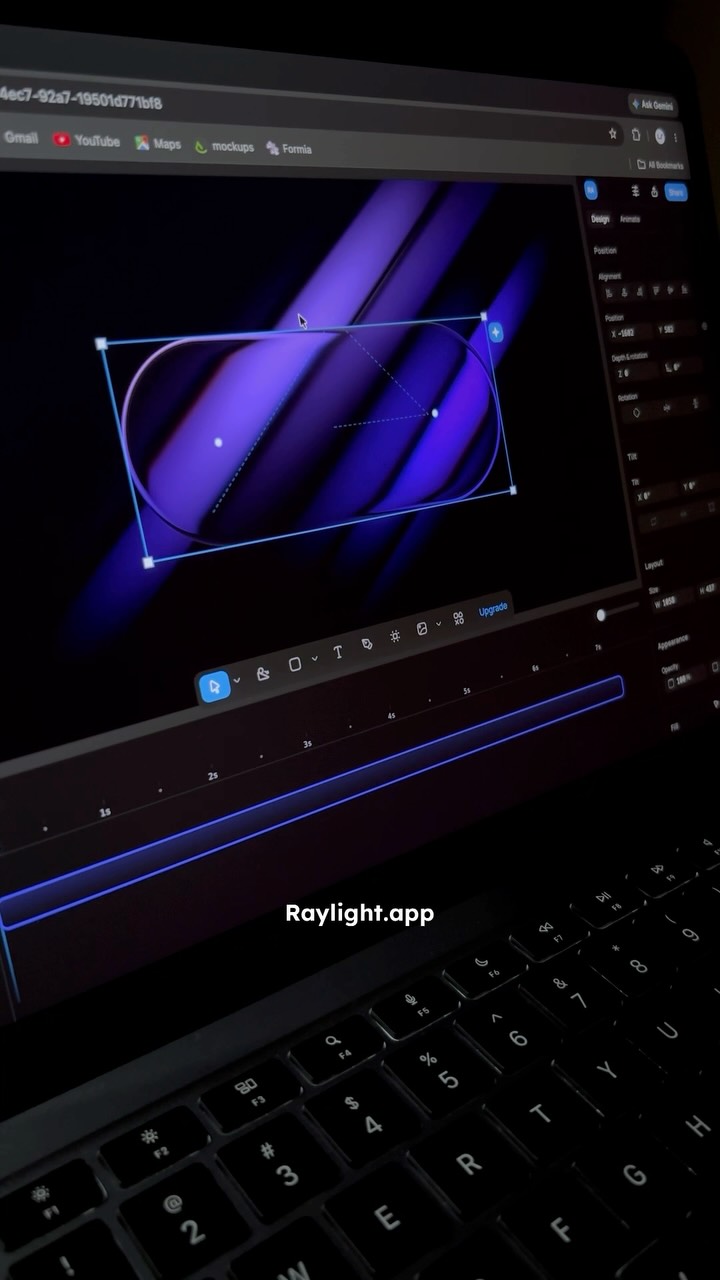
I found a website that helps you create stunning motion graphics in just a few clicks.
Ramshad | Visual Designer
 0:31Instagram
👇🏼Comment « VIDEO » and I’ll send you all the tool links.
Adrien Ninet
 0:32Instagram
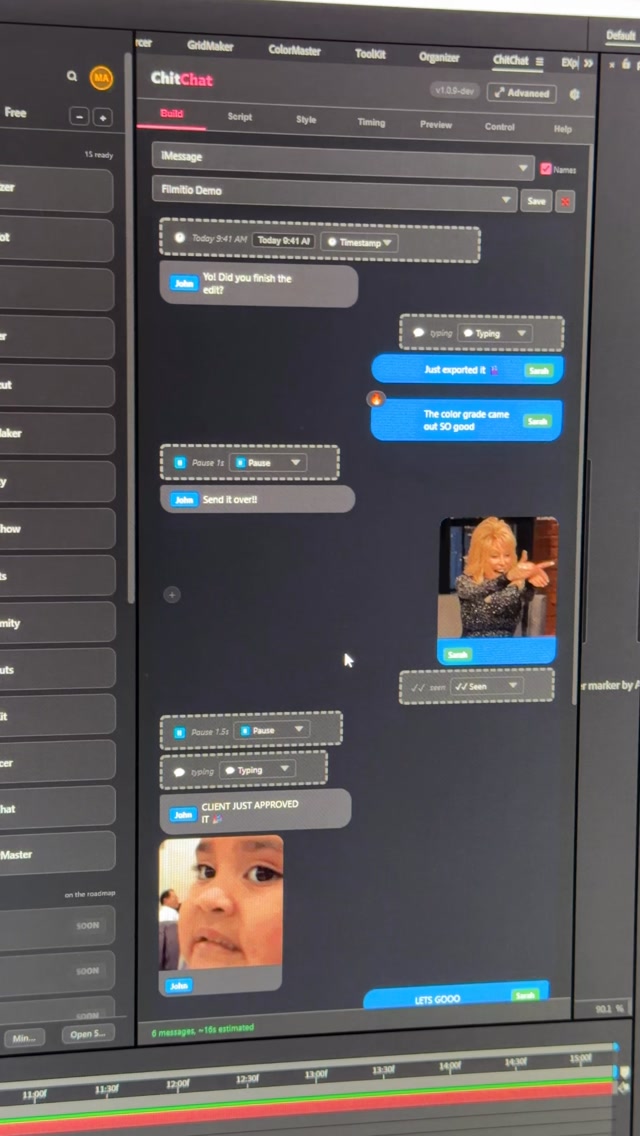
Comment CHITCHAT and I’ll send you the link 👇 Stop building text message bubbles by hand.
Filmit.io
 0:36Instagram
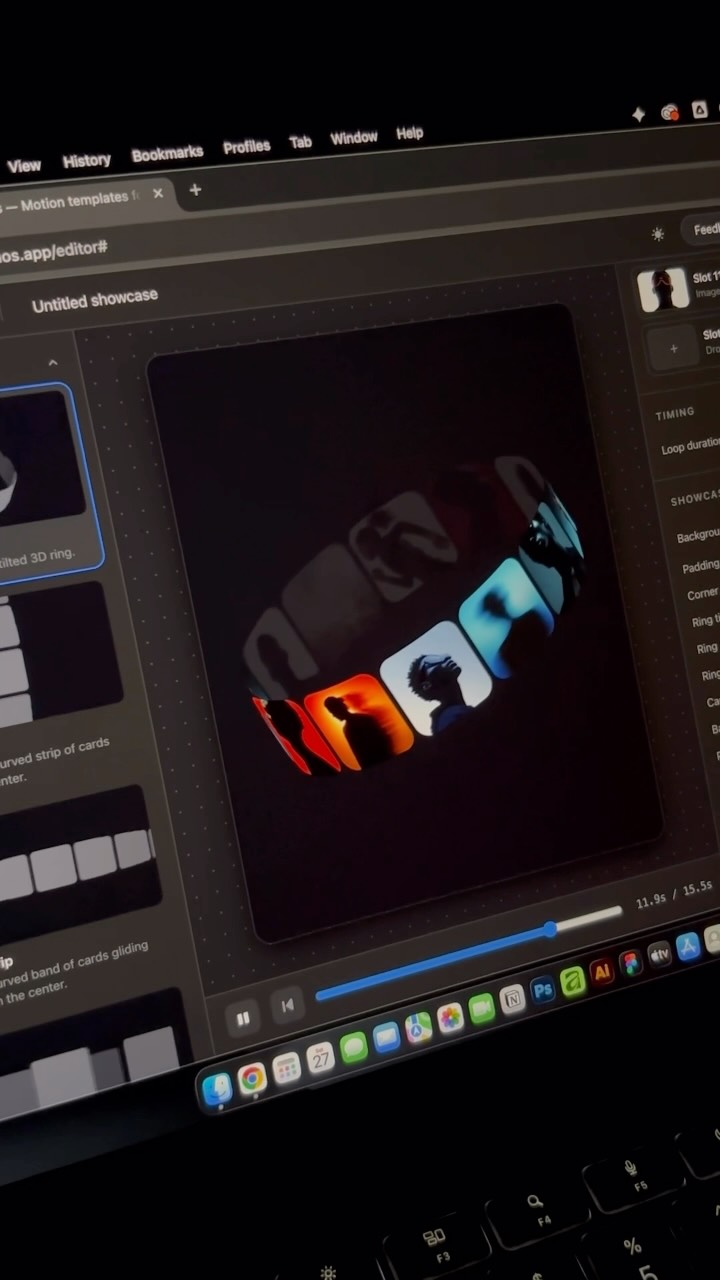
Let me show you an underrated free website for graphic and motion designers.
Ramshad | Visual Designer
 0:55Instagram
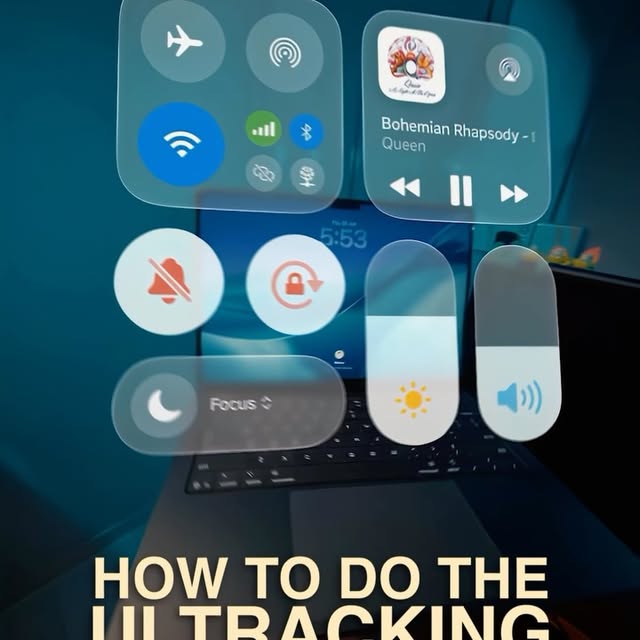
This is the UI Tracking Effect!
Declann Drostan Tan | Content Creator
 13:06YouTube
I Vibe Coded a Real App in 30 Minutes: Can It Hit $10K/Month?
Higgsfield AI
Never lose a moment again
Save videos from YouTube, Instagram, and TikTok. Search everything that was said, and jump to the second.
Start Saving Videos - Free Trial