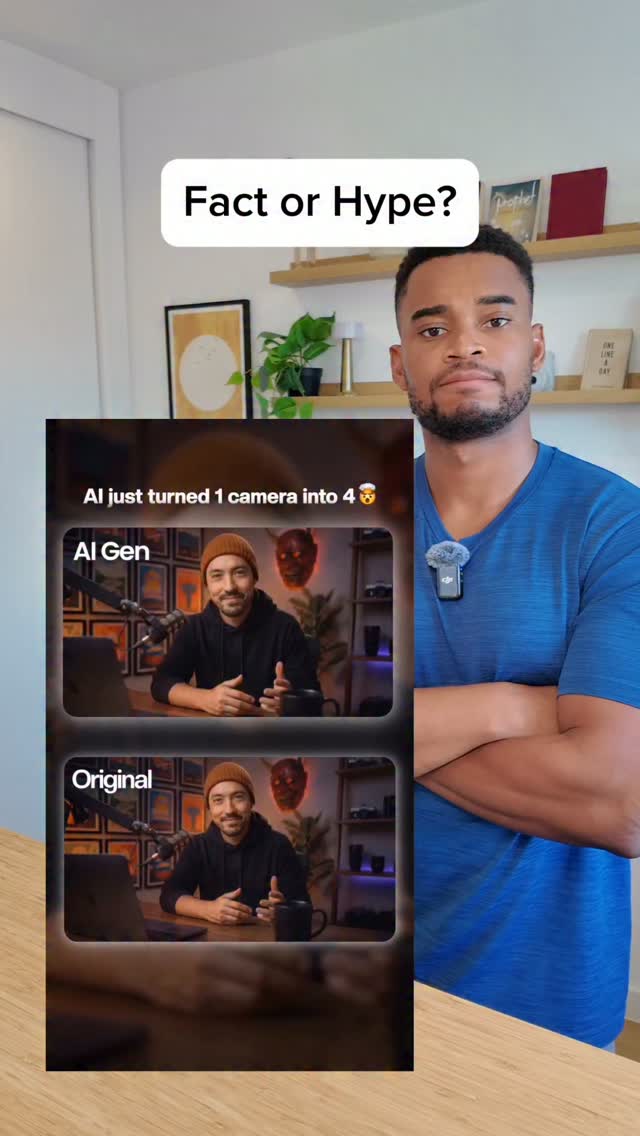
Fact or Hype?
Search inside any video
SavedThat transcribes your saved videos and lets you search across all of them instantly. Save this video and find any moment.
TL;DR
Learn how to create a multi-angle video edit using Qwad and Google Omni, even with just one camera angle.
Chapters
- 0:00Introduction to Multi-Angle Editing01
- 0:05Using Qwad for Video Transcription02
- 0:15Uploading to Google Omni03
- 0:25Finalizing the Edit04
- 0:35Conclusion and Results05
Transcript
I finally found the easiest way to make a multi-angle edit from a single video, even if you don't have a full setup. First open Qwad, drop your video, drop my video into Qwad, and run this skill, found his skill, it transcribes your video with precise timestamps and writes the entire prompt for you, got the prompt, then just open Google Omni, upload your video, upload my video to
Omni, paste the whole prompt, and that's it. Paste the prompt, and send. By the way I had to use a VPN to Japan for this to work, and my video is ready, let's play. Ooh that is crazy, keep in mind I only filmed this from one angle and it's added these angles.
How does it know what my head looks like from the side? I'll give this one a fact.
I'll give this one a fact.
Are you the creator or rights holder of this video? Request removal of this transcript.
Related Transcripts
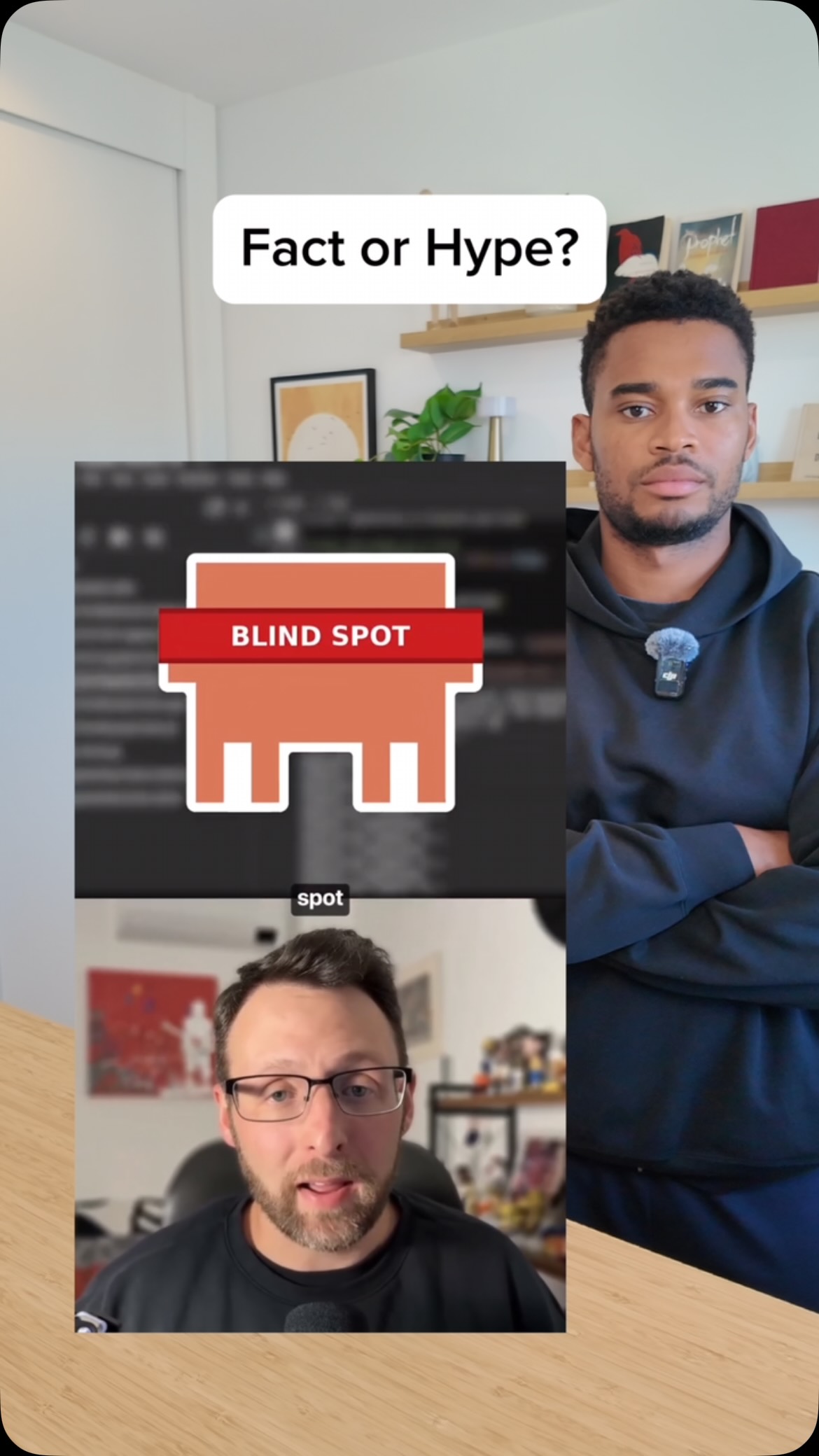 0:42Instagram
Comment “skill” to get a link to it 👇 #ai @duncanrogoff
Tunde Alao
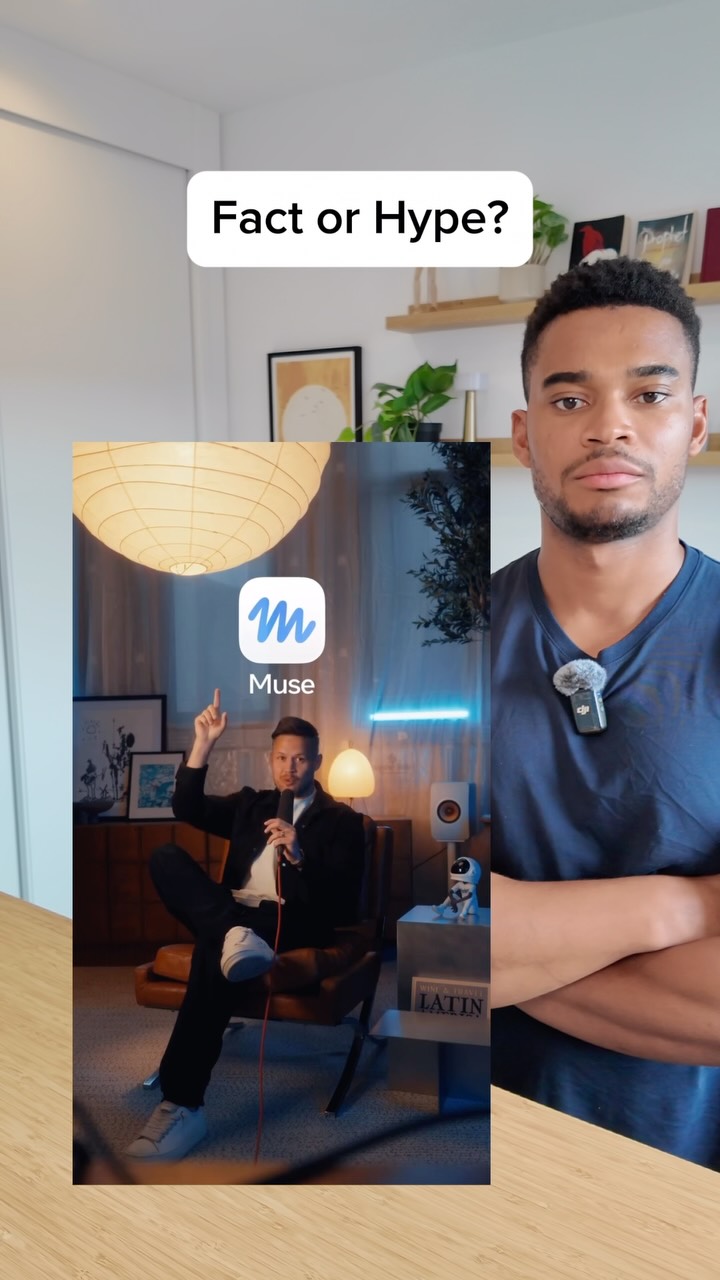 0:53Instagram
Comment “muse” for the setup guide 👇 @rpn #ai
Tunde Alao
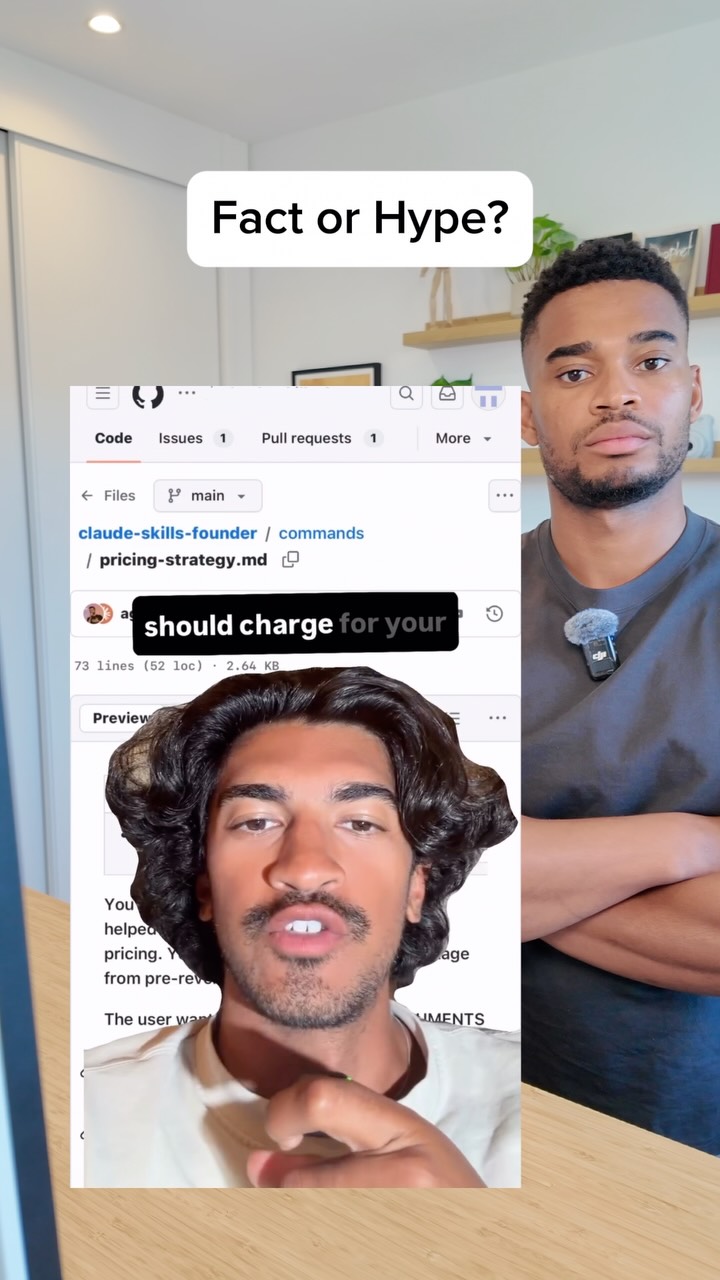 0:43Instagram
Comment “cc” to get a link to it 👇 @keeran.ai #ai
Tunde Alao
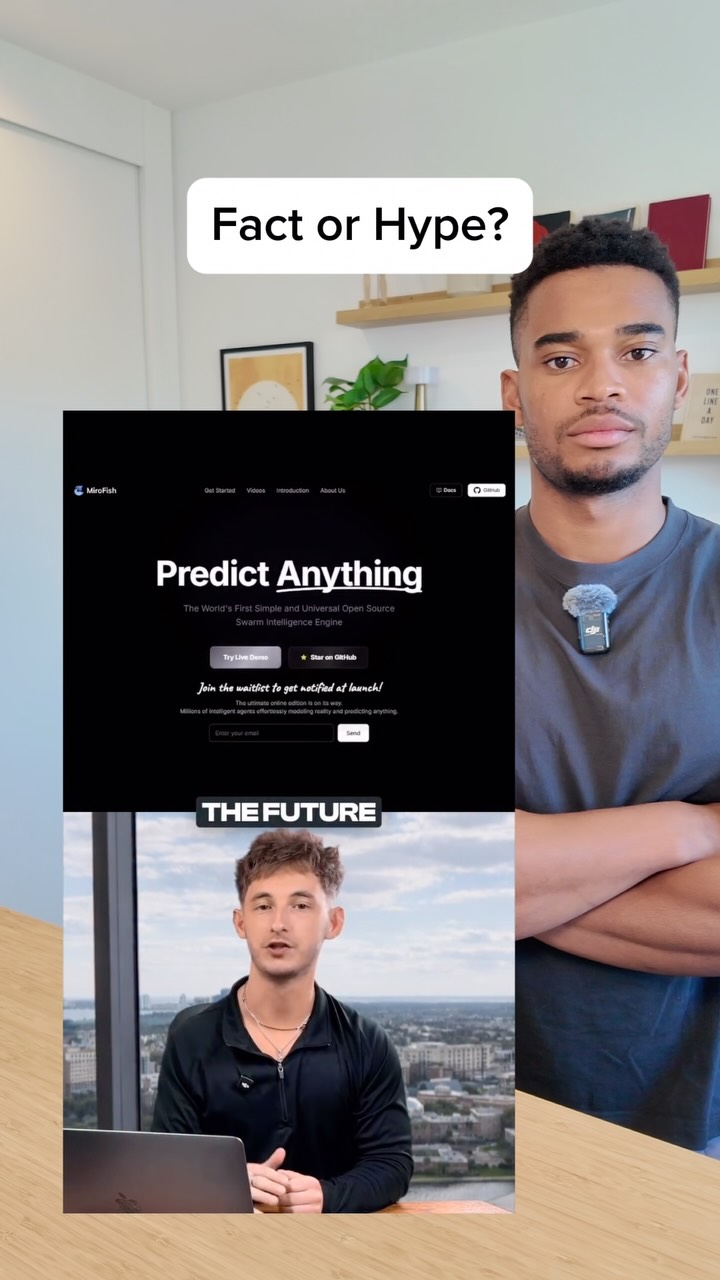 1:05Instagram
Comment “fish” to get a link to it 👇 #ai
Tunde Alao
 0:55Instagram
Drop “EDIT” below and I’ll send you my full walk through video on how I edit my videos with AI.
Justyn Berkovits | AI for Solo Founders & Entrepreneurs
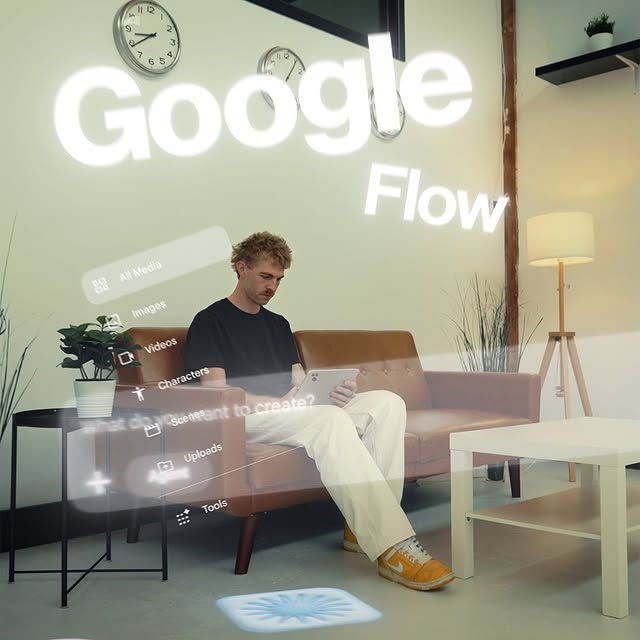 1:17Instagram
This is game changing in terms of tools built for creators.
Will Schafer
Never lose a moment again
Save videos from YouTube, Instagram, and TikTok. Search everything that was said, and jump to the second.
Start Saving Videos - Free Trial