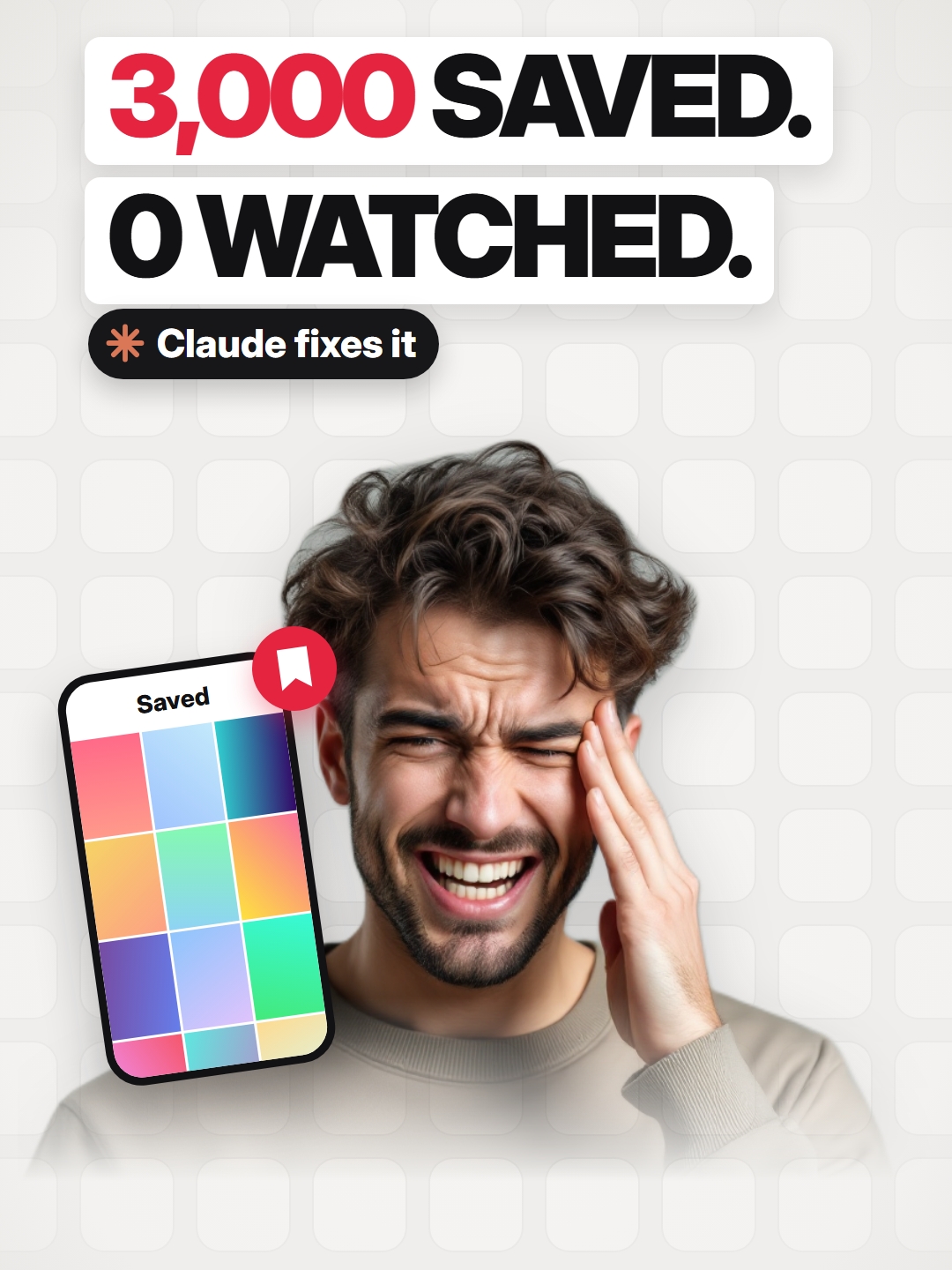
You'll never watch your saved reels 😅 (yes, you're about to save this one too)…
Search inside any video
SavedThat transcribes your saved videos and lets you search across all of them instantly. Save this video and find any moment.
TL;DR
Learn how to efficiently manage your saved Instagram reels using Recall and Claude to organize them by topics.
Chapters
- 0:00Introduction to Saved Reels01
- 0:10The Problem with Saving Reels02
- 0:20Using Recall for Organization03
- 0:30Sorting with Claude04
- 0:40Conclusion and Sharing Tips05
Transcript
You'll never watch your saved reels. Be honest. 300? 3,000? Here's the fix. Stop tapping save. Tap share and send it to recall. It's free. It writes down what the reel says, so later you search that pasta thing and there it is. Now the old pile. Download your saved list
from Instagram. Give it to Claude with one prompt and it sorts the mess into topics, picks 10 for tonight, and tells you what to let go. But that list is just links. So plug Recall into Claude. And now it searches inside the reels, too. Comment Anylancer, and I'll send it over. And share this with the friend sitting on 3,000 saves.
Are you the creator or rights holder of this video? Request removal of this transcript.
Related Transcripts
 0:34Instagram
Link in Bio for the guide‼️Watch pinned Comment ‼️ Comment “SAVED” and I’ll DM…
Anas Siddiqui
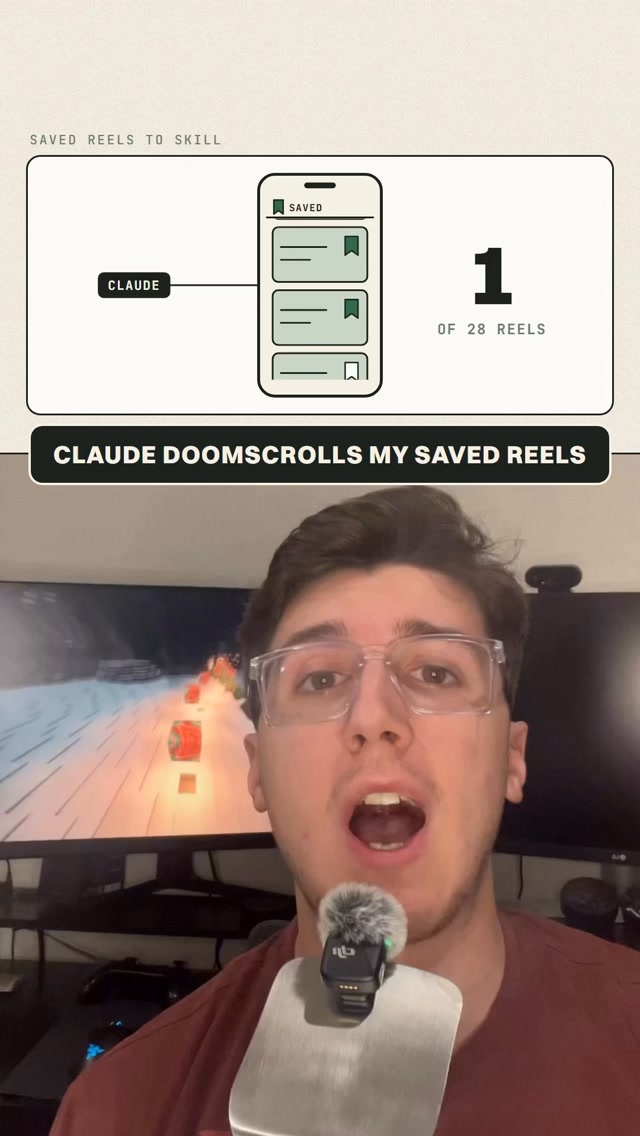 0:40Instagram
Comment “SKILL” for the prompt and Claude Code skill🚀 You have 400 saved reels…
Aidan Murphy
 0:48Instagram
Turn your Saved Reels & Guides into Claude skills📈✅ Comment “Saved” for the…
Max Johnson
 4:09Instagram
Be honest: how many videos have you saved and never found again?
SavedThat
 1:00Instagram
Let your AI doomscroll.
Stiles AI
 1:14Instagram
Let your AI doomscroll.
Stiles AI
Never lose a moment again
Save videos from YouTube, Instagram, and TikTok. Search everything that was said, and jump to the second.
Start Saving Videos - Free Trial