
Be honest: how many videos have you saved and never found again?
Search inside any video
SavedThat transcribes your saved videos and lets you search across all of them instantly. Save this video and find any moment.
TL;DR
In this video, Alex introduces Save That, a tool designed to help users easily find saved videos across platforms like Instagram and YouTube.
Chapters
- 0:00Introduction to Save That01
- 0:30Problems with Current Saved Folders02
- 1:00How Save That Works03
- 2:00Searching for Saved Videos04
- 3:00Using Visuals for Search05
- 3:30Connecting to AI Services06
- 4:00Conclusion and FAQs07
Transcript
Hey there, I'm Alex and I'm the founder of Save That. Let me grab just one minute of your time and I promise you will never use your Instagram or YouTube saved folders ever again. The problem with those is that you are unable to find the video you want there. Like no chance. Imagine you have 500 saved reels and you saved something a year ago and you want to get back to it.
You don't even have the search fields. They are ordered by date and there is absolutely no chance of you finding anything here The same is with YouTube. This search is global No chance you find anything valuable here And that's the main reason why I created saved that if we put it simple
This is just working saved folder for all your videos across YouTube shorts Instagram, TikTok, all of them. Yeah saving is pretty easy across all these platforms If you have the Google Chrome extension you just tap the save video button It automatically detects the link And if you come back here you see that it is transcribed
And also save that can pull up the data from what was shown in this video. Save that works just as well on your phones or table devices. So if you are not on your PC or laptop, you are on the way. you just use your phone with the ios or android app you don't even need to go out of doom scrolling
you save just by two steps but right now you can save it via chrome extension or on the side by clicking this button yeah let me already show you the main feature is the search for example i remember that i saved a video about the quick home workout without equipment yeah just paste in plain English what I remember this should not be the exact phrase that was said in the
video it pulls up the most relevant patch that was said this pulls up the video about the 20 minutes fat burning workout the exact same I was looking for you can also summarize the answer based on this video this is not the data from the internet
this answer is based only on this video and you can also fast to go to the exact moment something was said by just clicking the timing and here you have the original moment something was said or shown in the video you see it goes to exact timing. If you go to the video card you can also ask some questions about this exact video
like what does the warm-up sequence include. The answers also based on the same video. Let me show you another example. I want to find the video about how to sound more confident while you're speaking and the reason I'm showing you this is because this answer is based on the visual information. it was something shown on the screen, maybe the text on the screen, maybe like some
Keep reading - 5 more segments
Sign in free to read the full transcript, save this video, and search inside everything you save.
Sign in to continue readingPrefer the original? Watch the video
Are you the creator or rights holder of this video? Request removal of this transcript.
Related Transcripts
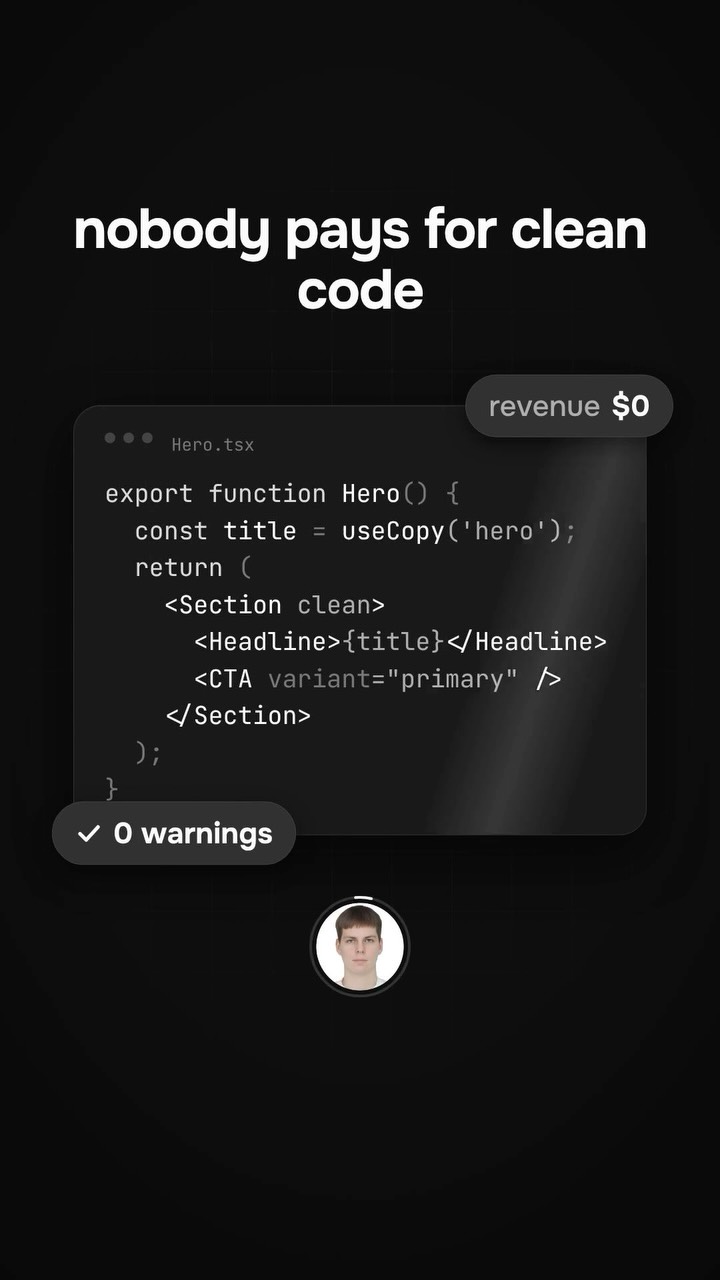 1:08Instagram
The problem is not in the style of a button, it is in distribution
SavedThat
 2:13YouTube
Save YouTube Videos to Watch Them Later
Hey Ivan!
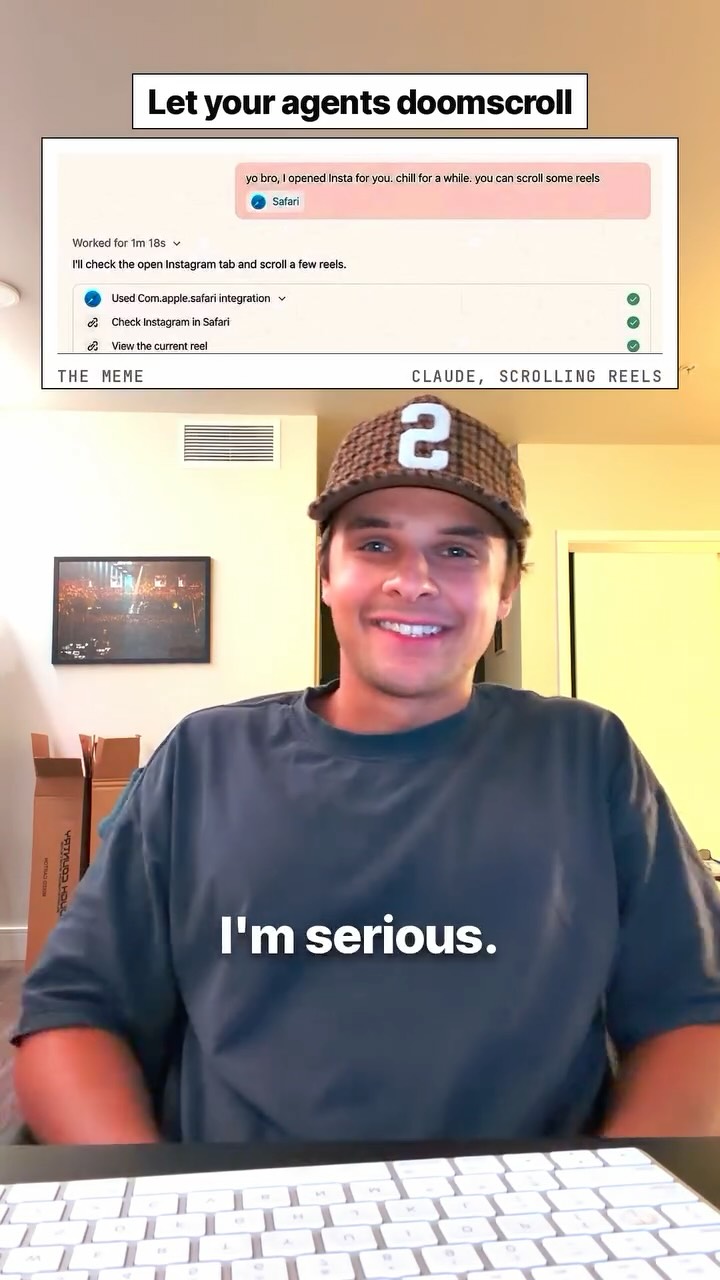 1:00Instagram
Let your AI doomscroll.
Stiles AI
 1:14Instagram
Let your AI doomscroll.
Stiles AI
 1:57Instagram
PROMPT: Read every post in my Instagram saved collection "[COLLECTION NAME]"…
Sophie Theodorou
 0:53Instagram
If you find this useful please like, save, and share to your business partner
Ayo O | App Developer
Never lose a moment again
Save videos from YouTube, Instagram, and TikTok. Search everything that was said, and jump to the second.
Start Saving Videos - Free Trial