Day 12/14 • can local AI replace Gemini?
Search inside any video
SavedThat transcribes your saved videos and lets you search across all of them instantly. Save this video and find any moment.
TL;DR
In this video, Bryan Lin explores Apple's new Attachment API, comparing its capabilities to Gemini models for image processing in app development.
Chapters
- 0:00Introduction to Attachment API01
- 0:10Testing AI capabilities02
- 0:20Experiments with bookshelf scanning app03
- 0:30Accuracy results compared to Gemini04
- 0:40Benefits of offline processing05
- 0:50Conclusion and next steps06
Transcript
Apple just introduced a brand new API that most developers still don't know about. It's called the Attachment API, and for the first time ever, it allows developers to access native, multimodal AI capabilities. This means developers can finally analyze text and images 100% on-device and fully offline. I just spent 8 hours fully pushing the capabilities of this model to the limit.
I was curious if it could replace my current image processing stack, which is a mix of Gemini models, since this new model is trained on Gemini. So I tried a lot of different experiments in my bookshelf scanning app. Quick pro tip, don't test in your simulator since it won't be accurate. Instead, I had Claude build an AI lab onto my phone to run the test and automatically send the results back to my laptop.
Unfortunately, I was never able to get it above 40% accuracy, which is way below my current 98%. But that doesn't mean it's bad. I tested simpler things like describing objects in an image, and it was super fast and accurate. But most importantly, 100% free and offline, whereas I'm spending up to 10 cents on every scan with Gemini, and I require a decent internet connection. So I can definitely see a lot of useful applications.
I'm Brian, and this is day 12 of building my first app in 14 days. Follow along for the next part where I finally submit to the App Store.
Follow along for the next part where I finally submit to the App Store.
Are you the creator or rights holder of this video? Request removal of this transcript.
Related Transcripts
 1:06Instagram
My full app launch checklist 👇 1.
Chris Raroque
 1:01Instagram
making my app look 73% less vibe coded brb 😂🫡
Daniel Namatinia | Building Apps with AI
 1:05Instagram
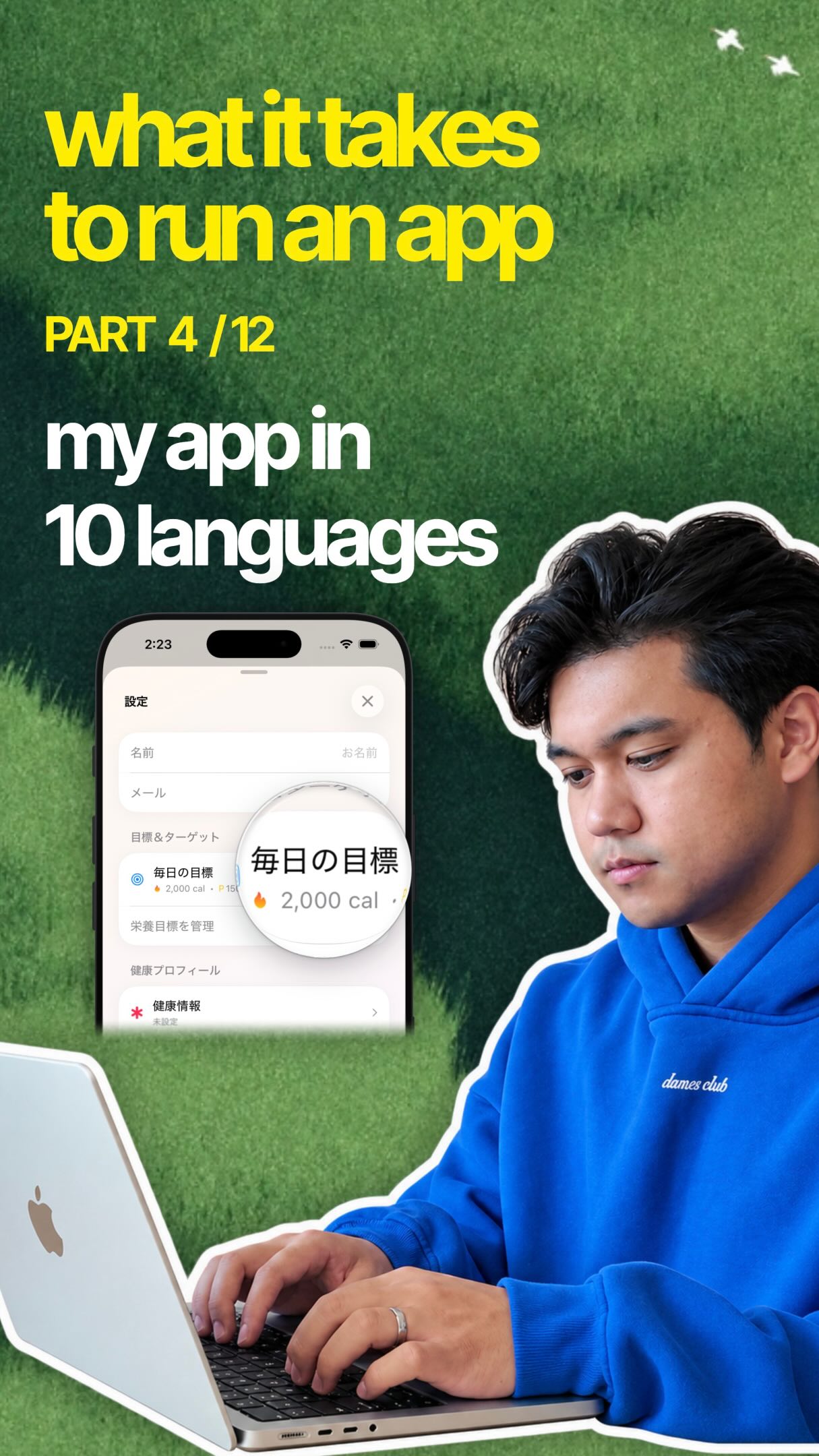
Part 4 of 12 ✶ Translating your app People are sleeping on translating their app.
Chris Raroque
 13:06YouTube
I Vibe Coded a Real App in 30 Minutes: Can It Hit $10K/Month?
Higgsfield AI
 0:45Instagram
AI can do screen replacements for you 🔥 Comment “AI” for my prompts GPT-6…
Rourke Sefton-Minns
 0:26Instagram
Comment "MANUS" to get this New OpenClaw Like AI Agent that runs locally on your machine.
Lex Fridman
Never lose a moment again
Save videos from YouTube, Instagram, and TikTok. Search everything that was said, and jump to the second.
Start Saving Videos - Free Trial