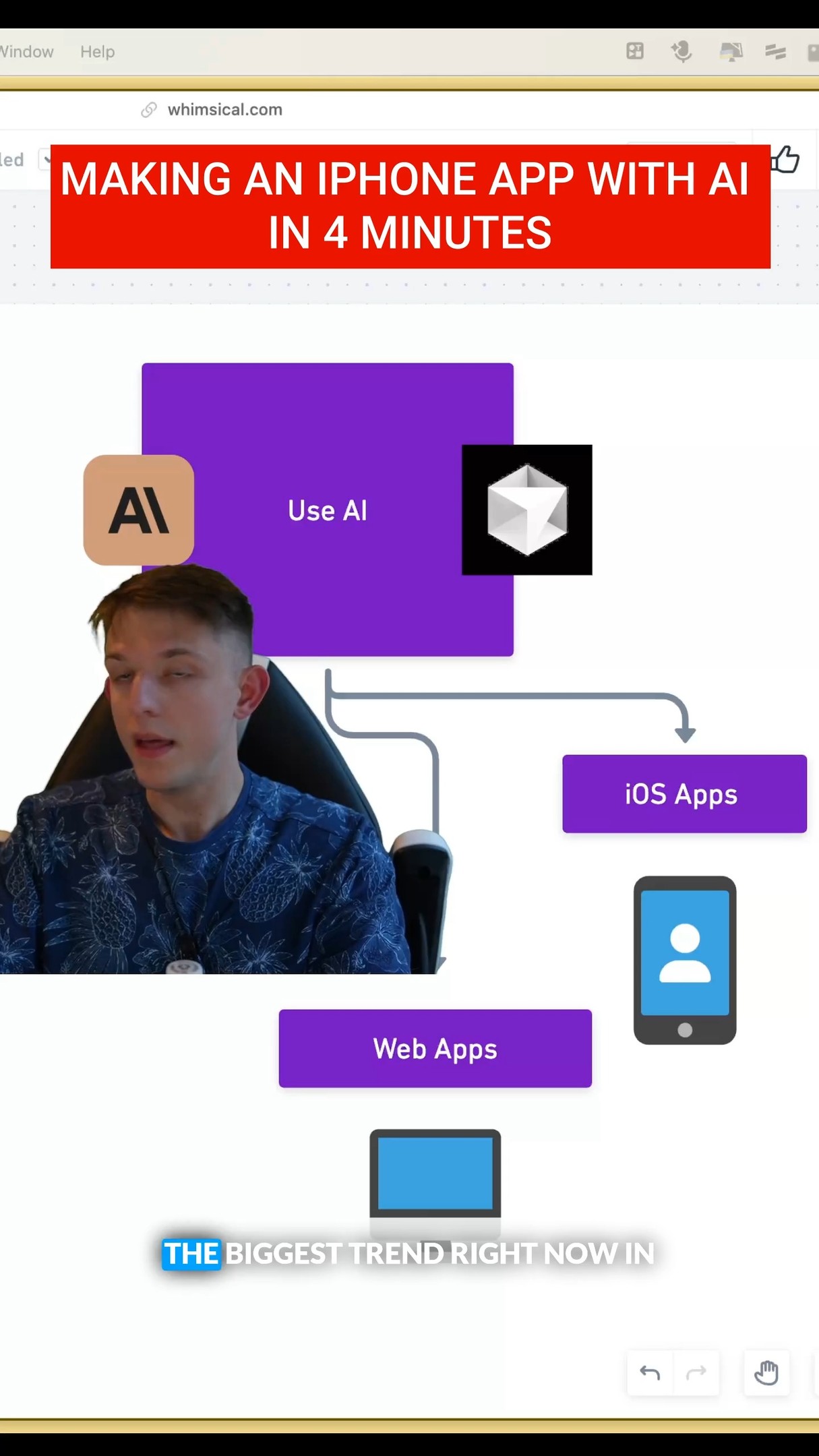
Using AI tools like Xcode and Cursor, you can now create full iOS apps efficiently.
Search inside any video
SavedThat transcribes your saved videos and lets you search across all of them instantly. Save this video and find any moment.
TL;DR
Learn how to efficiently create iOS apps using AI tools like Xcode and Cursor, from setup to coding and testing your app.
Chapters
- 0:00Introduction to AI in App Development01
- 0:10Downloading Xcode02
- 0:20Setting Up Your Project03
- 0:30Using Cursor for Coding04
- 0:50Testing Your App on Simulator05
- 1:10Customizing App Appearance06
- 1:20Joining the Software Composers Community07
Transcript
The biggest trend right now in tech is using AI to create full-on iOS apps and full-on web apps. In this video, I am going to go over how to use AI and the best tools in the AI space to create an iOS iPhone app. So the first thing that you need to do is you need to download an app called Xcode. It is free. Then you're going to press app. And then once this pops up, we're just going to type app 2. We're going to select a folder. The next app that we're going to open that you need to download,
this is by far the most popular and best tool in all of AI coding right now. We can open a folder and then we go to that same exact location, which is Riley Brown iOS updates. We're going to press app 2 and we're going to press open. Okay, within cursor, we're going to type out our idea at code base after. So now it's coding a bunch of different files We can open up the file. So now it's working on the second file now It's working on the third file now that's done. We're gonna press save
We're gonna go to the top and we're gonna hit file add files to app 2 and then we should see all the files that cursor just created And we're just gonna add them You're gonna go up to this top part right here and you're gonna select the iphone 15 pro and then you're gonna hit play This is a phone simulator. So it's simulating an iphone. There you go. Here is our app
So we can add a title So this is a title here. We can add a status, which is script due date. Let's say this is due Thursday. Let's say I don't really like the colors of this. Let's go back to cursor. Can you make the colors of this app way cooler?
We're just going to run this. And there you go. Now all this text looks a lot better. We can mark this for the set date random and we can press save and we can see here that it looks a lot better. If you get stuck at any point, just come to the software composers community. I just started it. It's free and just put your questions in questions. I'm stuck and we will answer them for you. It's going to be awesome.
Are you the creator or rights holder of this video? Request removal of this transcript.
Related Transcripts
 1:06Instagram
IOS app approval mistakes and speedrun #app #tech #startup #coding
Remon
 1:01Instagram
making my app look 73% less vibe coded brb 😂🫡
Daniel Namatinia | Building Apps with AI
 1:19Instagram
Comment "NATIVE" to get the native app doc: every test, the rules to give…
Adi
 2:47Instagram
Don’t use a desktop/computer?
Chinye | AI Strategist | Founder | Author
 0:52Instagram
In this mini series I’m doing, I’ll be going over some useful tips on how to…
Gus | Building A Meal Plan App
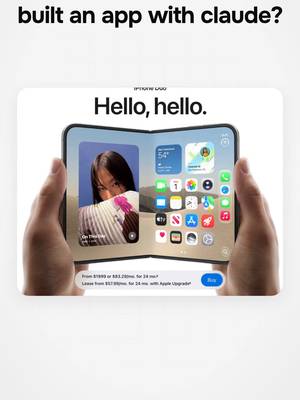 0:56TikTok
iPhone Duo went on sale yesterday, and the people who just paid $1,999 for a phone are exactly the people who pay for apps. Someone turned Apple's developer talks into 9 free skills for Claude, so I went through all of them for you. Only three fixes really matter: rebuild on the new SDK, ask how much space you have instead of "phone or iPad", and stop doubling the left margin, because the camera sits on one side now. Comment "DUO" and I'll send you the skills. #claudeai #vibecoding #iosdev #buildinpublic #indiehackers
continuous_lex
Never lose a moment again
Save videos from YouTube, Instagram, and TikTok. Search everything that was said, and jump to the second.
Start Saving Videos - Free Trial