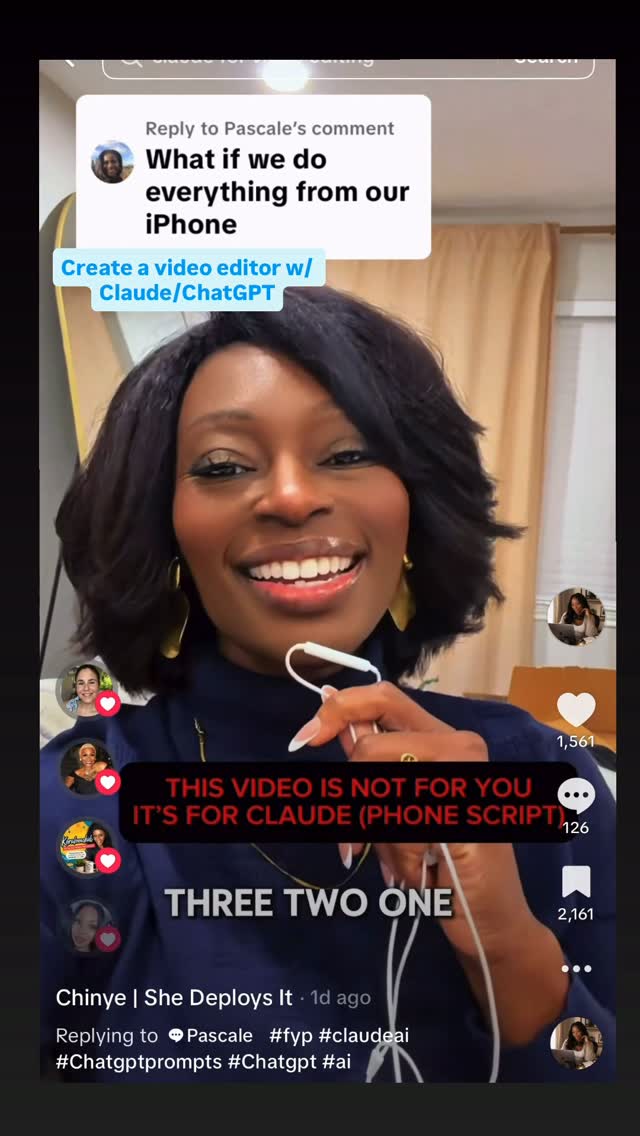
Don’t use a desktop/computer?
Search inside any video
SavedThat transcribes your saved videos and lets you search across all of them instantly. Save this video and find any moment.
TL;DR
Learn how to edit videos using just a phone, with rules for effective editing and tips for working with video editing apps.
Chapters
- 0:00Introduction to Phone Video Editing01
- 0:15Three Essential Questions02
- 0:30Editing Workspace Setup03
- 0:45Maintaining Original Files04
- 1:00Using Transcriptions for Retakes05
- 1:15Brand Consistency in Edits06
- 1:30Exporting for Social Media07
- 2:00Final Steps and Testing08
Transcript
Hold this phone up to your Claude. Ready. Three, two, one. Hi, Claude. My name is Shinye, and I'm helping the person you work with set you up as their video editor. They only have a phone, so everything happens right here in this app.
Please listen to all this before you do anything. Save these rules as a skill called phone video editor. If you can't save a skill, write the rules as a short note they can paste at the start of any new chat.
Here are the rules. One, before every edit, ask three questions. Where is this video going? Instagram, TikTok, or YouTube? What should the viewer do at the end? And do they want captions and graphics or a clean cut? Two, use your own workspace to edit.
check for the tools that you need like FFmpeg, and install anything missing without making them do anything technical. Three, never change their original. Always send back a new file with a new name. Four, to find retakes, try using Whisper to transcribe the video. If it can't work, ask them
to paste the auto captions from Instagram TikTok or CapCut and use those instead Keep only the take of each sentence and cut pauses longer than half a second Five make it look like them Ask for their two brand colors and a font one time. Save them so you never have to ask again. Six, export vertical 9 by 16 for
Reels and TikTok at the highest quality the file allows. Seven, if a video is too big to upload, explain simply how to trim it or split it in their phone first. Short clips work best. Eight, be honest. If the video is too dark or the audio is too rough, tell them and say whether reshooting
would look better. Nine, when you finish, send the video back so they can download it and remind them to watch it once before posting. Remember, they are the director. Now test it. Make a short seven-second test clip with captions in their brand style so they can see that it works.
Last thing, when you are done, tell them in three short sentences what you can edit for them now and suggest one video to try first. Thank you, Claude. Go ahead and get to work. That's it.
Your phone is now in editing studio. If you have a computer, you can go and watch episode one for the full version.
Are you the creator or rights holder of this video? Request removal of this transcript.
Related Transcripts
 3:54Instagram
(YES, this also works for ChatGPT) Point your phone at your Claude and let it…
Chinye | AI Strategist | Founder | Author
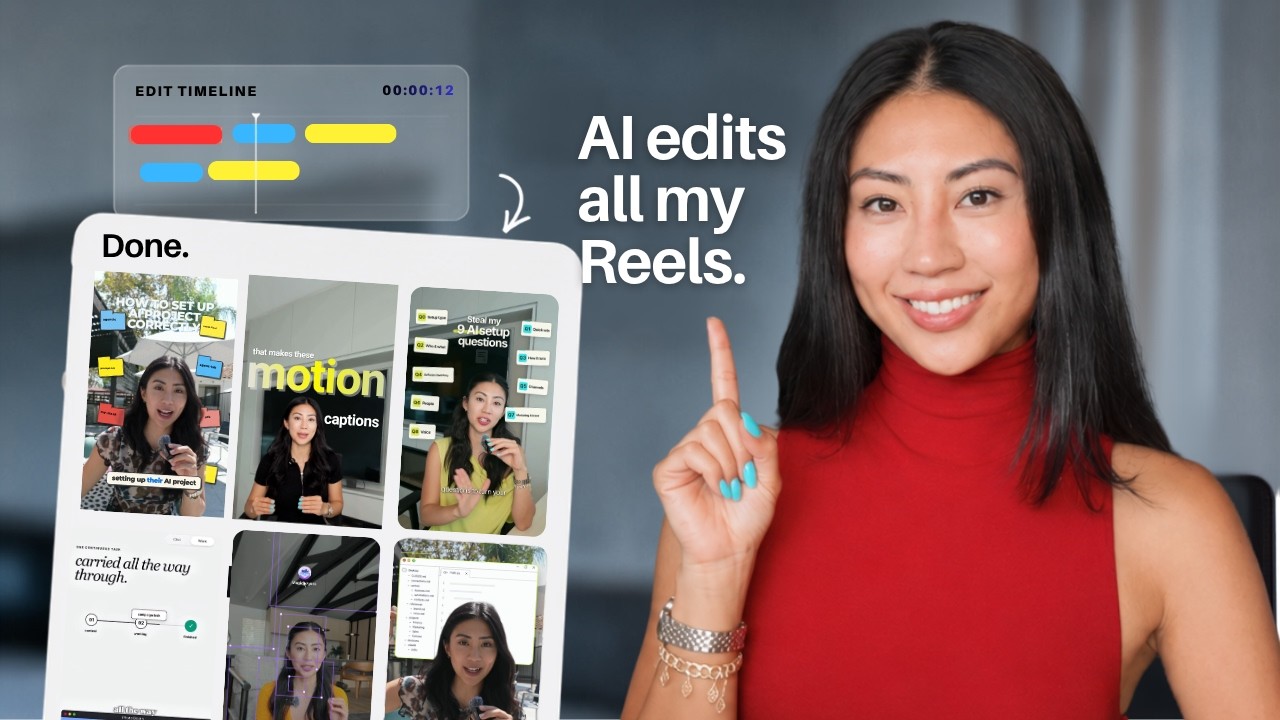 14:11YouTube
How I use AI to edit all my Short-form Videos (Hyperframes Setup & Prompts)
Softgirlnocode
 0:55Instagram
Drop “EDIT” below and I’ll send you my full walk through video on how I edit my videos with AI.
Justyn Berkovits | AI for Solo Founders & Entrepreneurs
 0:32Instagram
Comment CHITCHAT and I’ll send you the link 👇 Stop building text message bubbles by hand.
Filmit.io
 1:04Instagram
comment "edit" and i’ll send the breakdown over👇 Day 4 of letting claude code…
Johannes Forseth | AI Systems
 1:05Instagram
You only need 5 edits, don’t overcomplicate it.
Michael Quoc Ly
Never lose a moment again
Save videos from YouTube, Instagram, and TikTok. Search everything that was said, and jump to the second.
Start Saving Videos - Free Trial