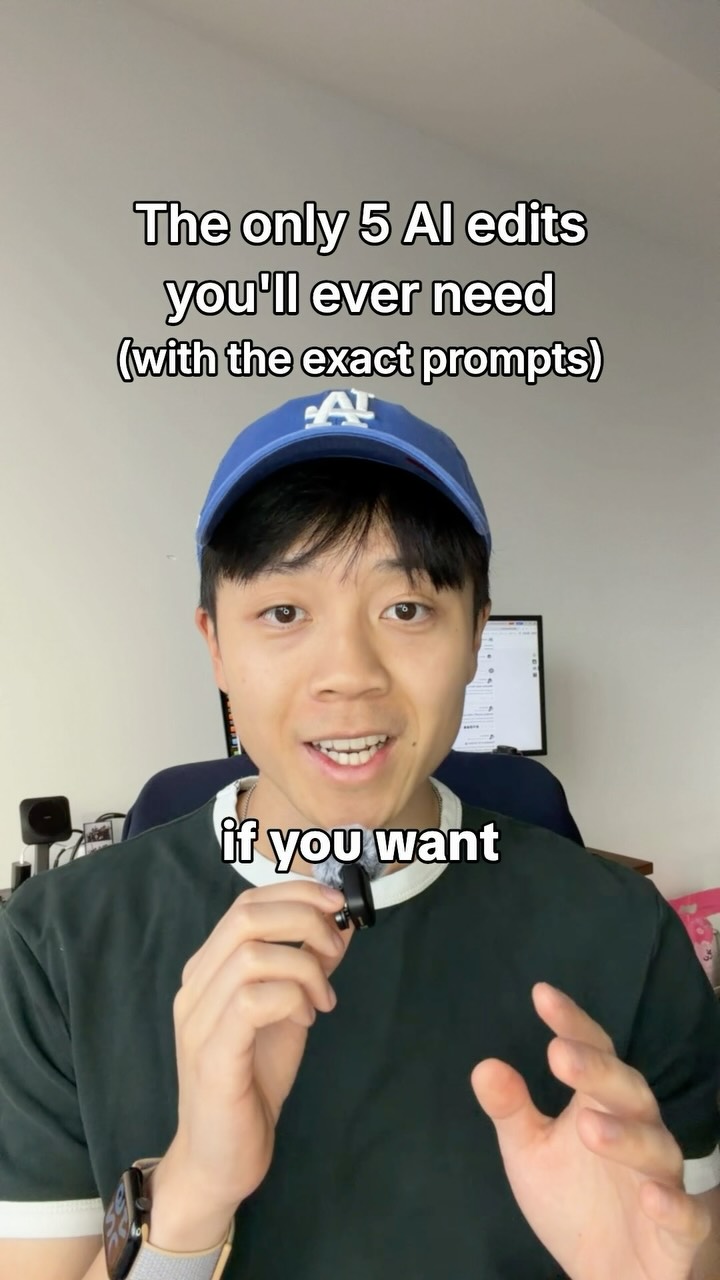
You only need 5 edits, don’t overcomplicate it.
Search inside any video
SavedThat transcribes your saved videos and lets you search across all of them instantly. Save this video and find any moment.
TL;DR
Learn five essential edits for AI video editing to enhance your content without making it look overly artificial. Use specific prompts for optimal results.
Chapters
- 0:00Introduction to AI Video Editing01
- 0:05Cutting Dead Space02
- 0:15Adding Captions03
- 0:25Incorporating Screen Recordings04
- 0:35Using Video Formats05
- 0:50Motion Animation Tips06
- 1:00Conclusion and Setup Guide07
Transcript
If you want AI to edit your videos but you don't want it to look like AI slob, here are the only 5 edits you will ever need with the exact prompts. Prop number 1, tell Claw to cut out any dead space longer than 0.1 seconds but make it simple cuts, no fancy clip transitions. Prop number 2, tell Claw to add in captions but never use italic serifs. Instead, use classic TikTok style captions like this, also known as TikTok Sans.
Prop number 3, tell Claw to add in real screen recordings and images but don't animate them in like this. Instead, just put them in like this. Prop number 4, tell Claw to only ever use these type of formats, full screen talking head, full screen motion animation, split screen, and green screen.
Avoid using animations like this carousel one because it screams AI made. And prompt number 5, if you're going to use motion animation, tell Claw to stick to one style and avoid the kinetic movement it always defaults to. I personally use a skill called anatomy which builds complex structures like this that make
great assets for educational videos. And that's all the edits you will ever need. I've been using these exact five to make videos like this, this, and this. So if you want my full setup guide on how to make your own AI video editor, comment motion and I'll send it over.
Are you the creator or rights holder of this video? Request removal of this transcript.
Related Transcripts
 1:11Instagram
Comment “MOTION” and I’ll send you my ai video editor skill that avoids ai slop edits.
Michael Quoc Ly
 0:55Instagram
Drop “EDIT” below and I’ll send you my full walk through video on how I edit my videos with AI.
Justyn Berkovits | AI for Solo Founders & Entrepreneurs
 1:00Instagram
Ai video editing is genuinely very impressive.
Angus the Nontechnical
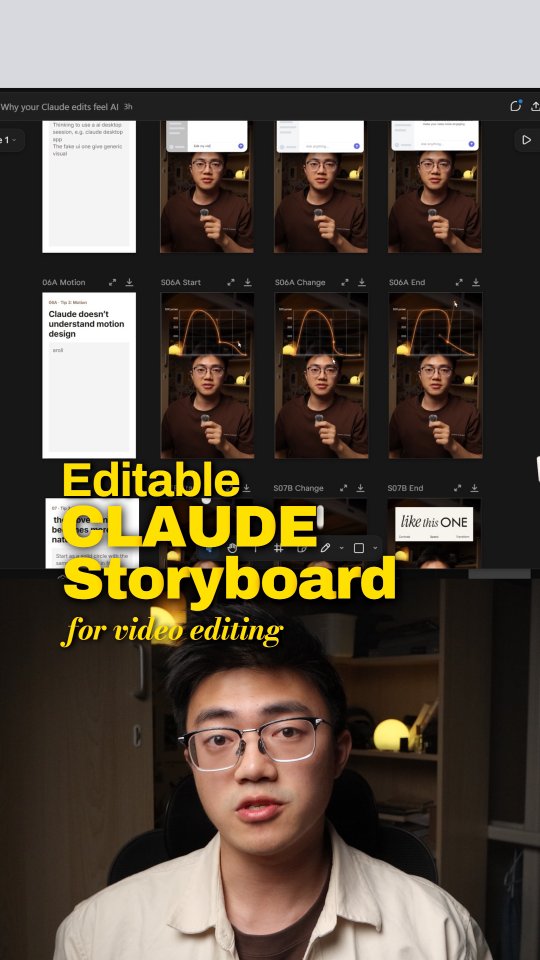 1:12Instagram
While I was making this video and building my little editors with Claude,…
Ian Tang
 0:53Instagram
comment “shorts” for the tool i use to make 1000 versions of 1 video
Jack Neel
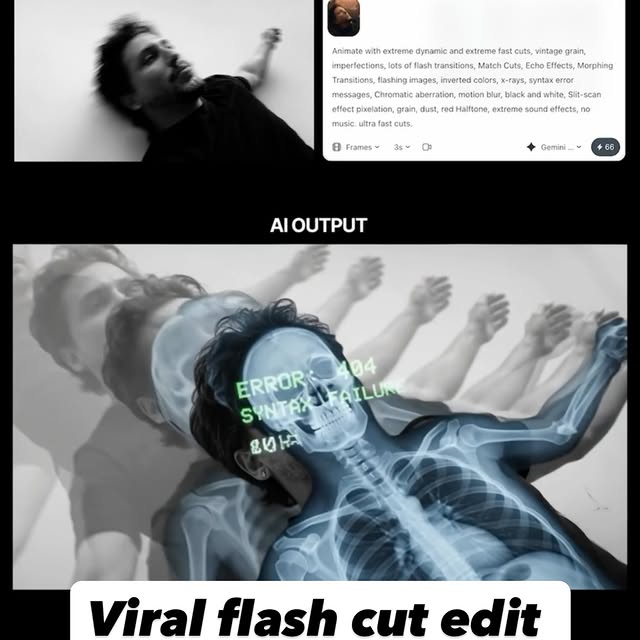 0:42Instagram
Comment AI for the link & guide to recreate these viral flash-cut edits,…
Jo Mendes
Never lose a moment again
Save videos from YouTube, Instagram, and TikTok. Search everything that was said, and jump to the second.
Start Saving Videos - Free Trial