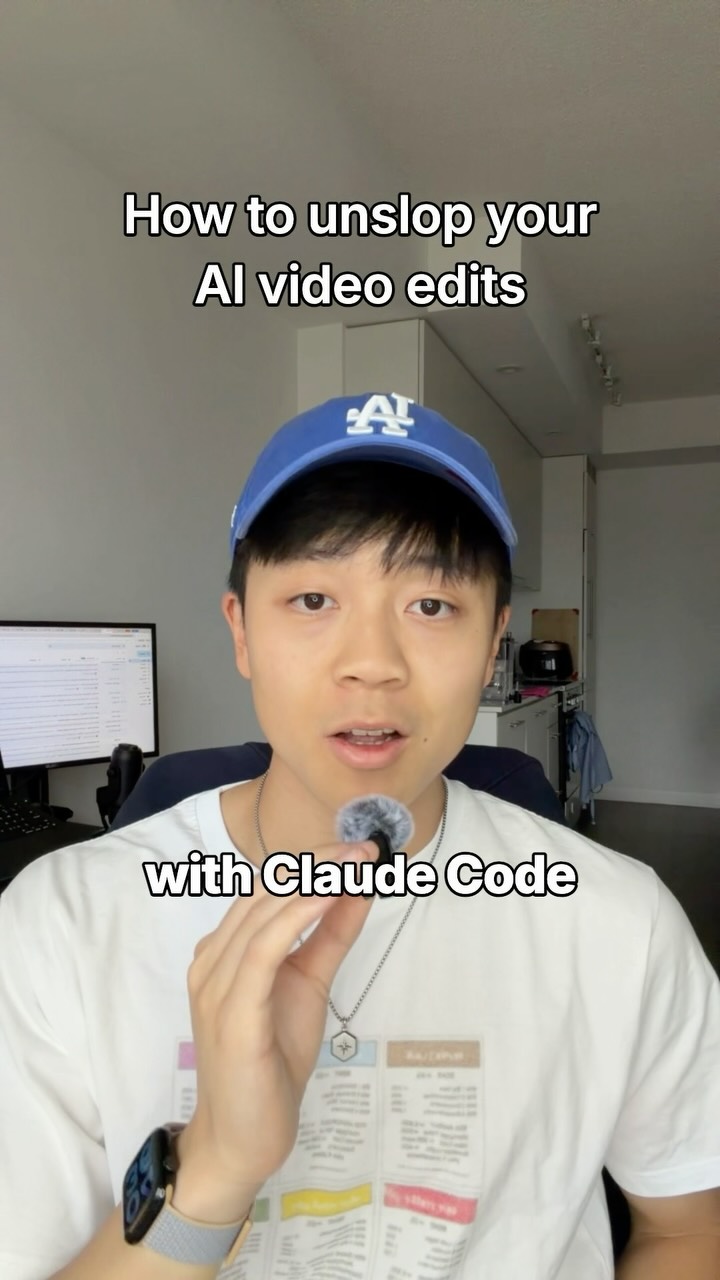
Comment “MOTION” and I’ll send you my ai video editor skill that avoids ai slop edits.
Search inside any video
SavedThat transcribes your saved videos and lets you search across all of them instantly. Save this video and find any moment.
TL;DR
Learn five essential tips for using AI video editing tools effectively, avoiding common mistakes that lead to poor quality edits.
Chapters
- 0:00Introduction to AI Editing Tips01
- 0:10Using TikTok Style Captions02
- 0:20Selecting Screen Recordings and Images03
- 0:30Image Formatting Guidelines04
- 0:40Cutting Dead Space in Edits05
- 0:50Creating Motion Animations06
- 1:00Conclusion and Call to Action07
Transcript
Everyone is editing their videos with Claude code, but most of it looks like AI slops, so if you want to avoid that, here are the five things I tell my Claude to do. First, I tell my Claude to use TikTok style captions, never italic serifs, and for my on-screen hooks like this, I either use no background, a white background, or a black background. Then, I tell Claude to use real
screen recordings and images I find on the web, but never have Claude automate and scrape them, that's how you get your account banned. Instead, take the pictures yourself, download them, and then put them into a reference folder for Claude to use. I also never tell Claude to animate my images. For some reason, Claude loves to overlay images like this. Instead, put them in vertically straight,
no round corners, and no white outlines. And for number 4, I tell Claude to cut out any dead space longer than 0.1 seconds. However, they're just plain cuts. I never bother with clip transitions because they don't matter. Lastly, I tell Claude to make motion animations occasionally. However,
I tell it to avoid the kinetic style it's known for. Instead, I downloaded a skill called anatomy which has to build structures and objects like this, which make great assets for educational videos. And that's it. You don't need a hundred different editing styles or crazy fonts because
they don't affect the performance of a video. The idea does. And if you want my anti-slop AI editing skill, comment the word motion and I'll send it to you.
editing skill, comment the word motion and I'll send it to you.
Are you the creator or rights holder of this video? Request removal of this transcript.
Related Transcripts
 0:42Instagram
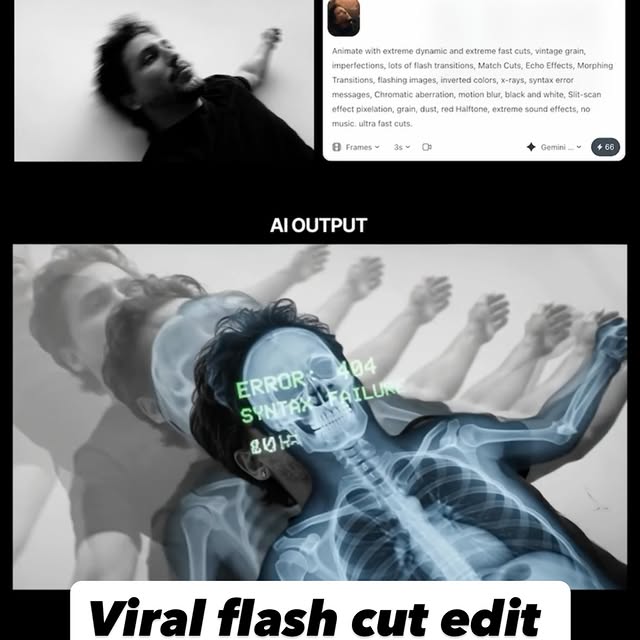
Comment AI for the link & guide to recreate these viral flash-cut edits,…
Jo Mendes
 0:41Instagram
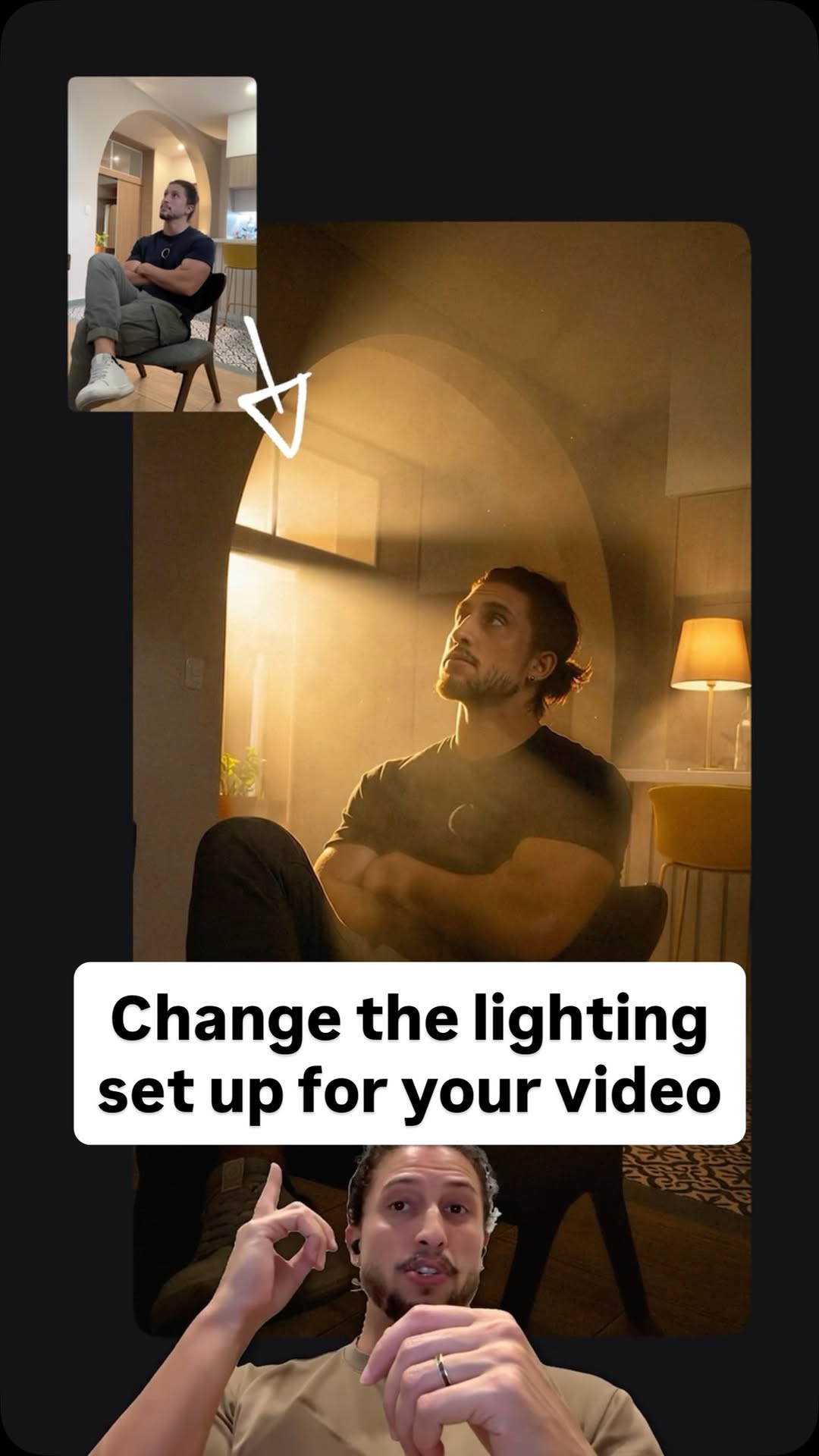
Comment Ai for the link.
Jo Mendes
 0:55Instagram
Drop “EDIT” below and I’ll send you my full walk through video on how I edit my videos with AI.
Justyn Berkovits | AI for Solo Founders & Entrepreneurs
 28:15YouTube
Claude Video Editing Just Became Unrecognizable
Nate Herk | AI Automation
 1:04Instagram
comment "edit" and i’ll send the breakdown over👇 Day 4 of letting claude code…
Johannes Forseth | AI Systems
 14:11YouTube
How I use AI to edit all my Short-form Videos (Hyperframes Setup & Prompts)
Softgirlnocode
Never lose a moment again
Save videos from YouTube, Instagram, and TikTok. Search everything that was said, and jump to the second.
Start Saving Videos - Free Trial