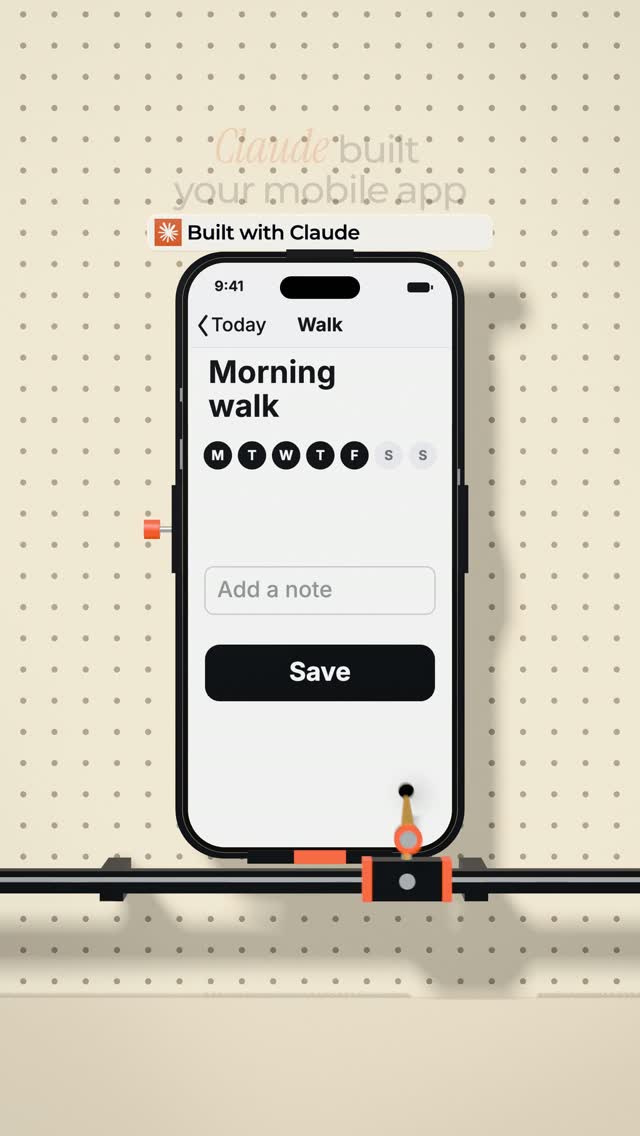
Comment "NATIVE" to get the native app doc: every test, the rules to give…
Search inside any video
SavedThat transcribes your saved videos and lets you search across all of them instantly. Save this video and find any moment.
TL;DR
Learn how to ensure your mobile app feels native by following user expectations and avoiding common pitfalls that lead to rejection by app stores.
Chapters
- 0:00Introduction to Native App Design01
- 0:10Understanding User Expectations02
- 0:30Common Mistakes in App Development03
- 0:50Best Practices for Navigation04
- 1:05Testing Your App with Real Users05
- 1:15Conclusion and Call to Action06
Transcript
Claude built your mobile app like a website, and one swipe proves it. Open your app, go to any screen, and drag back from the left edge. Slowly, halfway. Now change your mind. Does it follow your finger, or does it just snap? If you wrap the website, nothing even happens. Tap a text box, the screen zooms. And Apple's rules say your app has to be more than a repackaged website, so this can get you rejected.
But if you built it in Expo, you think you're fine. You're not. Tap the tab you're already on. Does it jump to the top? Pull a sheet halfway and let go. Scroll a long list fast. Does it stutter? Press a button and hold. Does anything happen before you let go? And here's why. My read is that most of what Claude and every other AI learned from is web code.
So it builds web habits into your app. Custom headers, custom tabs, instead of what the phone gives you for free. And your users have spent years in Instagram. Their thumb has expectations they can't explain. So they'll never tell you what's wrong. They'll just say, it feels off. So tell Claude this.
Use the system's navigation. Native stack, native tabs, native sheets. Nothing custom unless I ask. Every button reacts when a finger lands, not when it lifts. Anything you drag follows your finger. Buttons at least 44 points. And haptics only when something happens.
Then, tonight, give your phone to a friend. Give them one task, say nothing, and film their thumb. Every time it stops, that's your list. Comment native and I'll send you the doc with every test and the rules to give Claude.
Are you the creator or rights holder of this video? Request removal of this transcript.
Related Transcripts
 0:23Instagram
How to get your app accepted by the App Store
Daniel Margusov
 1:05Instagram
PART 9/12 ✶ How I design PREMIUM feeling apps...
Chris Raroque
 0:51Instagram
Apple released a playbook on how to stand out on the App Store
Alex & Max
 0:31Instagram
👇🏼Comment « VIDEO » and I’ll send you all the tool links.
Adrien Ninet
 0:48Instagram
Comment “app” and I’ll send you the app 💯
createdbyaris
 1:06Instagram
IOS app approval mistakes and speedrun #app #tech #startup #coding
Remon
Never lose a moment again
Save videos from YouTube, Instagram, and TikTok. Search everything that was said, and jump to the second.
Start Saving Videos - Free Trial