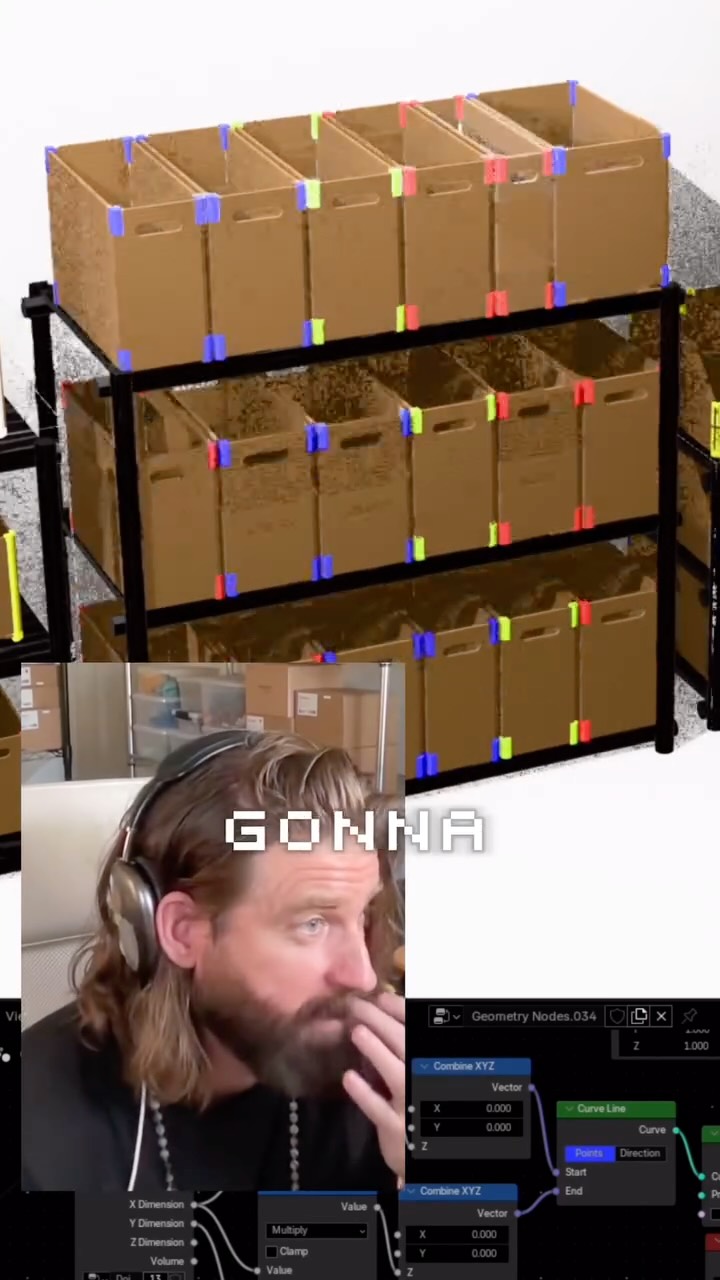
If you want to get more down, dirty and also nerdy on Project Rebox, I’m…
Search inside any video
SavedThat transcribes your saved videos and lets you search across all of them instantly. Save this video and find any moment.
TL;DR
In this video, Joe Bowers discusses Project Reeboks, a utility for creating custom 3D storage containers using Blender's Geometry Nodes and cardboard materials.
Chapters
- 0:00Introduction to Project Reeboks01
- 0:15Workspace Chaos and Storage Solutions02
- 0:30Using Geometry Nodes in Blender03
- 0:45Benefits of Cardboard Storage Bins04
- 1:00Iterative Design Process05
- 1:15Real-time Modifications and Efficiency06
- 1:30Conclusion and Future Work07
Transcript
Alright, well this is gonna solve all my problems and also heal me. Since I've now reeled in a bit of my workspace chaos with some small bin storage, now I need some bigger bins. So I've made this. And what you're looking at is something I'm calling Project Reeboks. And it's a utility that I've built with Geometry Nodes inside Blender using my weird, unique procedural modeling methods
that automatically generates custom 3D models of storage containers and bins with only small 3D printed parts used as corner brackets for strength and durability. And the rest is cardboard. Use cardboard source from Amazon boxes that are then laser cut to make the wall panels and the floor. And there's a lot of good things about these,
but the main thing is that you can make these bins in a fraction of the time and barely any material cost compared to say 3D printing the whole thing or even other manufacturing methods. And being procedurally modeled like this in this program makes it super flexible
and easy for me to customize and develop compatibilities with other organization systems like Gridfinity or Multibin. And it also just makes it really intuitive for me to work through this design as an ecosystem rather than just getting this tunnel vision and working on a specific part or assembly
like you would with other CAD programs. But this is a work in progress and there's a lot more to do still. But thankfully, I have my workflow set up so that I can quickly iterate to get to a product that I would feel confident about releasing publicly. I checked this out. As you can see, as I make my modifications
to the box up here, it's generating in real time for me my cut lines and my 3D printed parts. It's even packing and laying out those parts for me on the build plate. This saves me so much time and lets me focus on the objectives of the project.
Are you the creator or rights holder of this video? Request removal of this transcript.
Related Transcripts
 2:26Instagram
Just sharing the tools with ya.
Austerity Project
 0:44Instagram
Today I’m scanning and carving the next two tool box drawers into kaizen foam…
Steve Moseley
 2:34Instagram
Here’s a 3D print tutorial to show you how to create custom gridfinity bins for your drawer.
Suburban Dad
 0:32Instagram
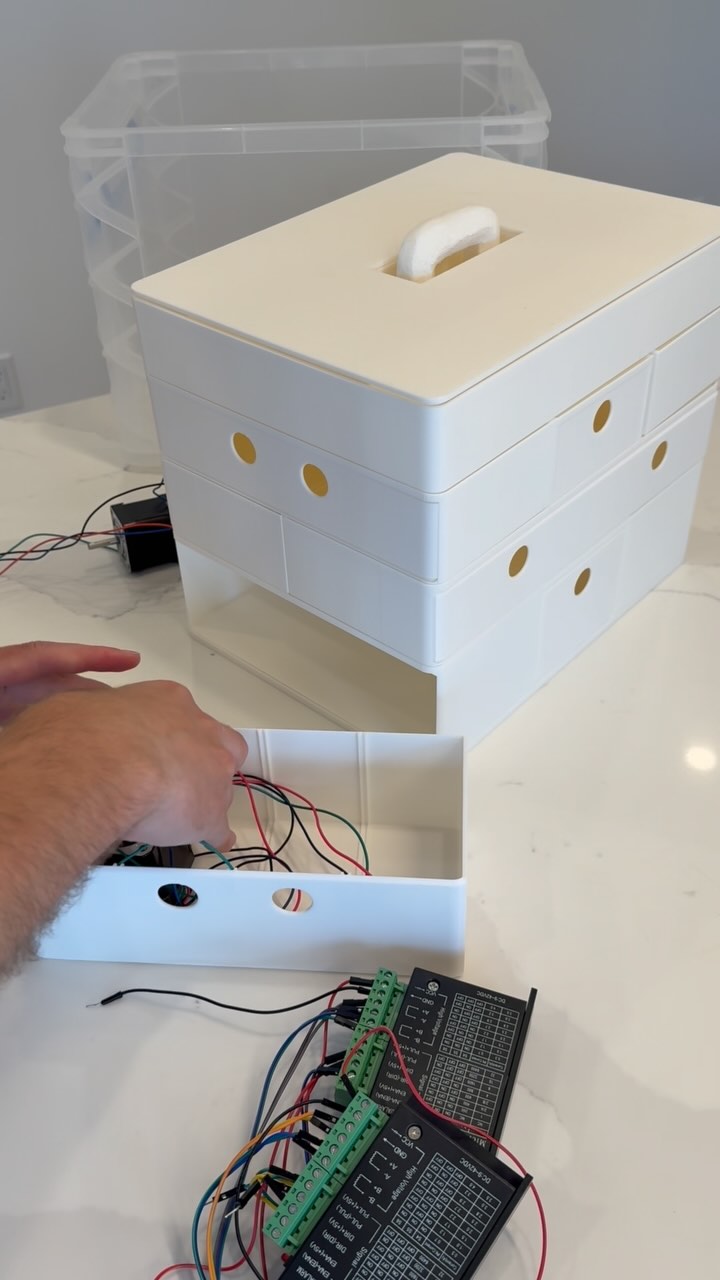
3D Printing Everyday for 365 Days #stem #3dprinting #3dprint #ideas #useful
_charlie_designs
 1:16Instagram
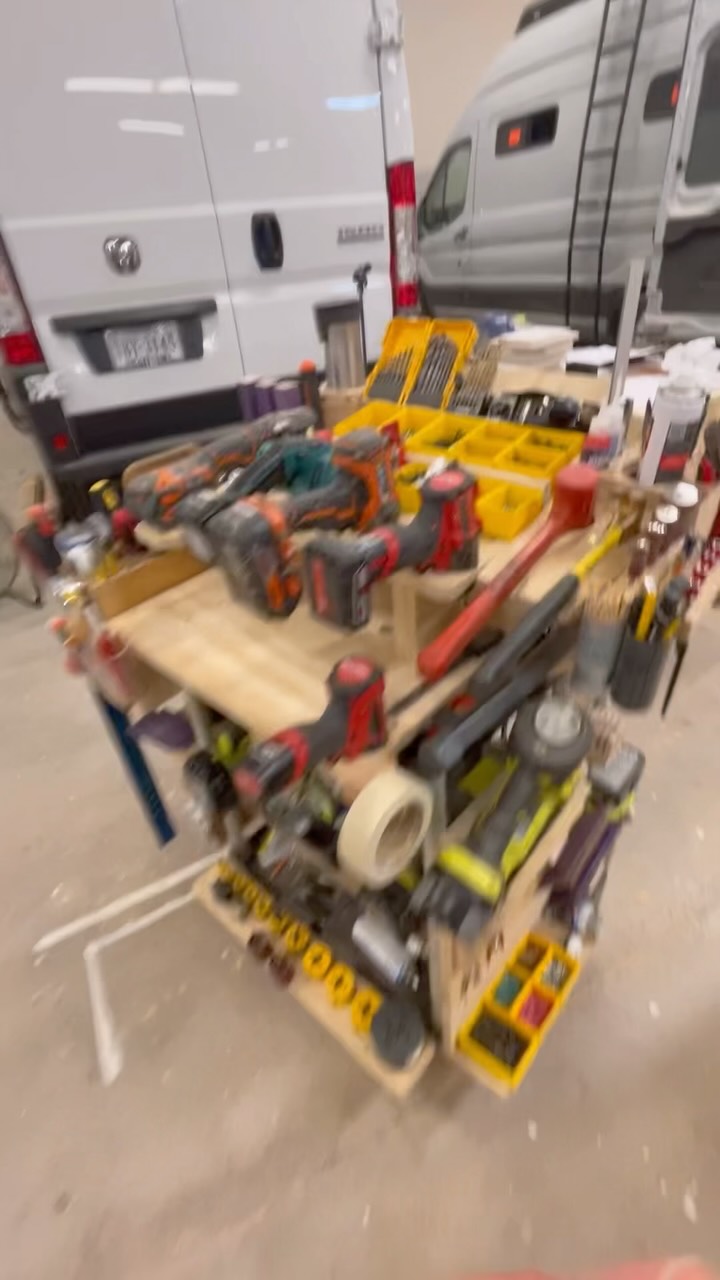
How to store your tools.
Brian Carlson
 1:16Instagram
Listen… don’t call it OCD 😂 I just think everything deserves assigned seating…
Caimar Salizi
Never lose a moment again
Save videos from YouTube, Instagram, and TikTok. Search everything that was said, and jump to the second.
Start Saving Videos - Free Trial