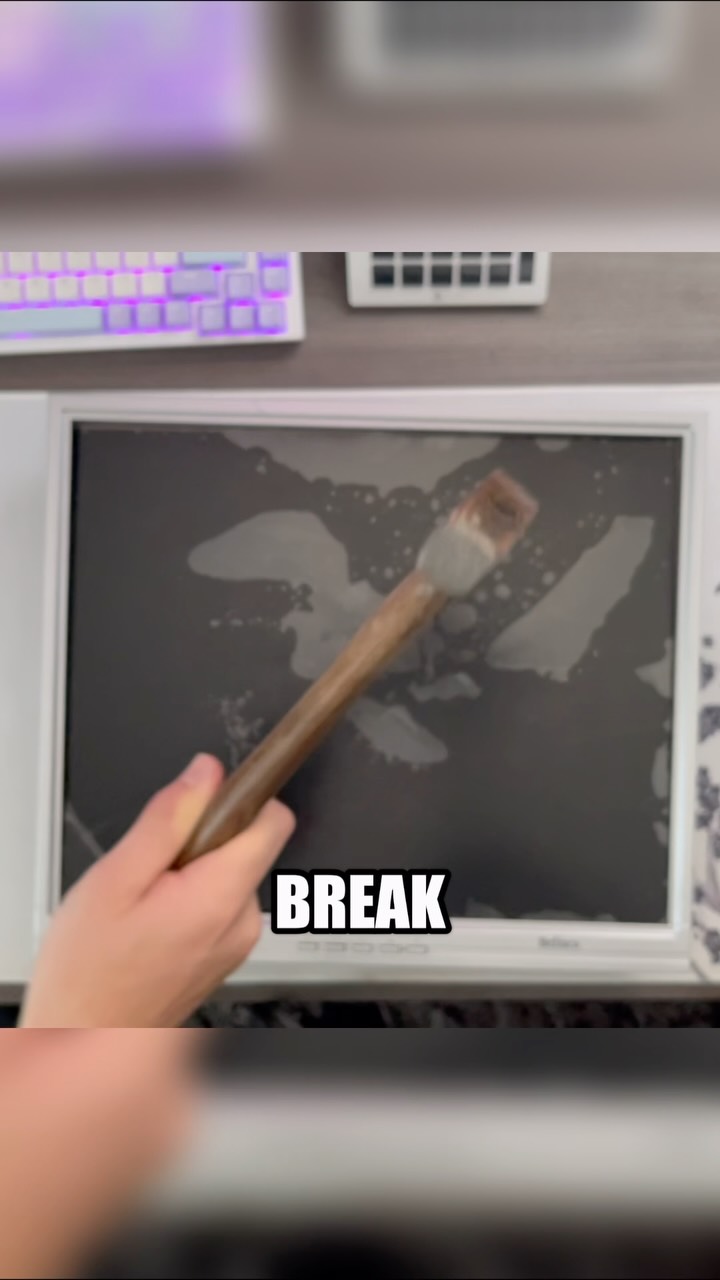
I Build a Transparent Screen Into My PC Case
Search inside any video
SavedThat transcribes your saved videos and lets you search across all of them instantly. Save this video and find any moment.
TL;DR
Learn how to repurpose an old monitor's display panel into a transparent screen for your PC case, complete with LED lighting and functionality.
Chapters
- 0:00Introduction to Transparent Screens01
- 0:10Breaking Down the Old Monitor02
- 0:20Mounting the Display Panel03
- 0:30Connecting to Your PC04
- 0:35Final Thoughts and Kit Information05
Transcript
This is why you should always break your old monitor. You see, these old monitors have something very valuable inside that not many people know about. Because if you disconnect all the cables, remove the back panel, and take out the screen, you get the display panel itself. And the crazy part is, it's completely transparent. But that's not even the best part. If you take the panel, mount it in your case, install LEDs,
and connect the display's controller board to your PC, it works just like any other monitor. So now you have a transparent screen inside your case that you can use for YouTube, YouTube, music, stats, and to display unique wallpapers. But doing this wrong? It can get really messy, and you might damage stuff.
So I put together a complete kit with everything you need. The link is in my bio.
Are you the creator or rights holder of this video? Request removal of this transcript.
Related Transcripts
 0:51Instagram
Your monitor's VESA plate can do more than hold up a monitor.
Naaackers
 0:55Instagram
This is the UI Tracking Effect!
Declann Drostan Tan | Content Creator
 1:12Instagram
building jarvis in your pocket This is exactly how I did it, no gatekeeping.
Spencer Ryan
 1:05Instagram
PART 9/12 ✶ How I design PREMIUM feeling apps...
Chris Raroque
 1:05Instagram
Comment “pulse” and I’ll send you a guide on how to build your it yourself for…
Hari | AI, Tech & STEM
 1:00Instagram
Встроенная защита от камер!
Магазин Все Штуки
Never lose a moment again
Save videos from YouTube, Instagram, and TikTok. Search everything that was said, and jump to the second.
Start Saving Videos - Free Trial