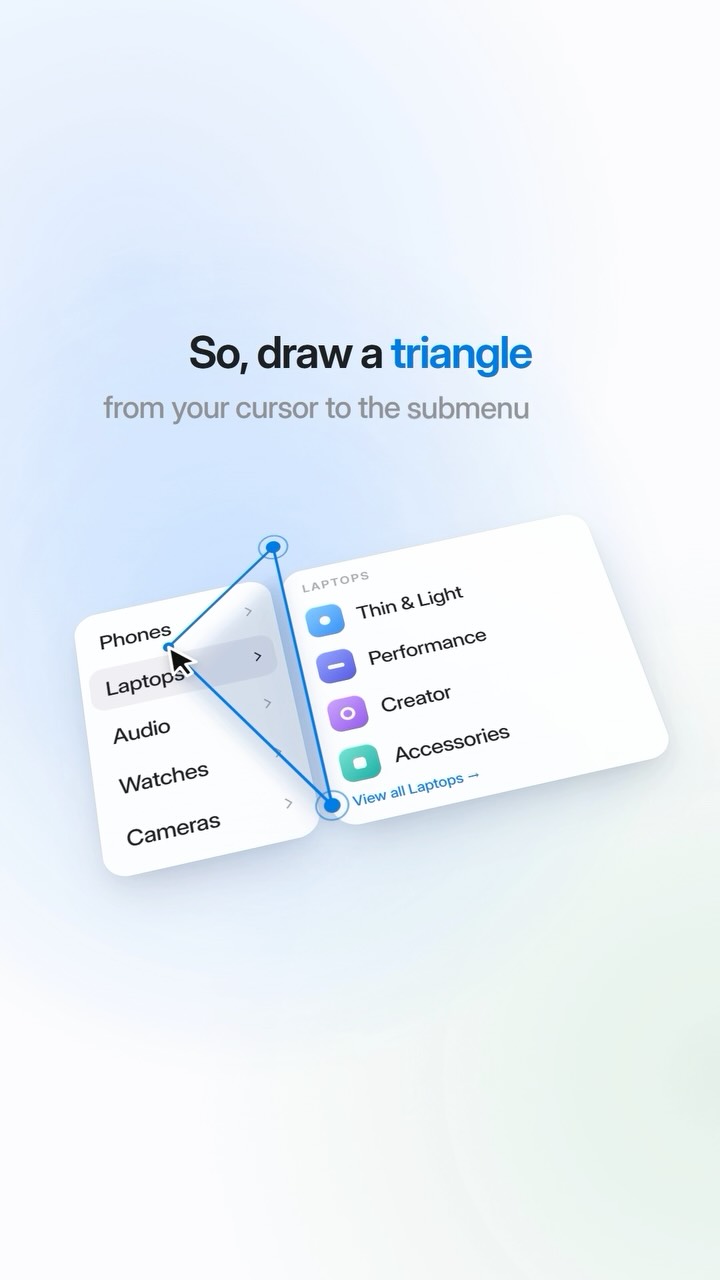
There's a hidden triangle in every menu you use 👀 Ever moved your mouse…
Search inside any video
SavedThat transcribes your saved videos and lets you search across all of them instantly. Save this video and find any moment.
TL;DR
Learn about the invisible triangle in menus that improves navigation and user experience by keeping submenus open as you move your cursor.
Chapters
- 0:00Introduction to the invisible triangle01
- 0:05How submenus open02
- 0:15The diagonal movement issue03
- 0:25Designers' solution with triangles04
- 0:30User experience improvement05
- 0:35Conclusion on small details06
Transcript
There's an invisible triangle in the menus you use every day. Hover a category and its submenu opens. Now reach for the submenu. Your hand takes the shortest path, a diagonal. But that diagonal crosses the item below and the menu switches again and again.
So designers draw a triangle from your cursor to the edges of the submenu. While you move inside it, the menu knows where you're headed and stays open. Step outside and it reacts instantly. You'll never see it. You'll just never get annoyed. Small details. Big difference.
Small details. Big difference.
Big difference.
Are you the creator or rights holder of this video? Request removal of this transcript.
Related Transcripts
 0:55Instagram
This is the UI Tracking Effect!
Declann Drostan Tan | Content Creator
 0:52Instagram
In this mini series I’m doing, I’ll be going over some useful tips on how to…
Gus | Building A Meal Plan App
 0:48Instagram
Steal this secret from the big creators 👀 #videoeditor #contentcreator
Brandon Carpenter
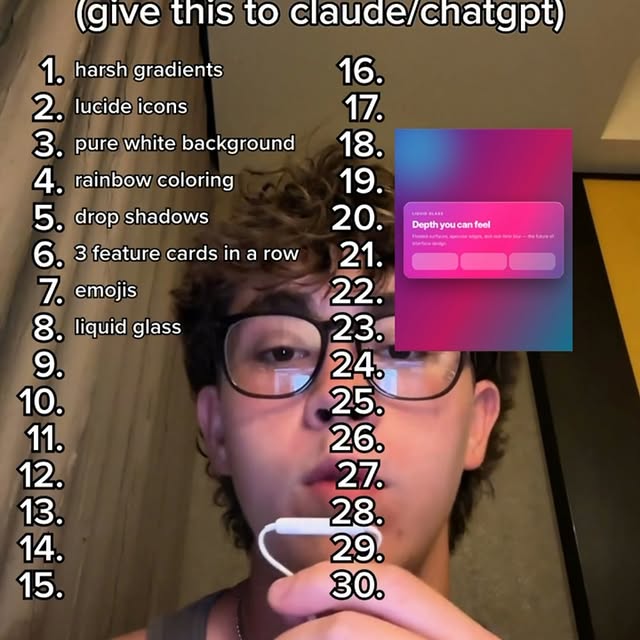 0:30Instagram
does your VIBECODED site have any of this ‼️🚨 #ai #vibecoding #claude #chatgpt…
AJ
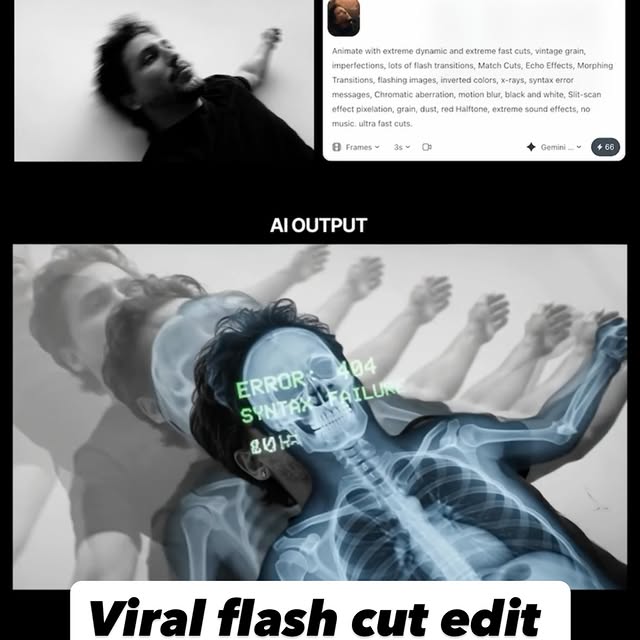 0:42Instagram
Comment AI for the link & guide to recreate these viral flash-cut edits,…
Jo Mendes
 0:46Instagram
No motion design experience?
Ben Aizen | Artzen Media
Never lose a moment again
Save videos from YouTube, Instagram, and TikTok. Search everything that was said, and jump to the second.
Start Saving Videos - Free Trial