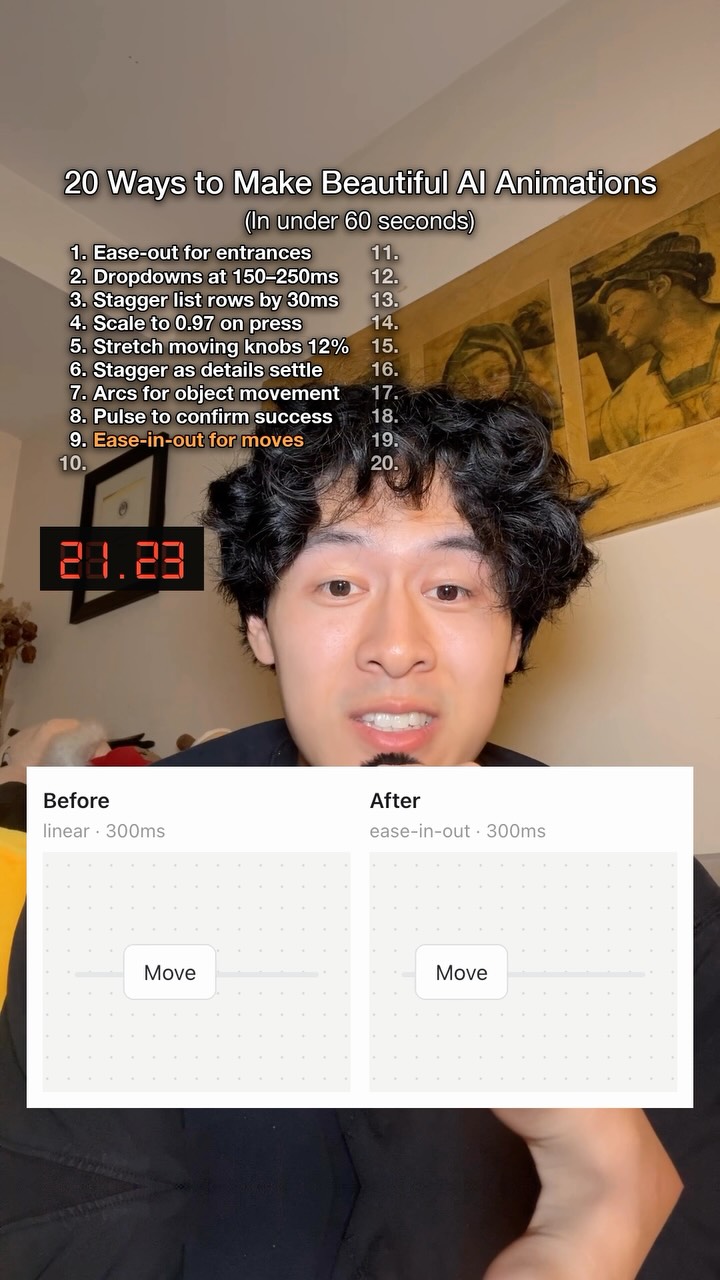
You need a really sharp eye to notice some of these but i swear they make a…
Search inside any video
SavedThat transcribes your saved videos and lets you search across all of them instantly. Save this video and find any moment.
TL;DR
Learn essential tips for smooth UI transitions, including timing, scaling, and movement techniques for better user experience.
Chapters
- 0:00UI Transition Basics01
- 0:05Ease Out for Entrances02
- 0:10Timing for Drop Downs03
- 0:20Scaling Buttons on Press04
- 0:30Movement Techniques05
- 0:40Using Masks for Reveals06
- 0:50Final Tips07
Transcript
Use ease out for entrances. Keep drop downs at 150 to 250 ms. Stagger list rows by 30 ms. Scale buttons to 0.97 on press. Stretch moving knobs by 12%. Stagger when details settle. Use arcs for object movement. Use a pulse to confirm success. Use ease in out for on-screen
movements. Start popovers at scale 0.95. Transition in from the trigger, not from the center. Transition out to the trigger. Don't fade into the center. Don't use spring bounds for everyday UI transitions. Don't tween a handheld animation. Make exits about 20% shorter than
entrances. Bring the new state in as the old state leaps. Use masks for reveals and color changes. Crossfade icons with scale and blur. Rubber band past drag boundaries. Reuse the same layout ID across shared objects. Follow for more.
same layout ID across shared objects. Follow for more.
Are you the creator or rights holder of this video? Request removal of this transcript.
Related Transcripts
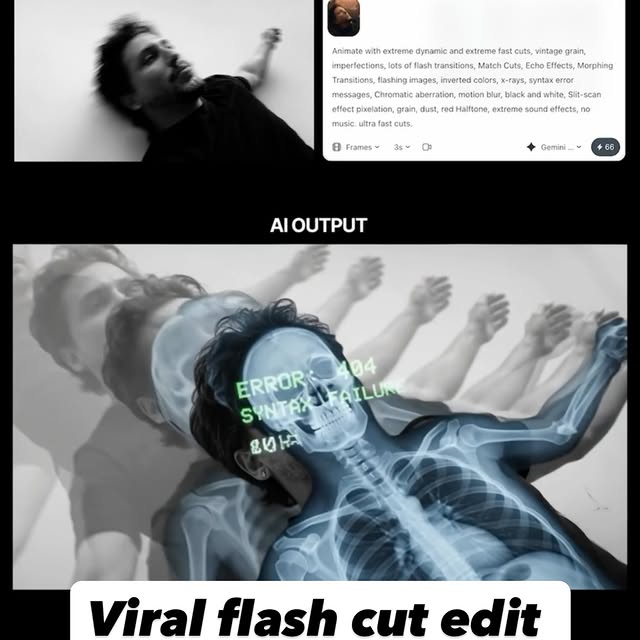 0:42Instagram
Comment AI for the link & guide to recreate these viral flash-cut edits,…
Jo Mendes
 28:15YouTube
Claude Video Editing Just Became Unrecognizable
Nate Herk | AI Automation
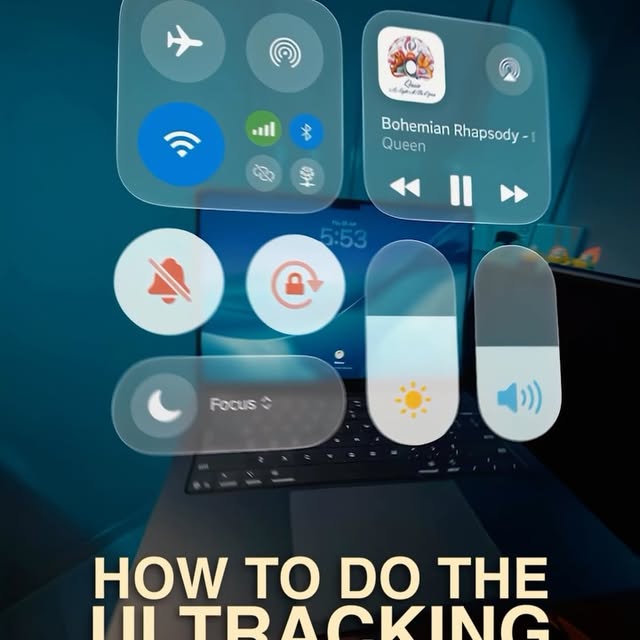 0:55Instagram
This is the UI Tracking Effect!
Declann Drostan Tan | Content Creator
 0:45Instagram
Comment “SKILL” and I’ll send you the link to the GitHub repo!
You had me at LLM
 1:04Instagram
Yes even this video was created with the same skills in cstack.
Charles Zheng
 0:46Instagram
No motion design experience?
Ben Aizen | Artzen Media
Never lose a moment again
Save videos from YouTube, Instagram, and TikTok. Search everything that was said, and jump to the second.
Start Saving Videos - Free Trial