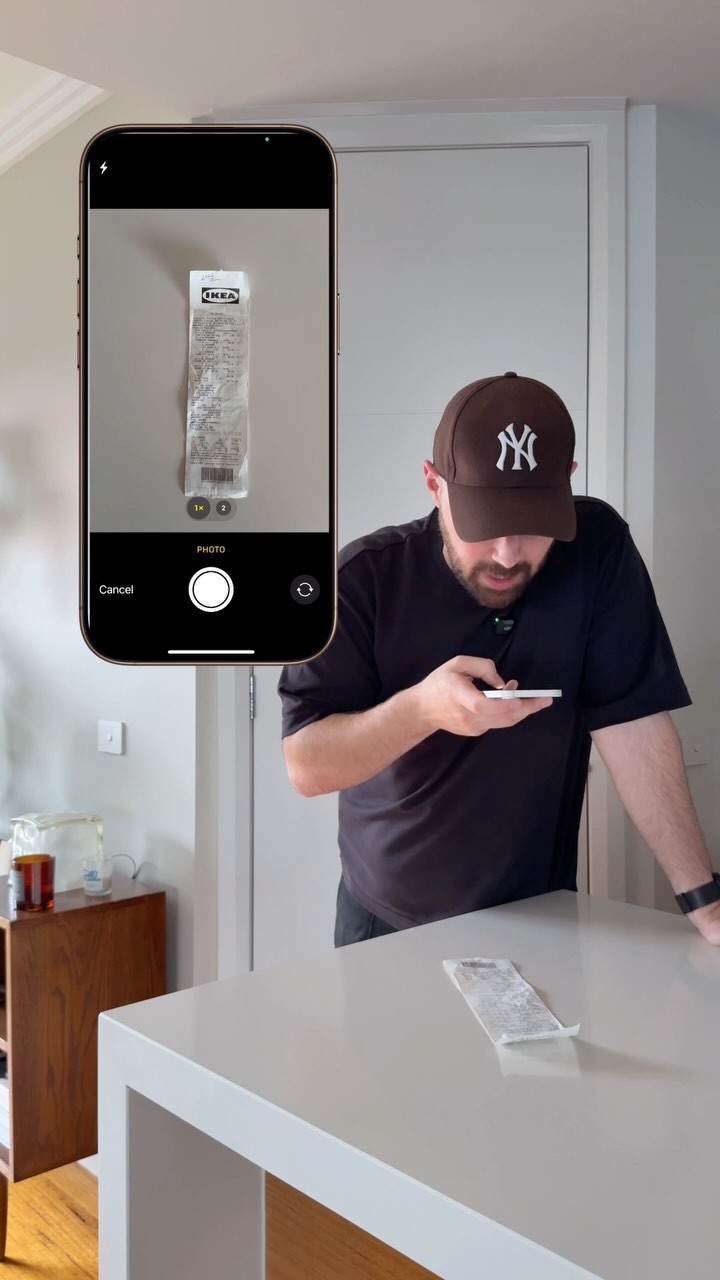
I’m already using this so much 🤯 @brett.tech_ made a video about this and it’s changed my life!
Search inside any video
SavedThat transcribes your saved videos and lets you search across all of them instantly. Save this video and find any moment.
TL;DR
Learn how to efficiently organize and save your receipts using the Photos and Shortcuts apps on your device with this simple hack.
Chapters
- 0:00Introduction to Receipt Management01
- 0:10Creating a Receipts Album02
- 0:20Using the Shortcuts App03
- 0:30Setting Up Receipt Capture04
- 0:50Taking and Saving Receipt Photos05
- 1:00Final Tips for Easy Access06
Transcript
If you're someone that needs to keep receipts for work or for tax, then this hack is going to change your life. Okay, so first we're going to open photos and scroll down to albums. And then what we're going to do is create a new album and we're going to call it receipts. Did I have to Google how to spell receipts for this video? Yes. So now you're going to want to go to the shortcuts app, open that up.
And then the top right hand corner, click the little plus. And then we can rename it up the top here. We'll call it receipt capture. You can also change the icon logo and color. There's a million of them, but I like this barcode because it like gives receipt, Okay, so now tap search actions and write take photo and press that one
So at the bottom click search actions again and search up save to photos and then we're gonna change Save photo to recent we're gonna change that to our receipts folder So now what we can do is this is the coolest part now we can save it to our control center So once you tap it, it'll launch a camera. So let's use this receipt as an example
So you take a photo of it and then it's gonna ask you if you want to use this photo Obviously you can retake it if you want. So hit use photo, little tick, and that's it. If we go back to photos, you'll see it's added it to the receipts folder. Depending how often you would use this, you can even go one step further and save this
to your lock screen or even your action button. Save this video if you're going to do this or send this to a friend who is a serial receipt collector.
Are you the creator or rights holder of this video? Request removal of this transcript.
Related Transcripts
 1:05Instagram
I am going to blow your iPhone typing MIND here 🤯 not one, not two, but FIVE…
Sean On Tech
 0:48Instagram
Comment “app” and I’ll send you the app 💯
createdbyaris
 0:43Instagram
Comment “app” and I’ll send you the app ✅
createdbyaris
 0:34Instagram
Link in Bio for the guide‼️Watch pinned Comment ‼️ Comment “SAVED” and I’ll DM…
Anas Siddiqui
 0:51Instagram
Drop “GUIDE” and I’ll send you the step by step guide on how to build this…
Justyn Berkovits | AI for Solo Founders & Entrepreneurs
 0:47Instagram
You'll never watch your saved reels 😅 (yes, you're about to save this one too)…
Anylancer
Never lose a moment again
Save videos from YouTube, Instagram, and TikTok. Search everything that was said, and jump to the second.
Start Saving Videos - Free Trial