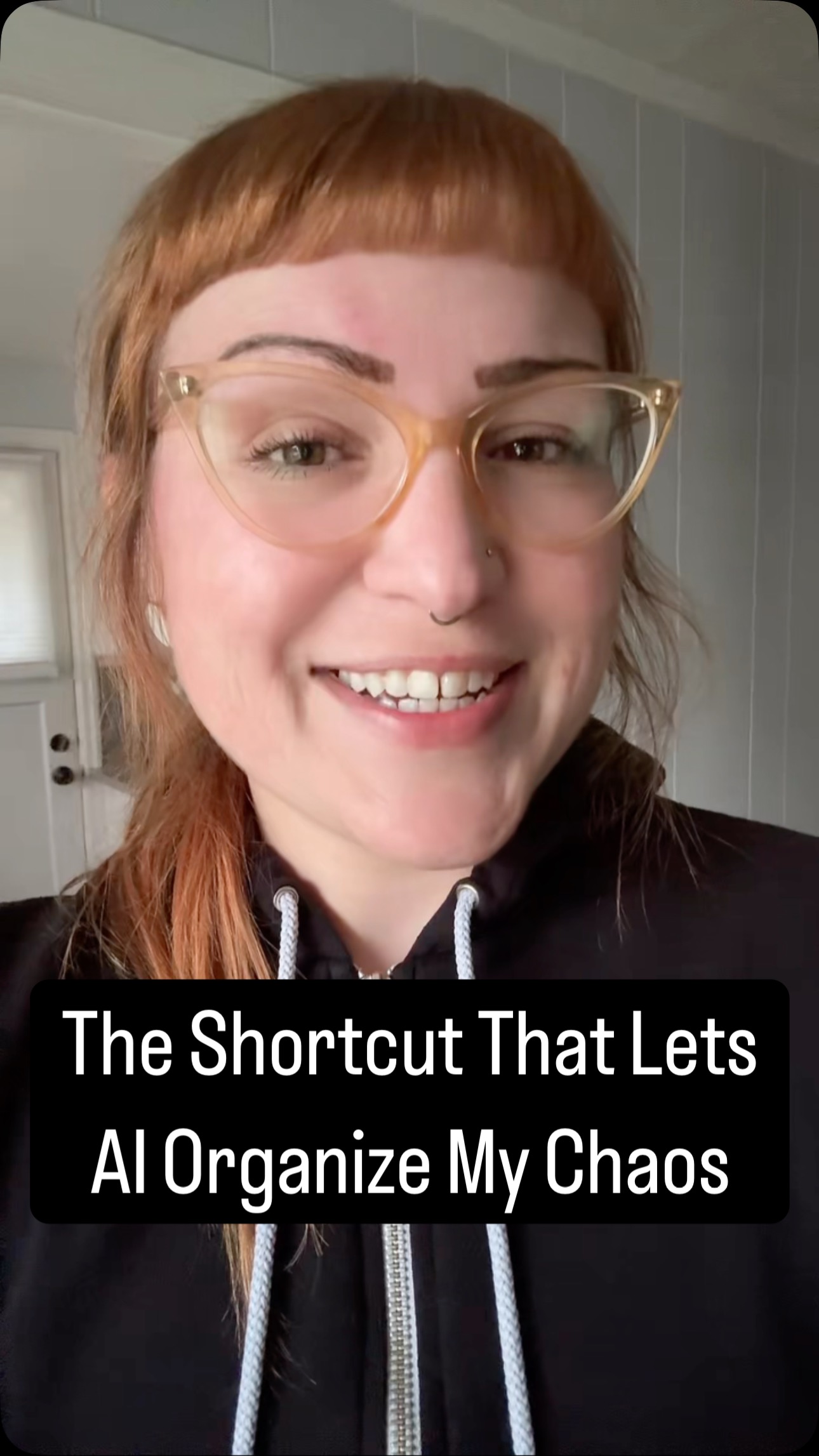
From messy idea to scheduled task.
Search inside any video
SavedThat transcribes your saved videos and lets you search across all of them instantly. Save this video and find any moment.
TL;DR
Learn how to automate your note-taking process by integrating Apple Notes with ChatGPT and Notion for better organization and task management.
Chapters
- 0:00Introduction to Automation01
- 0:10Setting Up Your Notes02
- 0:25Creating a Shortcut03
- 0:40Using ChatGPT for Tasks04
- 0:55Integrating with Notion05
- 1:10Bonus Tip: Deleting Tags06
- 1:15Conclusion and Follow-Up07
Transcript
Wait, you spent $1,200 on an iPhone and didn't even set up a shortcut? Luxury phone, no systems? Be serious. So you're dropping your ideas into Apple Notes and just like leaving them there? No summary, no tasks. Meanwhile, when I drop an idea into Notes, my shortcut sends it to ChatGPT,
cleans it up, and drops it into my Notion like a well-trained assistant. Here's how you can set this up too. First, create a new tag in your Notes. I used Notion. Next, you're going to go to your shortcuts app and start a new shortcut that finds
all the notes with that tag. Next up, you're going to add an action for ChatGPT. Include short instructions like turn my notes into bullet points or provide a to-do list. Make sure you select the note as a variable so ChatGPT can see what you wrote. Next up, have this create a new page in your Notion. To make it easy to see what came from my notes, I'm using the date field as
the title of the new task. And as a bonus, the shortcut will ask if you want to delete the tag after so nothing gets duplicated. Clean and efficient. I don't stay organized anymore. I let AI do that. Follow for more ways to automate your ideas and let the robots handle the admin. You want to save some time, check the link in my bio and steal my shortcut.
Are you the creator or rights holder of this video? Request removal of this transcript.
Related Transcripts
 0:51Instagram
Drop “GUIDE” and I’ll send you the step by step guide on how to build this…
Justyn Berkovits | AI for Solo Founders & Entrepreneurs
 3:54Instagram
(YES, this also works for ChatGPT) Point your phone at your Claude and let it…
Chinye | AI Strategist | Founder | Author
 0:50Instagram
la idea del video es de @sarahsidequest 🌟
al
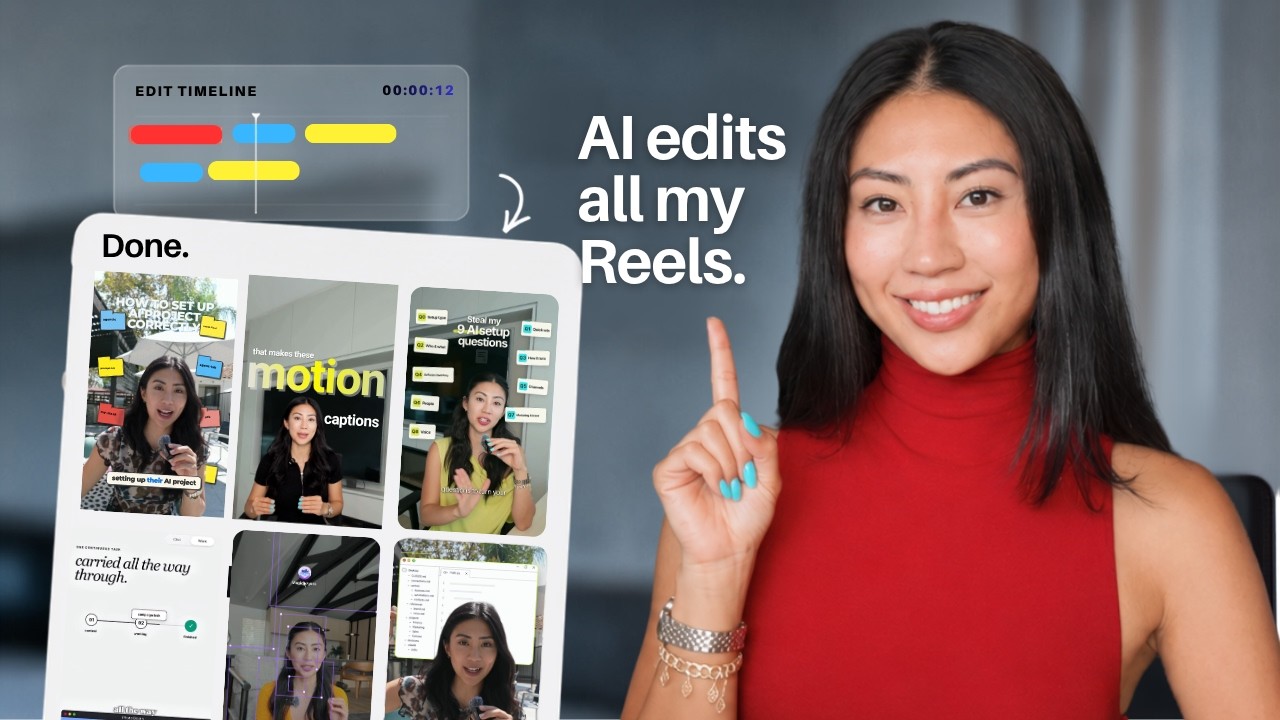 14:11YouTube
How I use AI to edit all my Short-form Videos (Hyperframes Setup & Prompts)
Softgirlnocode
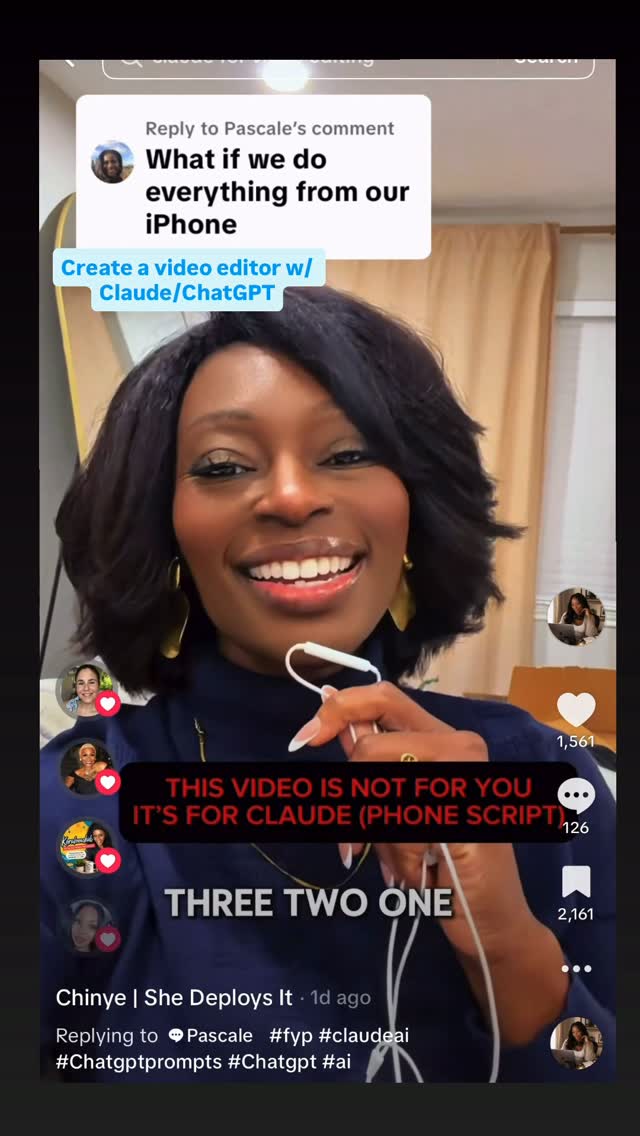 2:47Instagram
Don’t use a desktop/computer?
Chinye | AI Strategist | Founder | Author
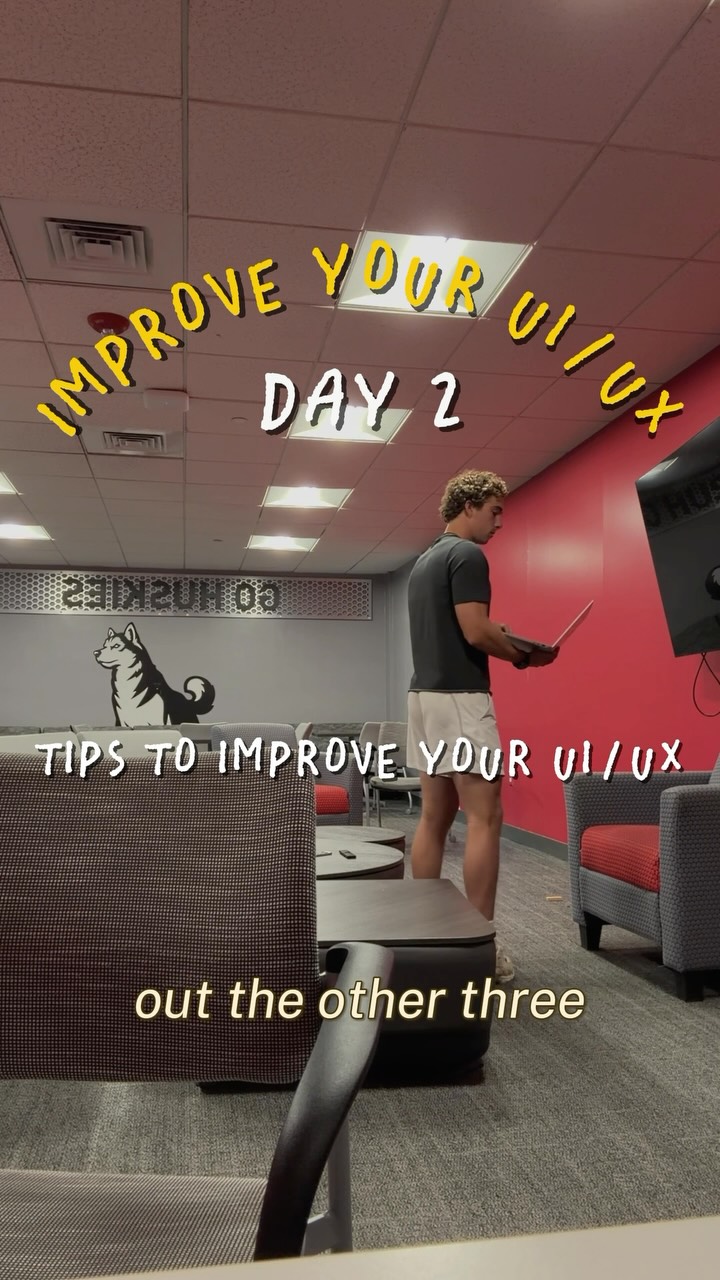 1:09Instagram
In this mini series I’m doing, I’ll be going over some useful tips on how to…
Gus | Building A Meal Plan App
Never lose a moment again
Save videos from YouTube, Instagram, and TikTok. Search everything that was said, and jump to the second.
Start Saving Videos - Free Trial