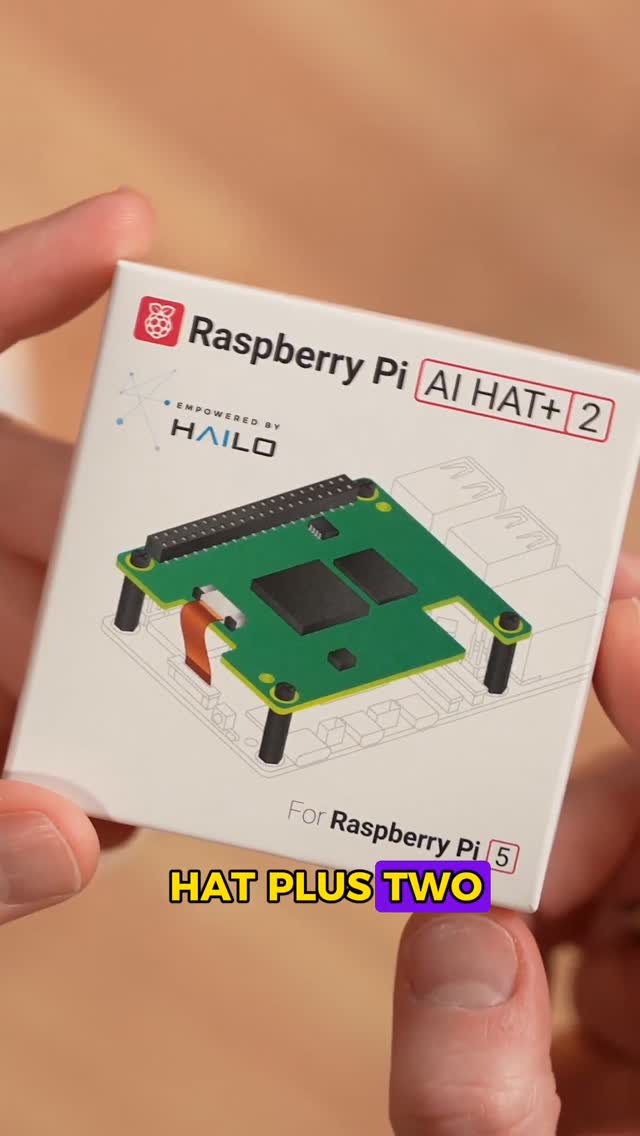
NEW Raspberry Pi AI Hat Is a Massive Upgrade @raspberrypi
Search inside any video
SavedThat transcribes your saved videos and lets you search across all of them instantly. Save this video and find any moment.
TL;DR
This video introduces the new Raspberry Pi AI Hat Plus 2, highlighting its features and installation process for enhanced AI capabilities.
Chapters
- 0:00Introduction to Raspberry Pi AI Hat Plus 201
- 0:15Comparison with Original AI Hat02
- 0:30Installing the AI Hat Plus 203
- 1:00Setting Up Raspberry Pi OS04
- 1:30Running AI Models Locally05
- 1:50Using the Terminal Interface06
- 2:00Conclusion and Features Overview07
Transcript
Raspberry Pi released this today. The Raspberry Pi AI Hat Plus 2. Bit of a mouthful, but let me show you why this thing is awesome. Because this is the original Raspberry Pi AI Hat Plus. And if you didn't know, this thing sucks. Sorry, Raspberry Pi. First, it has zero RAM, which means it has to steal RAM from the Raspberry Pi to even work. And you can really only use this
with camera-based AI, like object detection or image recognition. That's so 2024. So out with the old and with the new the Raspberry Pi AI hat plus 2 let's open it here it is it's more
substantial not as shiny but they look pretty similar but check this out this one's so powerful the new one comes with a heat sink this is required because this new AI hat has eight gigs of onboard RAM which means for us we can run larger AI models but it's going to draw more power which means more heat but who cares 100% local AI on this little device I'll show you that in a second
but first let's put this sucker on a Raspberry Pi. I have no idea how to do this. I'm gonna put the heat sink on first I think Alright it installed and I think you just have to push this through Those spring screws I do enjoy those It installed Here I have a Raspberry Pi 5 16 gigs. I'll need to install the standoffs first and then this little spiky riser for all the
GPIO pins. Ow, it's like Hellraiser. That's not a pleasant experience. And then finally the hat itself. Trying to line up these pins. that was nice. I like that. Now Let's install the screws. All right, he has his hat on, and from here, the setup is pretty straightforward. We'll flash a fresh Raspberry Pi OS image
and install Halo software for the AI Hat Plus 2. We'll then install Docker, start the Halo AI service, and now the Pi sees this as a local AI accelerator. What a cool sentence. From there, we'll pull down our large language model directly onto the hat.
No cloud, no API keys. It's all local. Check this out. I can send a prompt to it straight from the terminal. Now, I get it. Terminal's not for everyone. it should be but you can run open web UI in another container connect to it from your web browser and have a nice chat GPT style interface look at that it works
perfectly and this is coming directly from this Raspberry Pi running entirely on the board
Are you the creator or rights holder of this video? Request removal of this transcript.
Related Transcripts
 1:12Instagram
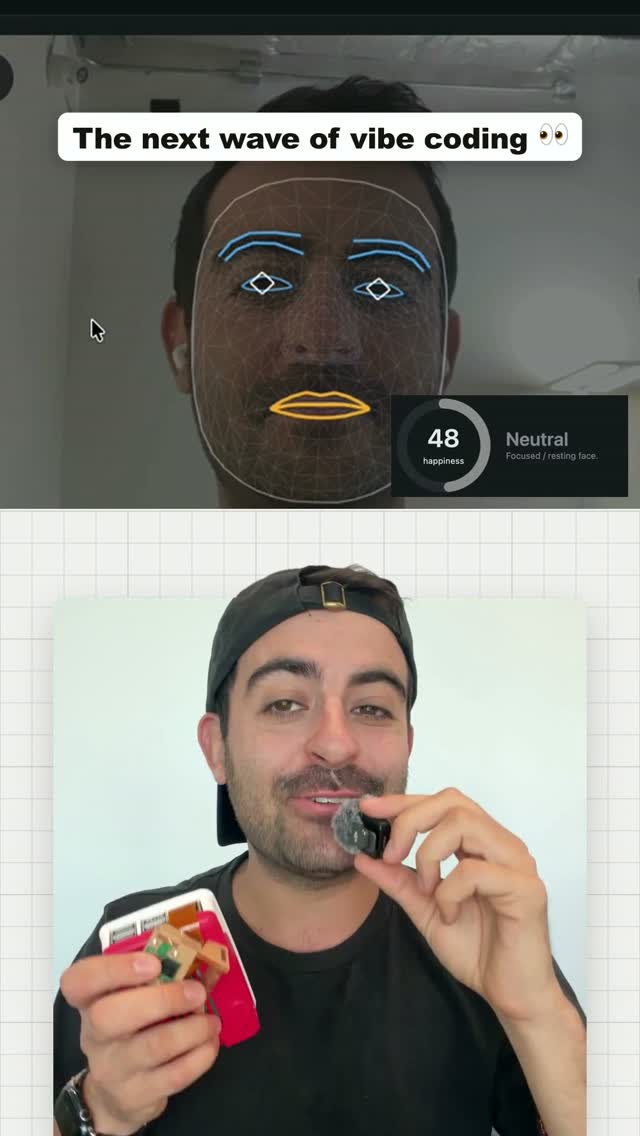
Comment PHYSICAL and I’ll send you the guide.
Ben Broch | AI Saas builder
 1:32Instagram
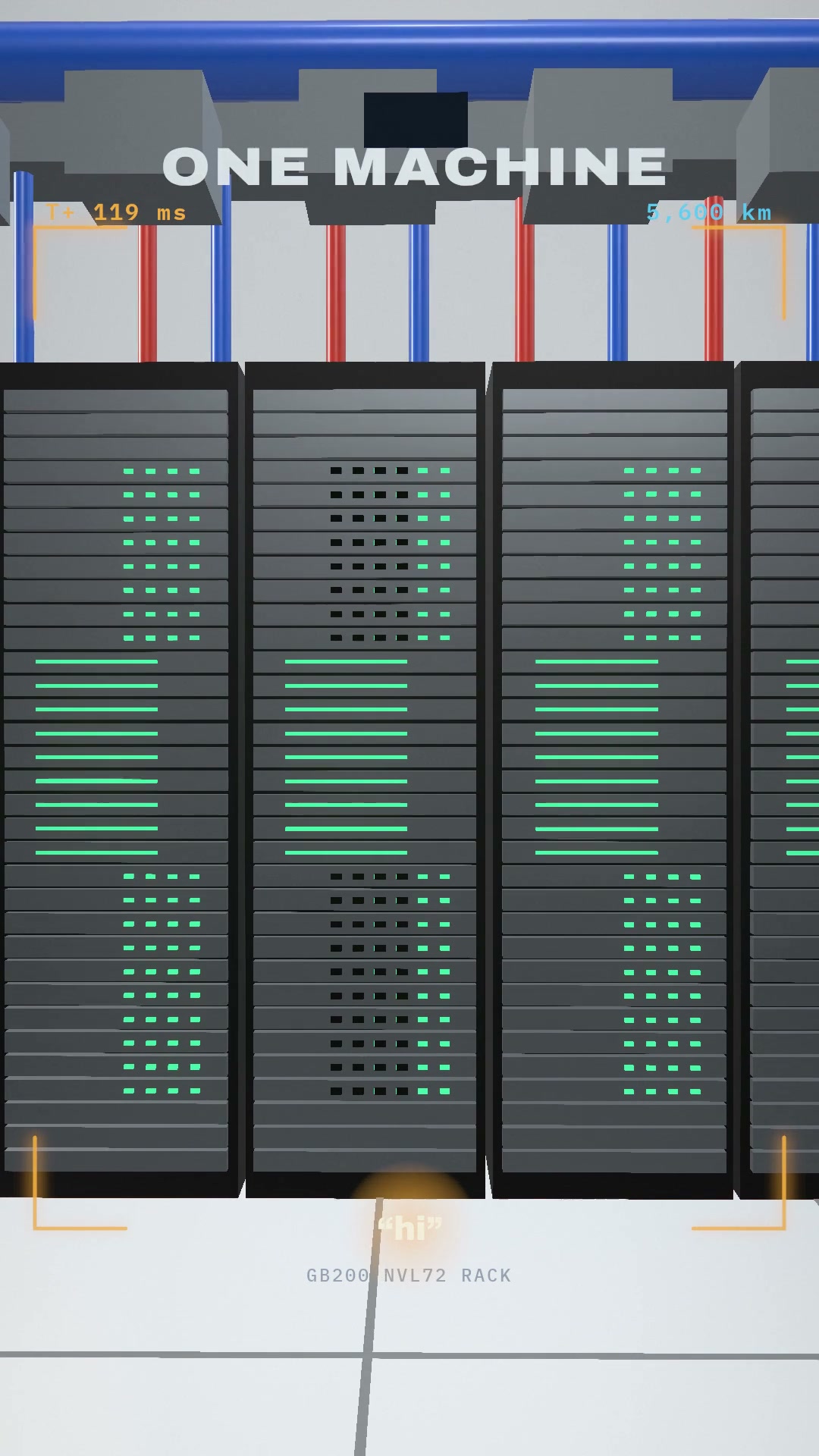
You type "hi" to an LLM.
AI Unpacked
 1:32Instagram
Silicon Valley has officially entered the GPU Crusades.
turinglabai
 1:12Instagram
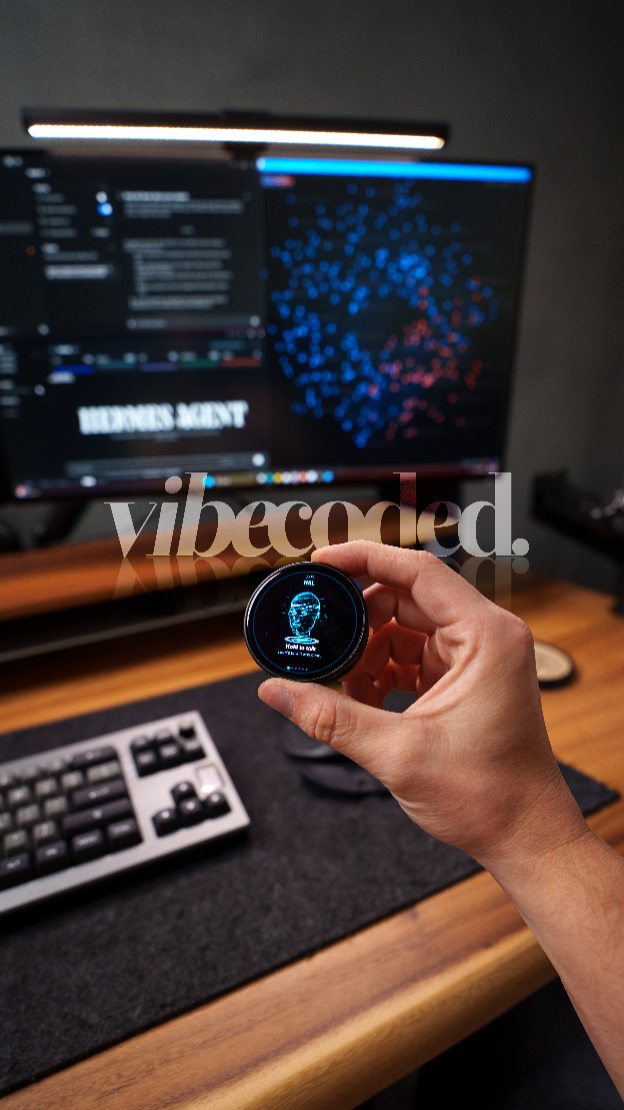
building jarvis in your pocket This is exactly how I did it, no gatekeeping.
Spencer Ryan
 10:38YouTube
I Built an Entire Marketing Agency With 1 AI Tool!
Higgsfield AI
 21:44YouTube
Dear Higgsfield, I reverse engineered you in 12 hours
Sirio
Never lose a moment again
Save videos from YouTube, Instagram, and TikTok. Search everything that was said, and jump to the second.
Start Saving Videos - Free Trial