Editing has gotten a whole lot easier now that we can speak to edit out videos…
Search inside any video
SavedThat transcribes your saved videos and lets you search across all of them instantly. Save this video and find any moment.
TL;DR
Learn how to effectively use Claude Code for video editing by utilizing voice commands for cuts, animations, and sound synchronization.
Chapters
- 0:00Introduction to Claude Code01
- 0:10Cut Editing Features02
- 0:30Adding Animations and Assets03
- 0:50Sound Synchronization Tips04
- 1:00Getting Started with Remotion05
Transcript
Most people don't know that Claude Code allows you to vibe edit your videos now. I have been using it for my YouTube editing and my shorts editing. And let me show you the top three things that I personally find it to be extremely useful for. First one is the cut editing inside of the system is that you can just prompt it the way that you want the videos, where you
want the cuts, what you want cut out. And it does a really good job at hitting most, if not all what you're looking for. Once you have your video cut how you it, you can put in animations and assets that it makes itself. This is very good at creating motion graphics for any B-roll type content.
Now, lastly, to really tie the video together, if you give it a sound pack this or background music, it does a very good job at being able to time everything together. to words or phrases so that all the animation and sounds are on a very viewer friendly timeframe. If you haven't started using remotion, you
can grab it from this GitHub repo up here, or if you want the link directly sent to you, just comment video and I'll send it to you directly.
directly sent to you, just comment video and I'll send it to you directly.
Are you the creator or rights holder of this video? Request removal of this transcript.
Related Transcripts
 1:04Instagram
comment "edit" and i’ll send the breakdown over👇 Day 4 of letting claude code…
Johannes Forseth | AI Systems
 28:15YouTube
Claude Video Editing Just Became Unrecognizable
Nate Herk | AI Automation
 0:31Instagram
comment “editor” to get free access!!
alex
 0:55Instagram
Drop “EDIT” below and I’ll send you my full walk through video on how I edit my videos with AI.
Justyn Berkovits | AI for Solo Founders & Entrepreneurs
 0:41Instagram
Comment "VIDEO" to get this AI that can create Long-form Videos In minutes.
Nick Saraev
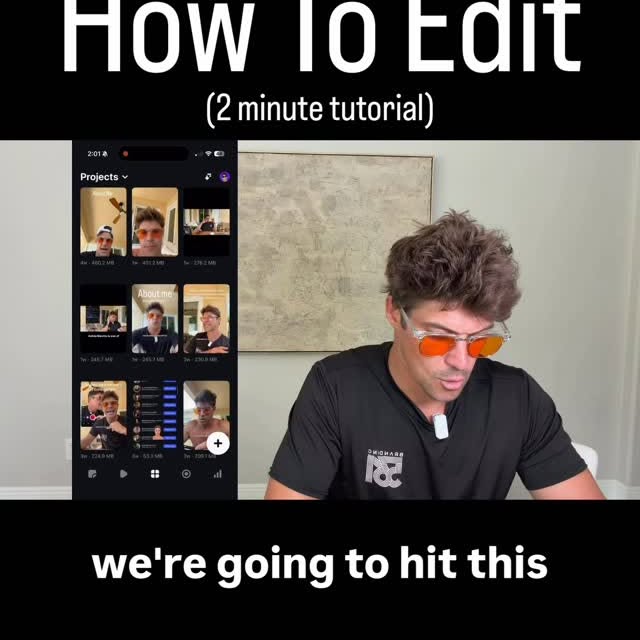 1:49Instagram
We're gonna hit this plus sign in the bottom right.
Zach | Content Expert
Never lose a moment again
Save videos from YouTube, Instagram, and TikTok. Search everything that was said, and jump to the second.
Start Saving Videos - Free Trial