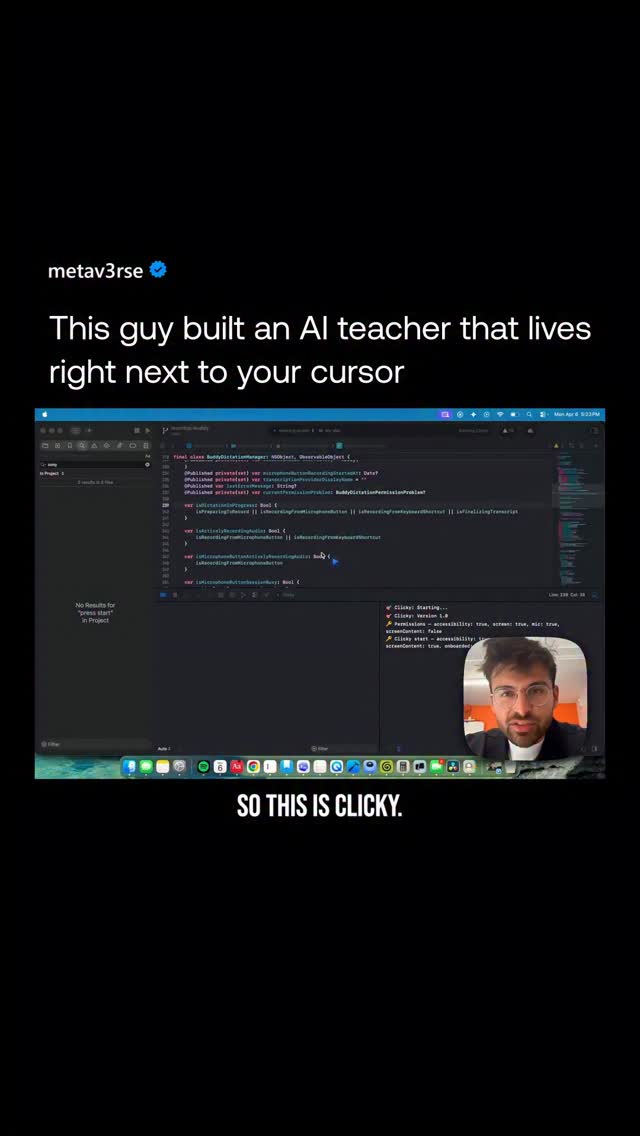
@Farza954 built this thing called Clicky.
Search inside any video
SavedThat transcribes your saved videos and lets you search across all of them instantly. Save this video and find any moment.
TL;DR
In this video, learn how Clicky, an AI teacher, helps you navigate DaVinci for video editing, including color grading and applying LUTs.
Chapters
- 0:00Introduction to Clicky01
- 0:10Using Clicky with DaVinci02
- 0:30Color Grading Basics03
- 0:50Applying LUTs in DaVinci04
- 1:10Choosing the Right LUT05
- 1:20Conclusion06
Transcript
So this is Clicky. Clicky is this little blue guy that follows your cursor on his user computer. And it's an AI teacher that can teach you anything. So check this out. Let's go to DaVinci. DaVinci is a program, it's a video editing program that I've been procrastinating learning for a long time. Because I don't want to watch a one hour YouTube video about it. I just want to learn by doing.
watch a one hour YouTube video about it. I just want to learn by doing. So let's try that. I'm going to drag my clip in and I have Clicky now. So let me just start asking Clicky how to do it. Hey Clicky, I have this clip now. How can I make it look more cinematic? Make it and change the colors. I'm new to DaVinci so please teach me. And Clicky can see my screen, talk back to me and even point at things to guide me. So
my screen, talk back to me and even point at things to guide me. So here it's pointing me here. To start color grading, you'll want to head to the color page by clicking that circle of dots icon in the bottom center toolbar. It looks a ring of... Cool, I'm here now. How can I make this look a little more cinematic though? My friends use this thing called LUTs. How can I
a little more cinematic though? My friends use this thing called LUTs. How can I add a LUT? And again, a friend that's next to me that knows about DaVinci, it can start guiding me. To add a LUT, -click directly on that node labeled 01 in the node graph, and you'll see an option in the menu to apply a LUT from there. There's a lot of options here. Which one should I
apply a LUT from there. There's a lot of options here. Which one should I pick? Since you're shooting on Blackmagic RAW, I'd go with Sony 250D OSM. It gives you a really natural, filmic starting point that's great for cinematic looks and easy to build
Are you the creator or rights holder of this video? Request removal of this transcript.
Related Transcripts
 0:42Instagram
Comment AI for the link & guide to recreate these viral flash-cut edits,…
Jo Mendes
 1:06Instagram
comment "Kallaway" and i’ll send the breakdown over 👇 Day 1 of recreating…
Johannes Forseth | AI Systems
 0:41Instagram
Comment Ai for the link.
Jo Mendes
 0:41Instagram
Comment "VIDEO" to get this AI that can create Long-form Videos In minutes.
Nick Saraev
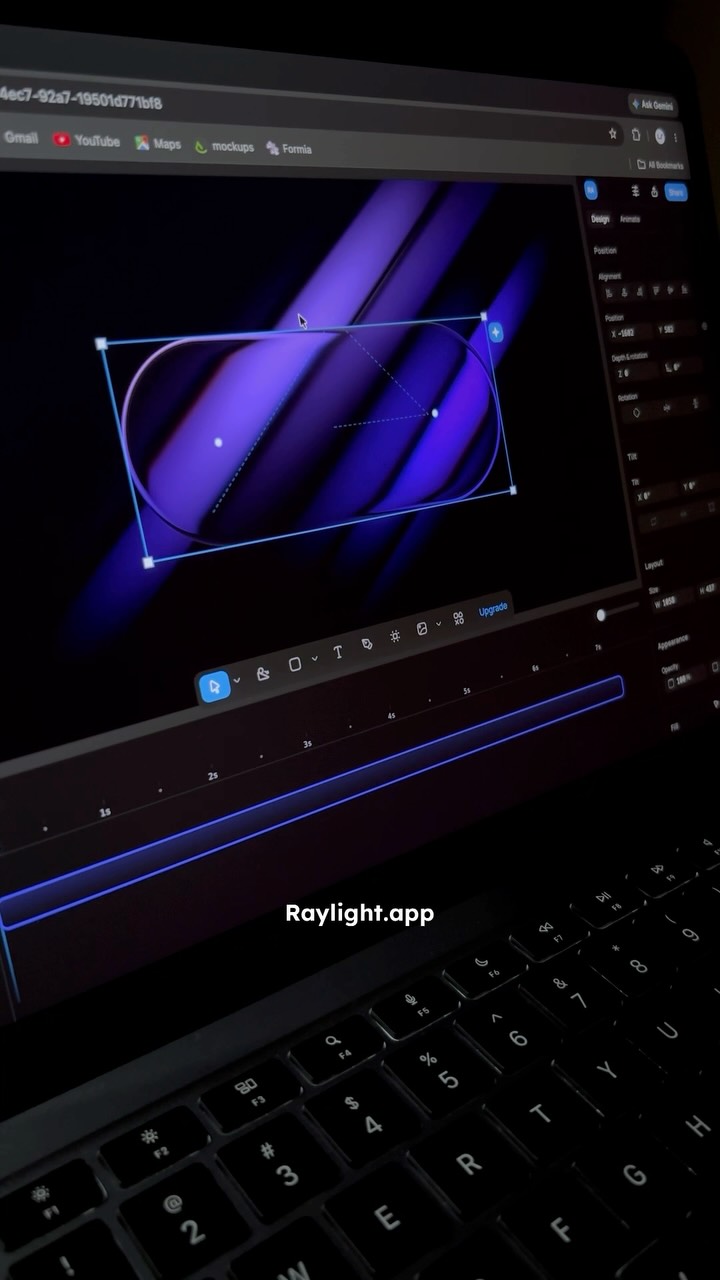 0:39Instagram
I found a website that helps you create stunning motion graphics in just a few clicks.
Ramshad | Visual Designer
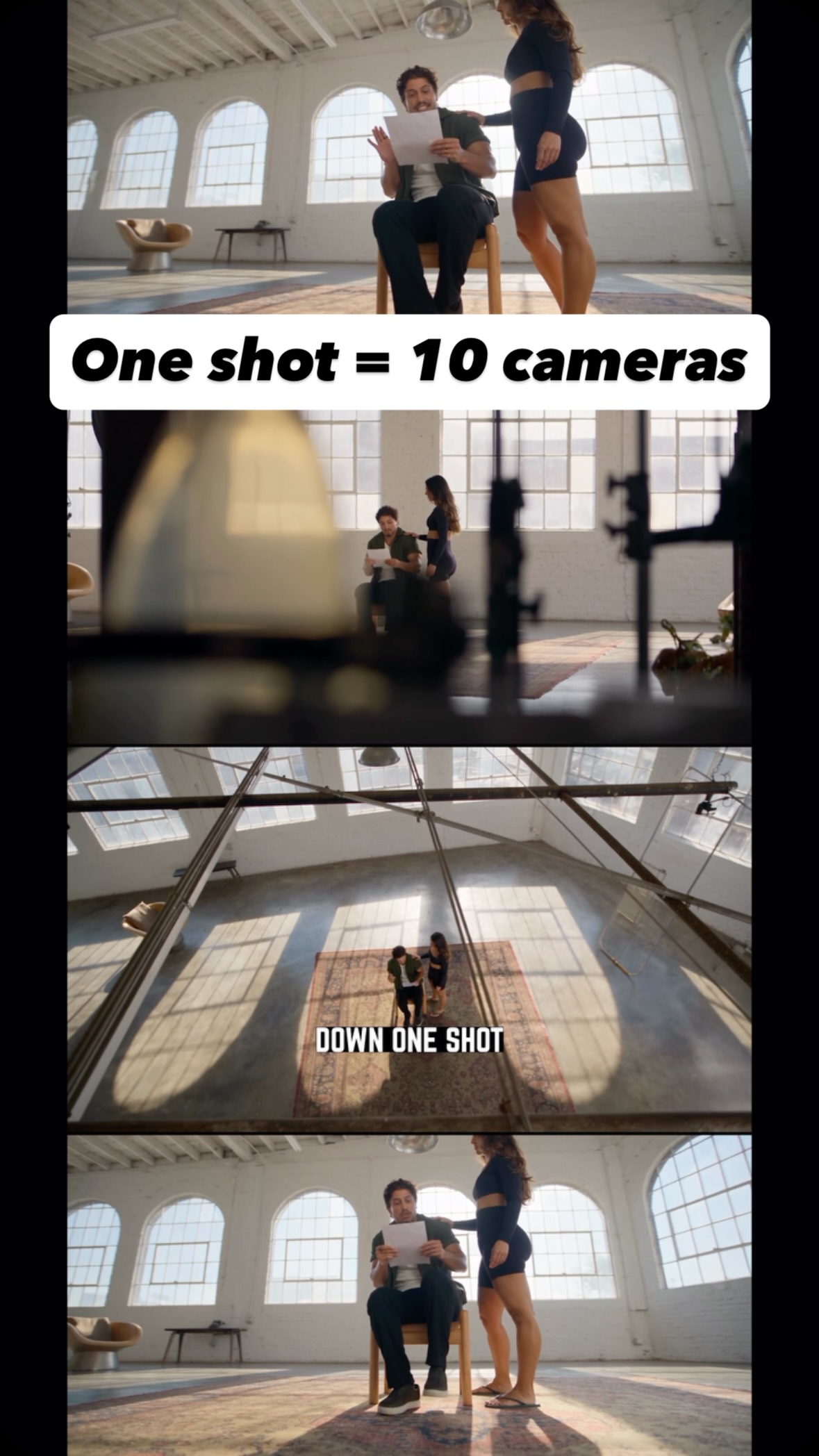 0:36Instagram
Comment AI for the link and guide to turn one shot into endless creative angles…
Jo Mendes
Never lose a moment again
Save videos from YouTube, Instagram, and TikTok. Search across all your transcripts with AI-powered semantic search.
Start Saving Videos — It's Free