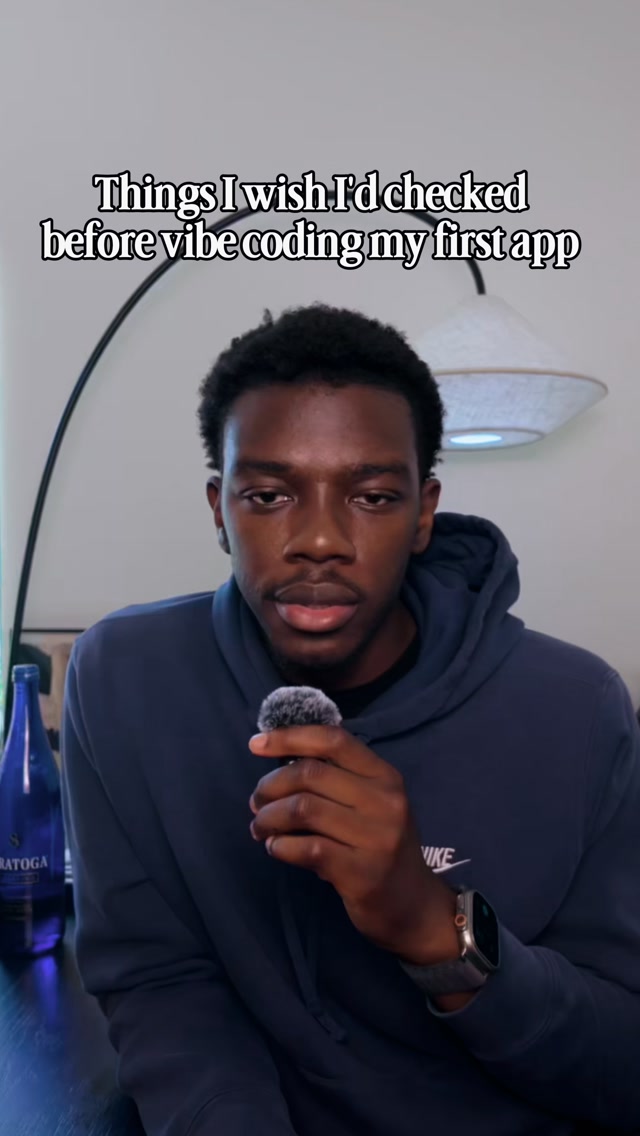
If you find this useful please like and follow
Search inside any video
SavedThat transcribes your saved videos and lets you search across all of them instantly. Save this video and find any moment.
TL;DR
Learn about two critical mistakes your coding agent might be making that can harm your app's performance and how to fix them effectively.
Chapters
- 0:00Introduction to Coding Issues01
- 0:10Understanding Polling vs. Subscribing02
- 0:30Impact of Polling on App Performance03
- 0:45Problems with Versioning in AI04
- 0:55Solutions to Improve Your App05
Transcript
So, your coding agent is probably doing these two things behind your back that are slowly killing your app, and you can't see either of them. I've published over 15 apps with AI, and these two things were caught in almost all of them. When setting up the server, your coding agent probably built the app to ask the server for data every few seconds, forever. This is called polling.
This might feel fine during testing, but when users try the app, it'll drain their battery and lower their frame rate. Nowadays, modern backends like SuperBase or Convex can push data directly to your app when it changes. So make sure your AI is not polling, but rather subscribing to events as they happen. The second one can explain why your AI keeps going in circles and breaking things.
Every time you request a change, most AIs don't change it. Rather, they create a version 2 on top of the broken version 1, just in case anybody was using it. This causes your app to be full of broken code that nobody was using anyway. Now, for your future prompts, the AI will get confused between which is the working
version and now go in circles and break things that seem to be working before. To fix this, just tell it not to use fallbacks or backwards compatibility. Just replace the old feature and make sure the new one works. And if you're like me and you're too lazy to type all of that, you can just send this video to your AI and it'll figure it out.
And if you're like me and you're too lazy to type all of that, you can just send this video to your AI and it'll figure it out.
video to your AI and it'll figure it out.
Are you the creator or rights holder of this video? Request removal of this transcript.
Related Transcripts
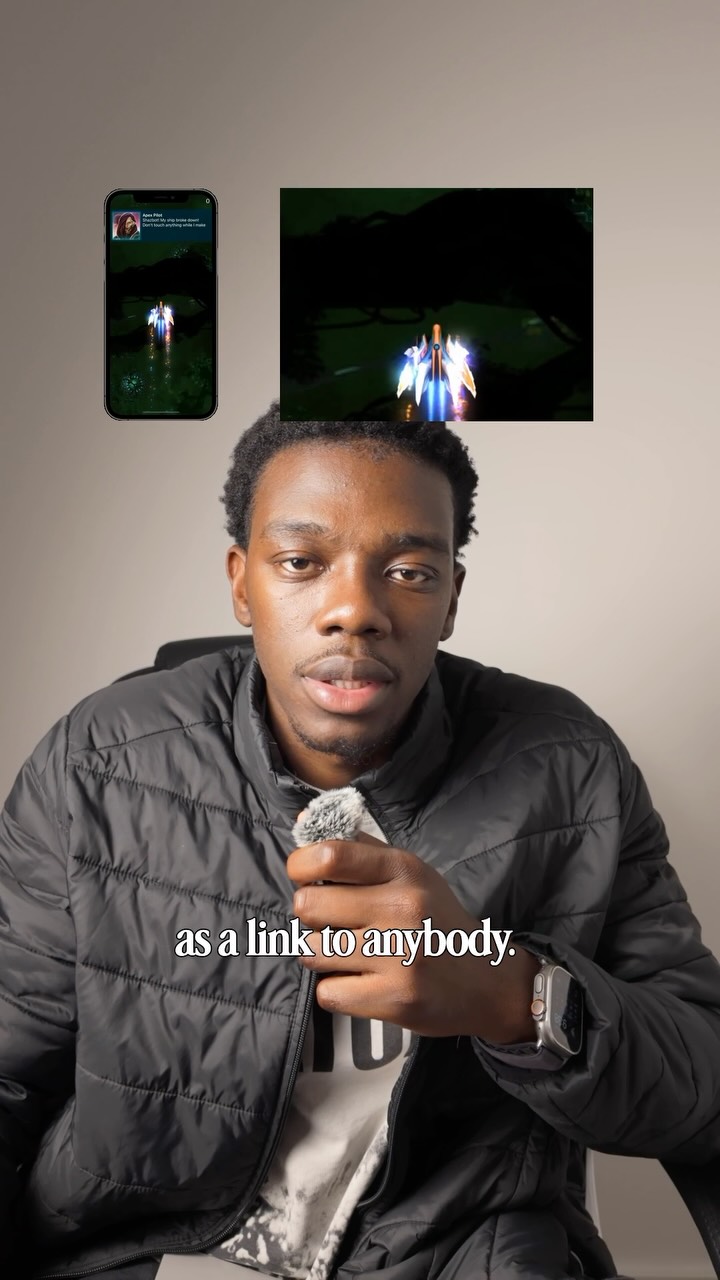 0:28Instagram
Like and follow if you enjoyed this content
Ayo O | App Developer
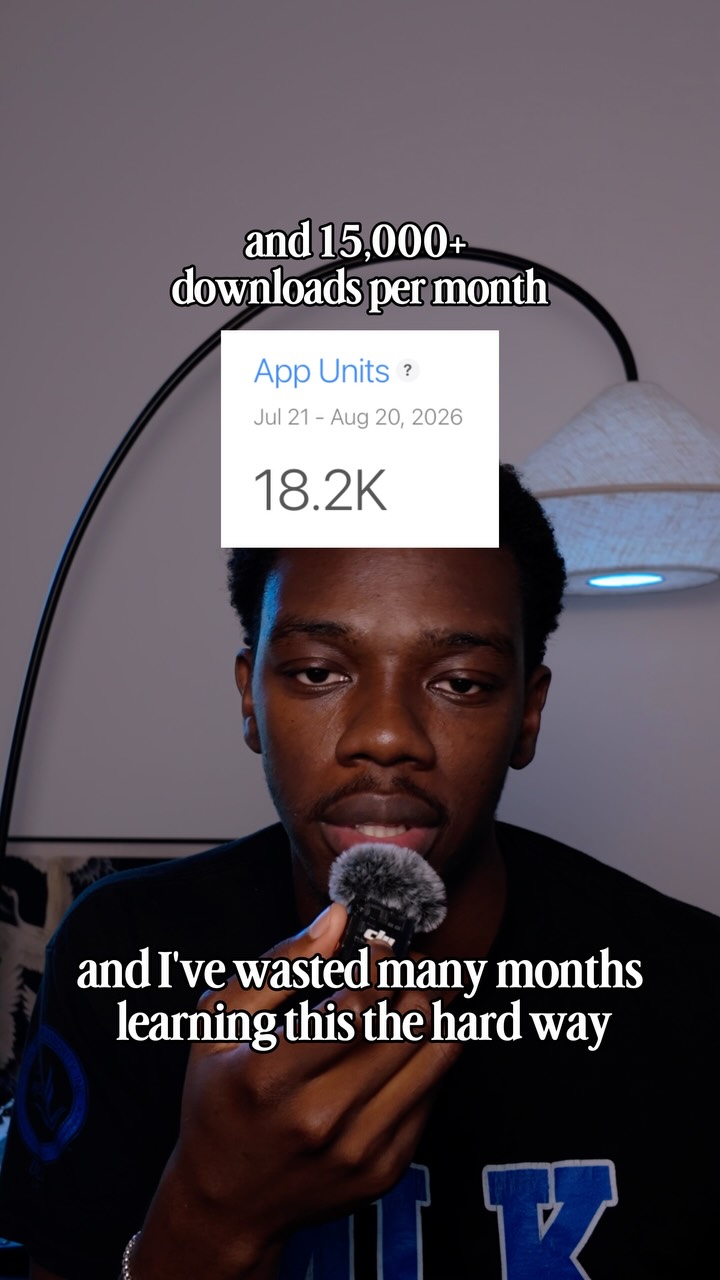 0:53Instagram
If you find this useful please like, save, and share to your business partner
Ayo O | App Developer
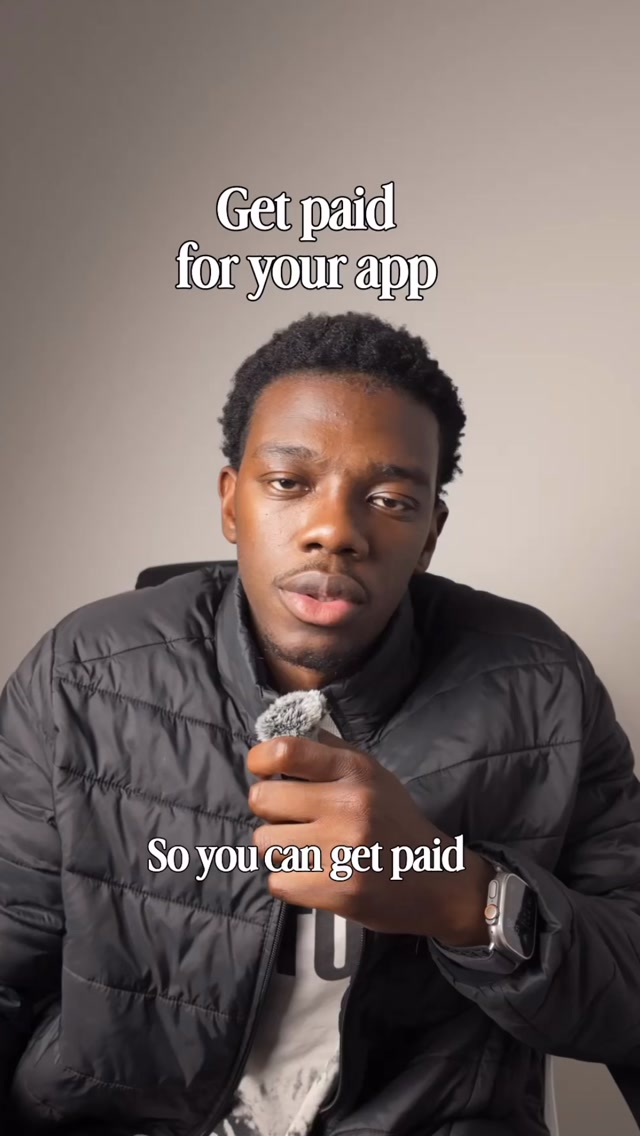 0:38Instagram
Like and follow if you enjoy the content
Ayo O | App Developer
 1:01Instagram
making my app look 73% less vibe coded brb 😂🫡
Daniel Namatinia | Building Apps with AI
 0:43Instagram
Comment “app” and I’ll send you the app ✅
createdbyaris
 13:06YouTube
I Vibe Coded a Real App in 30 Minutes: Can It Hit $10K/Month?
Higgsfield AI
Never lose a moment again
Save videos from YouTube, Instagram, and TikTok. Search everything that was said, and jump to the second.
Start Saving Videos - Free Trial