Like and follow if you enjoyed this content
Search inside any video
SavedThat transcribes your saved videos and lets you search across all of them instantly. Save this video and find any moment.
TL;DR
Learn how to use Apple’s App Clip feature to attract users to your app without requiring downloads. Discover practical examples and setup tips.
Chapters
- 0:00Introduction to App Clips01
- 0:05Benefits of App Clips02
- 0:10Example: Simsies Restaurant03
- 0:15Linking to Specific Content04
- 0:20Using Lens.app for Setup05
- 0:25Conclusion and Recommendations06
Transcript
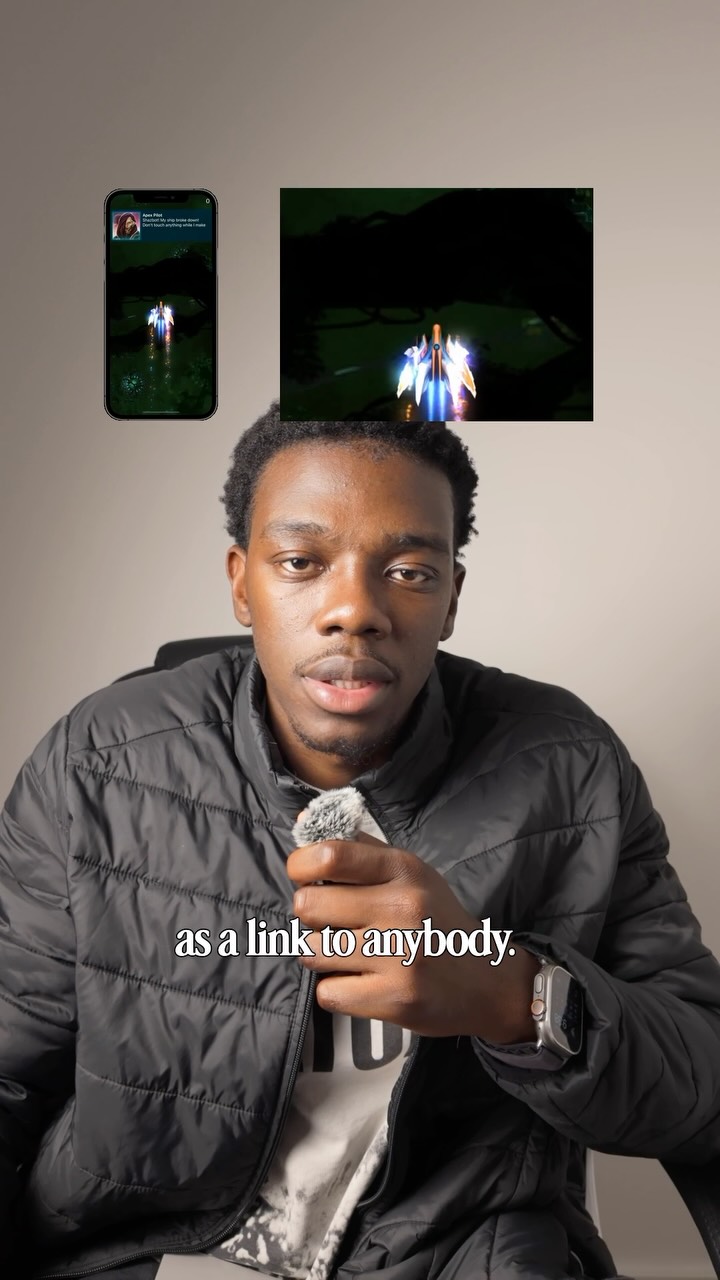
You can get people to use your app without having to convince them to download it first. Apple has a feature called an App Clip, which lets you send a small working part of your app as a link to anybody. In fact, a restaurant site called Simsies uses this for their food orders, and the developer said that the App Clip feature has brought in over 60% of their users. You can make links open specific content, like a recipe or a workout, so your users can share exactly what they're using, and that same link opens up the full app for anybody
can share exactly what they're using, and that same link opens up the full app for anybody who already has it. Setting this up is a bit involved, so I recommend you use a platform like Lens.app with your AI to get all the App Store stuff set up.
Setting this up is a bit involved, so I recommend you use a platform like Lens.app with your AI to get all the App Store stuff set up.
AI to get all the App Store stuff set up.
Are you the creator or rights holder of this video? Request removal of this transcript.
Related Transcripts
 0:38Instagram
Like and follow if you enjoy the content
Ayo O | App Developer
 0:43Instagram
Comment “app” and I’ll send you the app ✅
createdbyaris
 19:14YouTube
This Insanely Simple App Makes $50K/Month
Starter Story
 13:06YouTube
I Vibe Coded a Real App in 30 Minutes: Can It Hit $10K/Month?
Higgsfield AI
 0:33Instagram
This can literally change your life
Daniel Margusov
 0:31Instagram
👇🏼Comment « VIDEO » and I’ll send you all the tool links.
Adrien Ninet
Never lose a moment again
Save videos from YouTube, Instagram, and TikTok. Search everything that was said, and jump to the second.
Start Saving Videos - It's Free