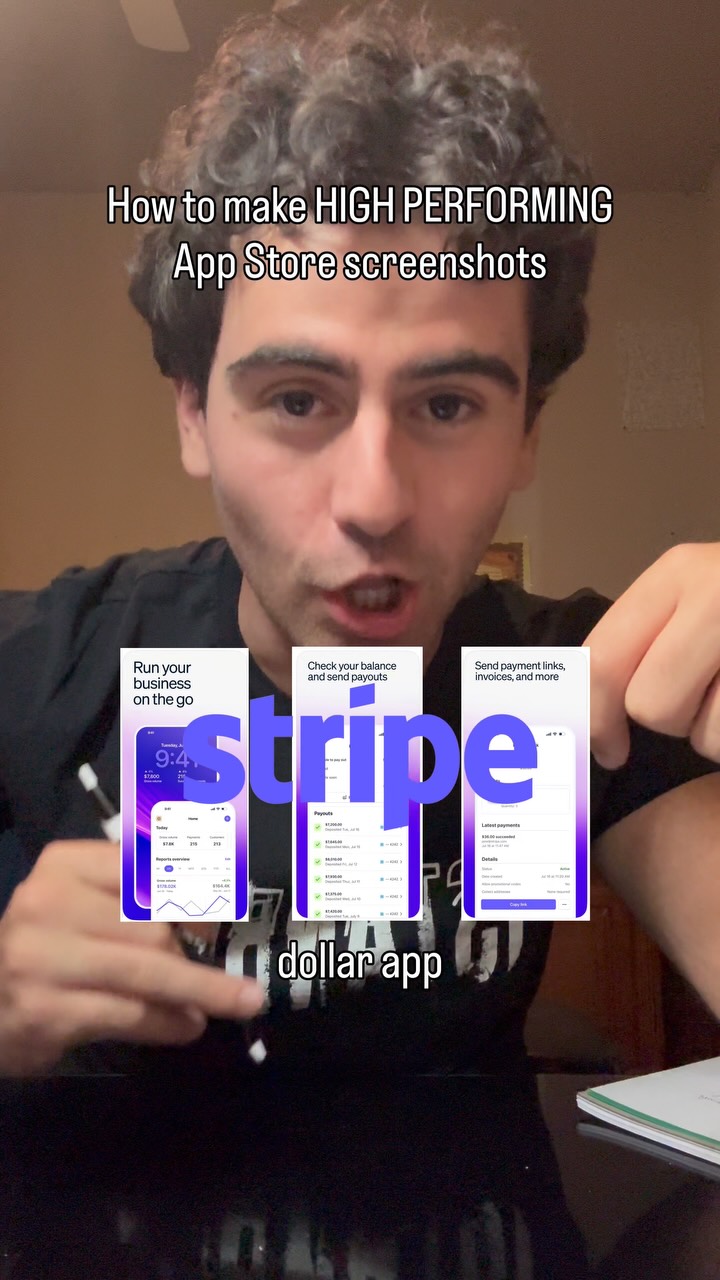
Here’s how to make premium high performing App Store screenshots that look like…
Search inside any video
SavedThat transcribes your saved videos and lets you search across all of them instantly. Save this video and find any moment.
TL;DR
Learn how to create high-performing app store screenshots that resemble those of million-dollar apps using effective tools and techniques.
Chapters
- 0:00Introduction to App Store Screenshots01
- 0:05Finding Inspiration for Screenshots02
- 0:10Capturing Your App's Best Features03
- 0:15Using Chachabit for Screenshot Design04
- 0:20Mixing Screenshots for Best Results05
- 0:25Final Tips and Follow-Up06
Transcript
Here's exactly how to make your app store screenshots like a million-dollar app. One, you're gonna use a tool like ScreenDesign or Dribbble to find app store screenshots that you already like. Two, once you've found some app screenshots that you like, you're gonna go to your own app, screenshot the best features that you have, and then put those features into Chachabit. You'll then take the high-performing app store screenshots, mix with your own screenshots, and then give it this prompt.
mix with your own screenshots, and then give it this prompt. Once you do this, you should have app store screenshots that are in the million-dollar style that you gave it. DM me if you need more help marketing and follow through.
DM me if you need more help marketing and follow through.
Are you the creator or rights holder of this video? Request removal of this transcript.
Related Transcripts
 0:53Instagram
You can literally test different screenshots out to see what ones convert the…
Gus | Building A Meal Plan App
 0:23Instagram
How to get your app accepted by the App Store
Daniel Margusov
 0:28Instagram
Like and follow if you enjoyed this content
Ayo O | App Developer
 0:48Instagram
Steal this secret from the big creators 👀 #videoeditor #contentcreator
Brandon Carpenter
 0:33Instagram
This can literally change your life
Daniel Margusov
 0:31Instagram
👇🏼Comment « VIDEO » and I’ll send you all the tool links.
Adrien Ninet
Never lose a moment again
Save videos from YouTube, Instagram, and TikTok. Search everything that was said, and jump to the second.
Start Saving Videos - Free Trial