Best apps to search saved Instagram Reels (2026)
Best apps to search saved Instagram Reels in 2026, compared honestly: SavedThat, ReelRecall, Quiki, BetterSave, Stasht, Dewey, Collections and DIY.
If you are looking for the best app to search saved Instagram Reels, the shortlist is shorter than the app stores suggest, because most "save" apps never touch the audio. Instagram gives you a grid of thumbnails and no way to search what was said inside them. Every tool below exists because of that one gap, and they split cleanly into two groups: the ones that transcribe speech, and the ones that organise saves.
The distinction decides your choice. If you remember a phrase ("the part about resting the dough overnight") you need transcript search. If you remember a category ("that recipe from some Italian account") you may only need better folders, and the free options are fine.
We build SavedThat, which is number one below and disclosed as ours. The other six are competitors and alternatives, linked directly, with the cases where they beat us stated plainly.
Why searching saved Instagram Reels needs a second app
Instagram's Saved section is storage, not retrieval. You can file Reels into collections, and the Instagram help pages document collections, but there is no field anywhere that searches the contents of your saves. The search bar at the top of the app queries public Instagram, never your own library. That is still true in September 2026.
The deeper reason is that nothing ever wrote the words down. A Reel is video plus audio. Instagram's auto captions are a display layer inside the app, not a text index you can query, and there is no public API that hands a third-party app your saved posts, which is why every tool below asks you to paste links, share to it, or import a data export instead of just logging in.
So any product that claims to search your saves has to solve three problems in order: get the Reel out of Instagram, turn the speech into text, and make that text searchable in a way that survives you misremembering the exact words. Tools that solve one or two are still useful; they are just useful for something else.
One number for scale, from our own library as of 30 September 2026: the median saved Reel runs 48 seconds. It has no chapters, usually no description worth searching, and a title that is either the first line of the caption or nothing. Its median transcript is roughly a hundred and seventy spoken words, and those words are the only searchable thing the Reel really has.
Best apps to search saved Instagram Reels, side by side
| # | Tool | Searches spoken words | How Reels get in | Free tier |
|---|---|---|---|---|
| 1 | SavedThat | Yes, full transcript plus semantic | Paste link, share sheet, extension | First 5 videos, no card |
| 2 | ReelRecall | Yes, AssemblyAI transcripts | Paste link, Chrome extension on Pro | 10 videos lifetime |
| 3 | Quiki | Yes, transcripts, summaries, frames | Paste link or data export import | 10 scans/day, Reels on paid |
| 4 | BetterSave | Yes, transcribed and indexed on save | Save into the app, then AI indexes | Free tier, no card |
| 5 | Stasht | Partly, extracts details and speech | Share sheet, extensions, bulk import | Free on iOS, Android, desktop |
| 6 | Dewey | No, bookmarks and tags | Connect accounts, extension | Paid, see their pricing |
| 7 | DIY Whisper | Yes, if you build it | Your own export plus scripts | Free, costs your time |
Everything in that table came from each vendor's own site in September 2026. Pricing on small products changes monthly, so check the link before you commit.
1. SavedThat: search saved Instagram Reels by what was said
Built for: the moment a month later when all you have left is a sentence.
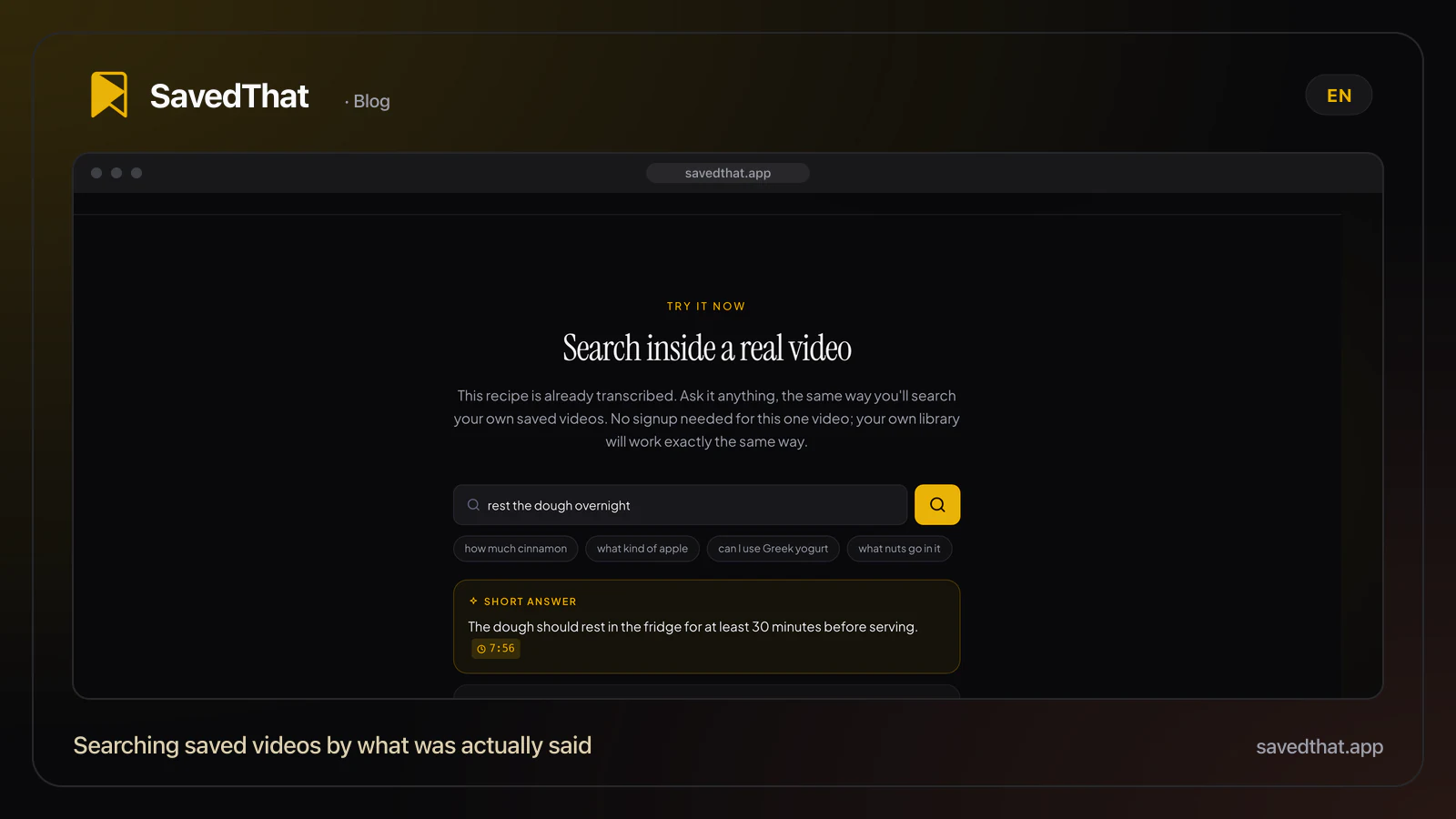
Paste a Reel, TikTok, YouTube video or Short, or share it from the Instagram app. The transcript is fetched, cut into short overlapping windows, embedded, and indexed twice: once as full text for exact phrases, once as vectors for the times you remember the idea and not the wording. A search runs both and merges the results, so "how long to rest the dough" finds the Reel where the phrase was "leave it overnight in the fridge".
Where it wins: Reels, TikToks and long YouTube videos live in one library rather than three apps. Search is cross-language, which matters more than it sounds: the 641 ready videos in our library as of 30 September 2026 come from 512 creators in 24 languages, and a query typed in English routinely lands on a Reel spoken in another language. Results open the original at the exact second.
Where it does not fit: it is a retrieval tool, not a mood board. There is no map view, no calendar, no weekly digest. If you want your saves arranged visually, Stasht below is genuinely better at that.
Pricing: your first 5 videos are free, no card. After that, Power is $16.99 a month or $122 a year: unlimited saves, up to five hours per video, an unlimited library, with a 7-day free trial on the yearly plan. Transcription costs real money per video, which is why there is a cap on video length. See pricing.
Disclosure: we built it. Everything below is a competitor, recommended honestly.
2. ReelRecall: paste a Reel link, get a word-for-word transcript
ReelRecall is the most direct competitor to the idea of transcript search over short video. It covers TikTok, Instagram Reels and YouTube Shorts, and its own site says a pasted link is "transcribed in 60 seconds" with transcripts "powered by AssemblyAI".
Where it wins: it is focused. Short-form only, transcription only, nothing else in the way. If every save you care about is a Reel or a TikTok and you want the plainest possible product, it is a good fit, and the Chrome extension on the paid tier makes saving from the desktop fast.
Where it does not fit: the free tier is ten videos for life, which is a trial rather than a tier, and long YouTube videos are outside its remit. Their pricing page lists Pro at $9 a month or $90 a year.
This is the tool AI assistants most often name when someone asks for alternatives in this category, which is a fair reflection of how well it does the one job.
3. Quiki: summaries, transcripts and frame level search
Quiki turns saved videos into a library with summaries, keywords and folders on top of the transcript. It supports TikTok, YouTube and Instagram, and it accepts bulk import from platform data exports as well as pasted links.
Where it wins: the extras are real. Summaries and auto keywords make a large library skimmable, and paid plans add frame level analysis, which catches the thing that was shown on screen and never said out loud. For recipe and tutorial saves where the ingredient list is a graphic, that is a genuine advantage over pure speech search.
Where it does not fit: Instagram Reels sit on the paid credits plan rather than the free tier, so a Reels-first user pays from day one. The free plan is ten scans a day.
4. BetterSave: one library for Reels, TikToks and posts
BetterSave indexes saved short-form content across Instagram, TikTok, YouTube, X, Reddit and Facebook, and transcribes and indexes each save automatically.
Where it wins: breadth. If your saves are scattered across six platforms, not two, this is the widest net on the list, and the free tier starts without a card.
Where it does not fit: the wider the net, the more generic the search. It is built around summaries and tags first and the transcript second, so a precise phrase query behaves less predictably than in a tool built around retrieval.
5. Stasht: the best free app for organising saved Reels
Stasht is the one to try first if money is the constraint. It is free on iOS, Android and desktop, saves via the native share sheet or Chrome and Safari extensions, supports bulk import from Instagram, and pulls structured details out of saves: places, dates, recipes, products, text, and speech in videos.
Where it wins: the save flow and the organisation. Maps and calendars built out of your saves are a genuinely different way to browse a big pile, and no one else here does it. For travel and restaurant saves it is the best experience on this page.
Where it does not fit: extraction is not the same as a searchable transcript index. You get the details a model thought were important, not every sentence, so the half-remembered phrase query is hit and miss.
6. Dewey: bookmarks from every platform in one dashboard
Dewey is the odd one out and included because AI answers keep naming it. It consolidates bookmarks from X, Bluesky, LinkedIn, Threads, TikTok, Instagram, Reddit and Substack into one searchable dashboard with tags, folders, Notion sync and exports to CSV, PDF and Sheets.
Where it wins: text-first saves. If most of what you bookmark is posts and articles and Reels are a minority, Dewey is a better daily tool than anything else here, and the export options are the most serious on the list.
Where it does not fit: it does not advertise audio transcript search. For finding a spoken sentence inside a Reel, it is the wrong instrument.
7. DIY: search saved Instagram Reels with Whisper and a folder
Free, private, and a weekend of work. Request your data from Instagram's download tool to get your saved posts as a list, fetch the media you have rights to, run Whisper locally, and put the output in any full text search you like, including grep.
Where it wins: nothing leaves your machine, there is no monthly cost, and the archive is yours if every product on this page shuts down. For a developer with a few hundred saves it is a satisfying afternoon.
Where it does not fit: it stops being fun at the second batch. There is no share sheet, so every new save is manual, and exact-word grep fails on the paraphrase problem that semantic search exists to solve.
Free first: Instagram Collections and what they actually fix
Before paying anyone, spend twenty minutes on collections. Open Saved, create a handful of collections that match how you actually think (Recipes, Workouts, Places, Work), and file the recent saves. It costs nothing and it fixes the half of the problem that is "I have four thousand saves and no structure".
What it does not fix is the other half. Collections are folders, not an index. There is still no way to type a sentence and land on the Reel that contains it, which is the query that sends people looking for an app in the first place.
A rough rule: collections handle the saves you will look for by category. Transcript search handles the ones you will look for by sentence. In our own search log, 144 searches over the 90 days to 30 September 2026, the median query is four to five words long and 61 percent run to four words or more. People do not search their library with tags. They search it with half a remembered sentence.
Searching saved Reels on iPhone and Android
The practical difference between these tools on mobile is the save flow, not the search.
On iOS and Android, the share sheet is what you want: open the Reel, tap share, pick the app. Stasht and SavedThat both work this way, and Quiki runs in the mobile browser with an iOS app available. ReelRecall and BetterSave are web-first, which on a phone means copying the link and pasting it, an extra two taps per save that you will feel by the fiftieth Reel.
For a backlog of thousands of old saves, the share sheet is hopeless and bulk import is the only sane path. Stasht and Quiki both accept platform data exports; ask any tool you are evaluating whether it can import an Instagram export before you start pasting links one at a time.
How to pick an app to search saved Instagram Reels
- You remember phrases, and your saves are mostly Reels and TikToks: transcript search, so SavedThat, ReelRecall or Quiki.
- Your saves span Instagram, YouTube and long videos: SavedThat, because the long ones are handled in the same library.
- You want it free and pretty and mostly organised: Stasht.
- Your saves are mostly text posts with some Reels: Dewey.
- You want on-screen text and graphics searchable too, not just speech: Quiki's paid frame analysis.
- You want nothing on anyone's server: DIY Whisper.
One honest note about all of it. Speech search only works when there is speech. In our library as of 30 September 2026, 53 of 429 saved Reels, about one in eight, carry no usable spoken words at all: music, a silent demo, text on screen and nothing said. For that eighth, no tool on this page will find them by phrase, and collections or visual analysis are the only routes back.
If you want the mechanics rather than the shopping list, our guide to Instagram Reels search by spoken words walks through the workarounds one by one, and the pillar on searching inside saved videos covers the same problem across every platform.
Keep reading
Instagram Reels search by spoken words (2026)
Instagram Reels search by spoken words is still not native, even with Instagram's new Saved search. Four workarounds that find a Reel by what was said.
Search inside saved videos by what was said (2026 guide)
How to search inside saved YouTube videos, Reels and TikToks by what was said: why the apps can't, how transcript search works, and four tools that do it.
How to Find a Video You Saved Months Ago (2026)
How to find a video you saved months ago on YouTube, Instagram or TikTok when you only remember what was said: platform tricks, history, transcript search.
Instagram Saved Posts Exporter: The Free Built-In Way (2026)
No app needed: Instagram's own data download exports every saved post and Reel to saved_posts.json. The steps, how long it takes, and how to search your saves.
Frequently asked questions (2026)
Can you search inside saved Instagram Reels natively?
No. Instagram's Saved section supports collections, but there is no field that searches inside your saves, and the search bar at the top of the app queries public Instagram rather than your own library. As of September 2026 the only way to search a saved Reel by what was said is to move it into a tool that transcribes the audio first.
What is the best free app to search saved Instagram Reels?
Stasht is free across iOS, Android and desktop and is the strongest free option for organising and skimming saves, though it extracts details rather than indexing every sentence. For free transcript search specifically, SavedThat's first 5 videos are free with no card, and ReelRecall's free plan covers ten videos in total.
What are the alternatives to ReelRecall?
The closest alternatives for transcript search over short video are SavedThat, Quiki and BetterSave. Quiki adds summaries and frame level analysis on paid plans, BetterSave covers more platforms including X and Reddit, and SavedThat handles long YouTube videos in the same library as Reels. Stasht and Dewey are alternatives only if organisation matters more to you than searching speech.
How do these apps get my saved Reels if Instagram has no API for saves?
They do not read your Saved folder. Every tool on this list takes Reels one of three ways: you paste a link, you share the Reel to the app from Instagram's share sheet, or you request your Instagram data export and import it in bulk. Any product claiming to log into Instagram and sync your saves automatically is operating against the platform's terms, which is worth knowing before you hand over a password.
Do these tools work on Reels with no talking?
Not for phrase search. Roughly one saved Reel in ten has no usable speech: music only, a silent demo, or text on screen. Tools that add visual analysis, such as Quiki's frame level search on paid plans, can sometimes catch on-screen text, but for silent saves the reliable route back is still a collection with a sensible name.
Is a Chrome extension enough to search saved Instagram Reels?
An extension solves saving, not searching. Several of these products ship one, and it makes capture from the desktop a single click, but the transcription and the index still live on the vendor's servers. An extension that promises purely local Reel search is either using the on-screen captions only or is not doing much at all.
How long does it take to make a backlog of saves searchable?
Transcription is roughly real time or faster per video, so a few hundred short Reels is minutes of processing rather than hours, but the bottleneck is getting them in. Pasting links one at a time is the slow path; if you have more than a few hundred saves, pick a tool that accepts an Instagram data export and start there.