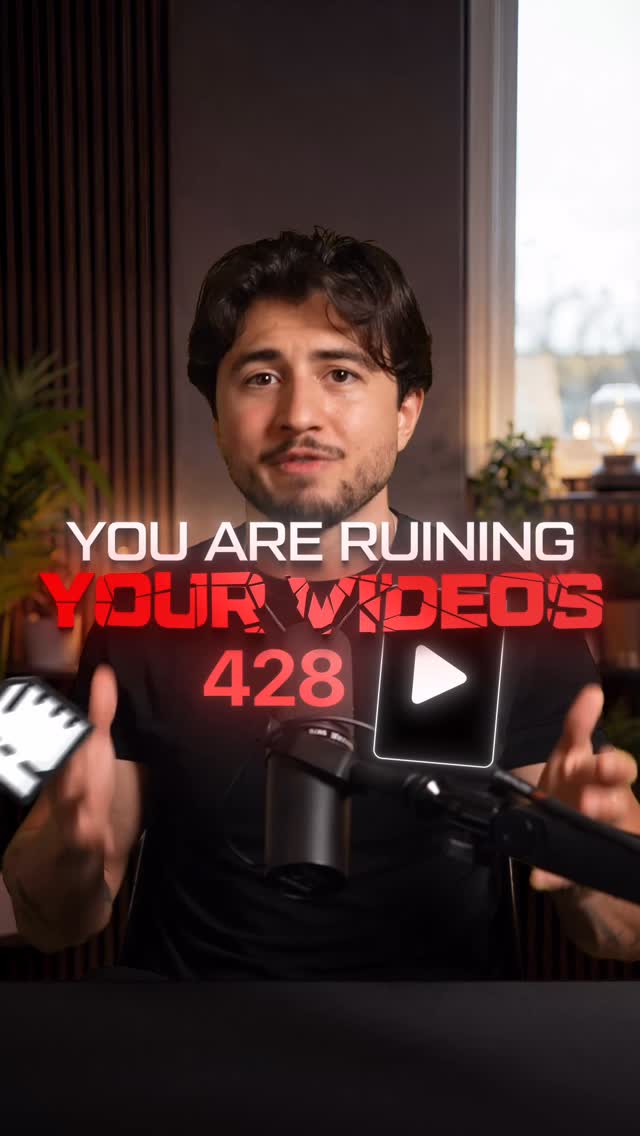
Stop Ruining Your Videos 🛑 #videoediting #shortformvideo #contentcreation
Search inside any video
SavedThat transcribes your saved videos and lets you search across all of them instantly. Save this video and find any moment.
TL;DR
Learn how to optimize your video layout for social media by understanding the five key zones in the Davidson overlay for better viewer engagement.
Chapters
- 0:00Introduction to the Davidson01
- 0:10Understanding the Nono Square02
- 0:25The Speaker Square Explained03
- 0:40Importance of the Caption Square04
- 0:55Using the Graphic Square05
- 1:10Focal Dot and Viewer Attention06
- 1:25Conclusion and Offer07
Transcript
You are ruining your videos if you are not in the Davidson. The Davidson is an overlay that makes sure that everything on your video is optimal place for social media. And this Davidson consists on five different things. First, the Nono square. Nothing should ever be placed in the Nono square. This is where all the social media buttons
ever be placed in the Nono square. This is where all the social media buttons are and you don't want to overlay them. Second, the speaker square. This area is reserved for the creator. And in this square, you always want the eyes to be centered in the middle of it. This is called the upper thirds and it's where the viewer will naturally rest their eyes. If you pay attention to movies, then you
the viewer will naturally rest their eyes. If you pay attention to movies, then you will notice that all of them use this rule. Number three is your caption square. You never want the captions anywhere but below the creator's chin. If you put the captions down here, then you're making the viewer choose between looking at you or the captions. Putting them below the chin allows the viewer to look at both.
the captions. Putting them below the chin allows the viewer to look at both. Number four, the graphic square. Any cool graphic or animations that you want to add to your video, but not to be the main point of focus, you put them into the graphic zone. But if you want your graphic to be the main point of focus, then you put it into number five, the focal dot. The
main point of focus, then you put it into number five, the focal dot. The focal dot is always where you want to direct the viewers' attention. You see, your viewers are lazy and they don't have to constantly have to look left, , up and down. For example, I paid you $100 that you didn't notice this early in the video. And that is only because you were focused on the focal dot. If
the video. And that is only because you were focused on the focal dot. If you want the Davidson, I just posted on my story for $4.99. I'm fucking with you. It's free. Just comment Davidson and I'll send it to you. Now that.
Are you the creator or rights holder of this video? Request removal of this transcript.
Related Transcripts
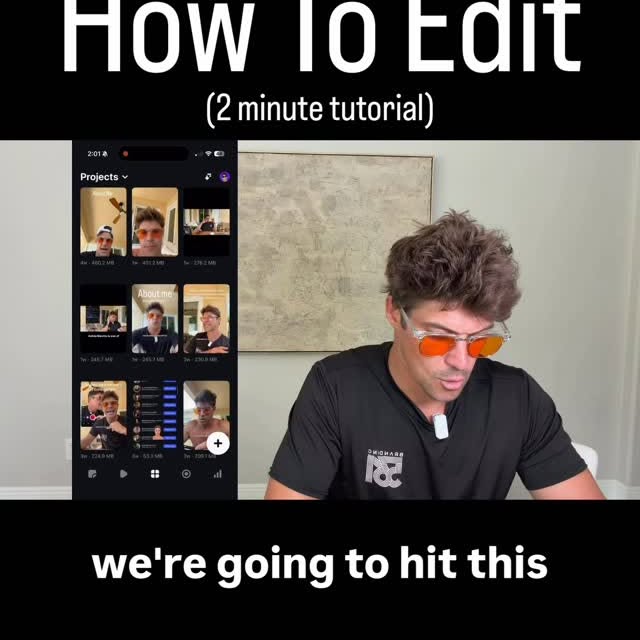 1:49Instagram
We're gonna hit this plus sign in the bottom right.
Zach | Content Expert
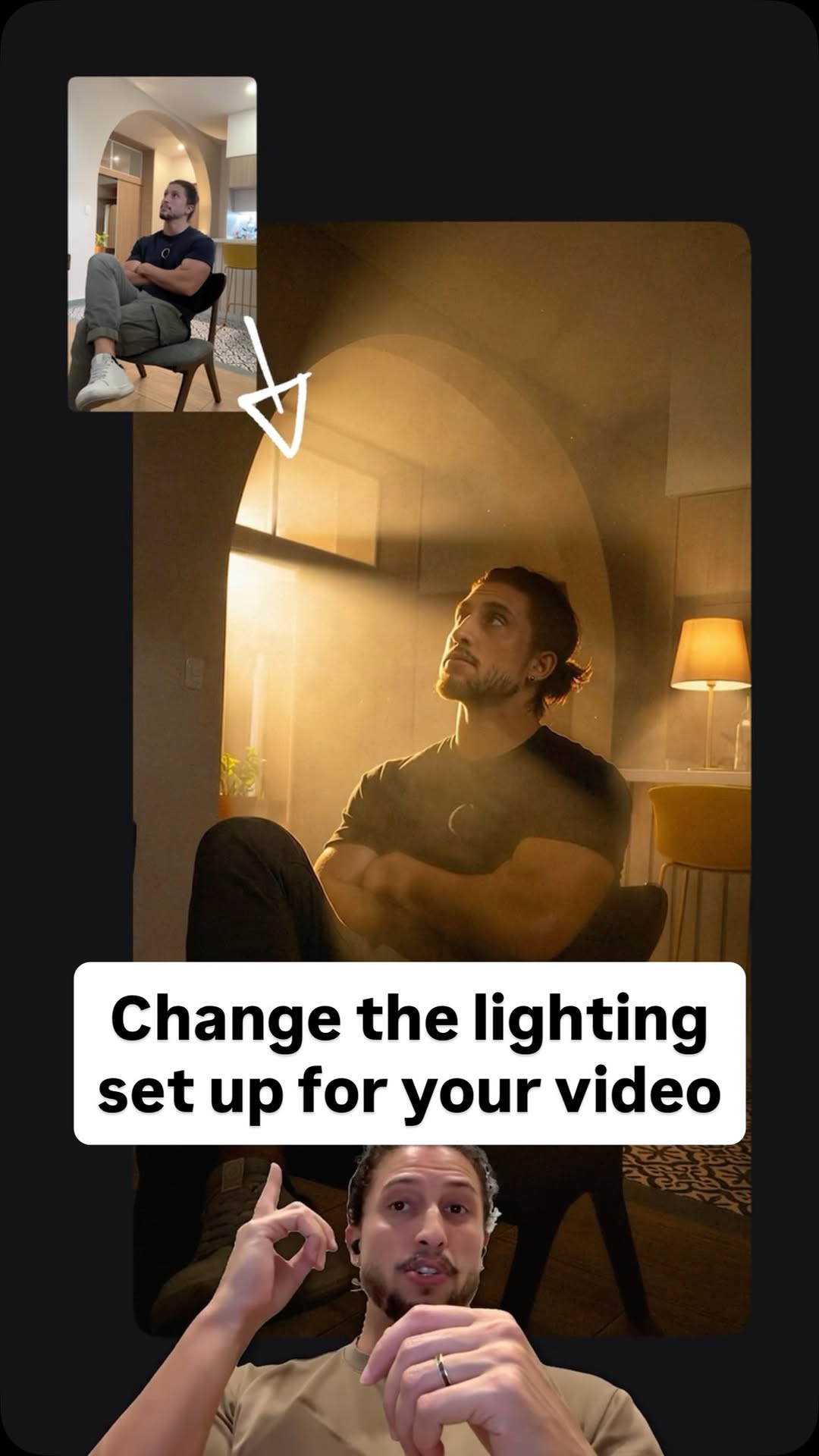 0:41Instagram
Comment Ai for the link.
Jo Mendes
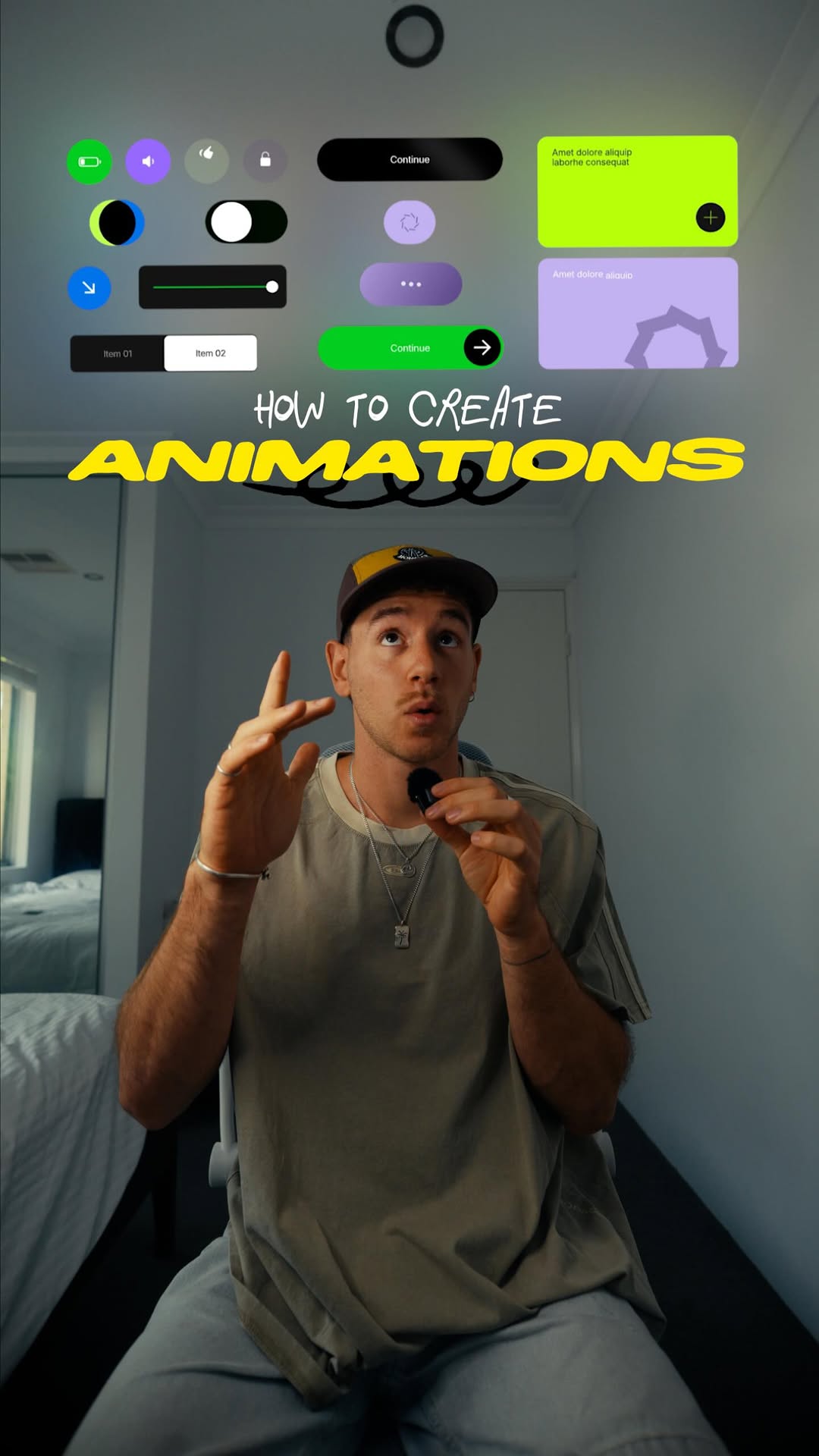 0:46Instagram
No motion design experience?
Ben Aizen | Artzen Media
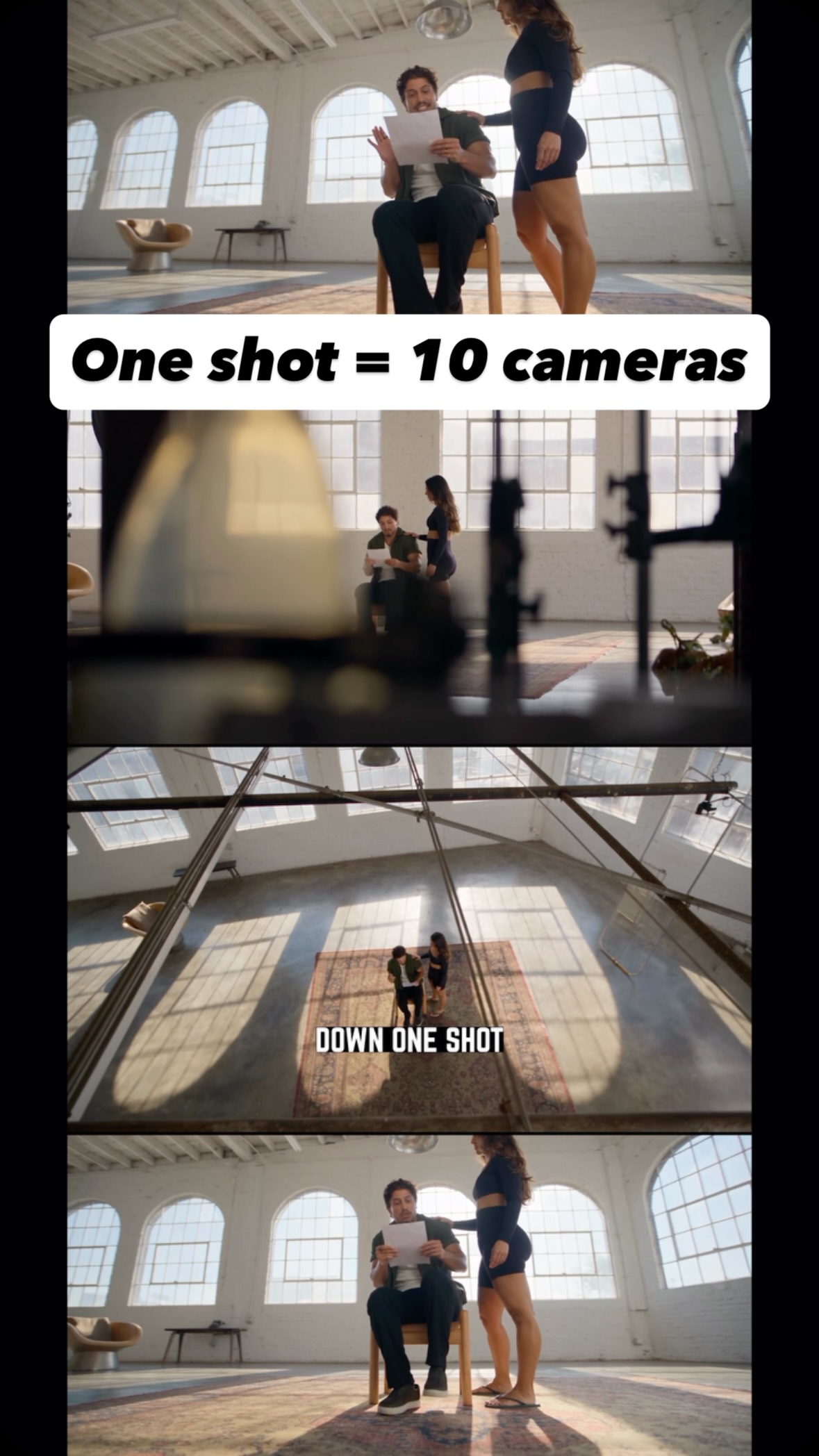 0:36Instagram
Comment AI for the link and guide to turn one shot into endless creative angles…
Jo Mendes
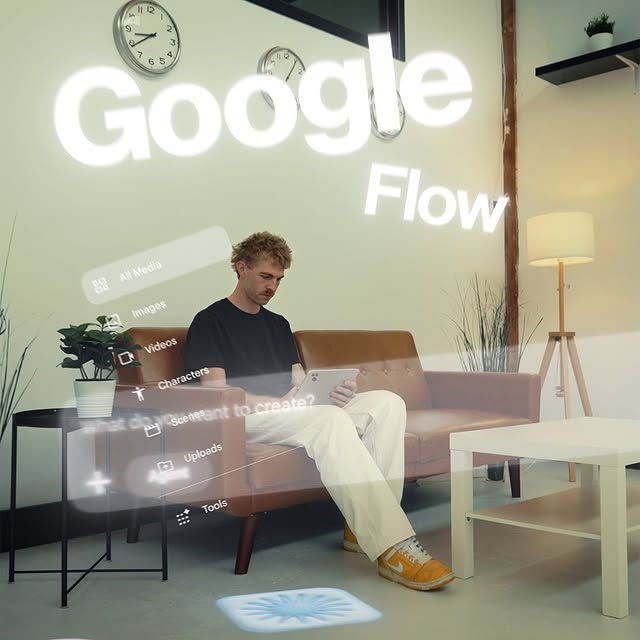 1:17Instagram
This is game changing in terms of tools built for creators.
Will Schafer
 0:37Instagram
2 tricks to sound natural on camera
Aayush Swamy
Never lose a moment again
Save videos from YouTube, Instagram, and TikTok. Search everything that was said, and jump to the second.
Start Saving Videos - It's Free