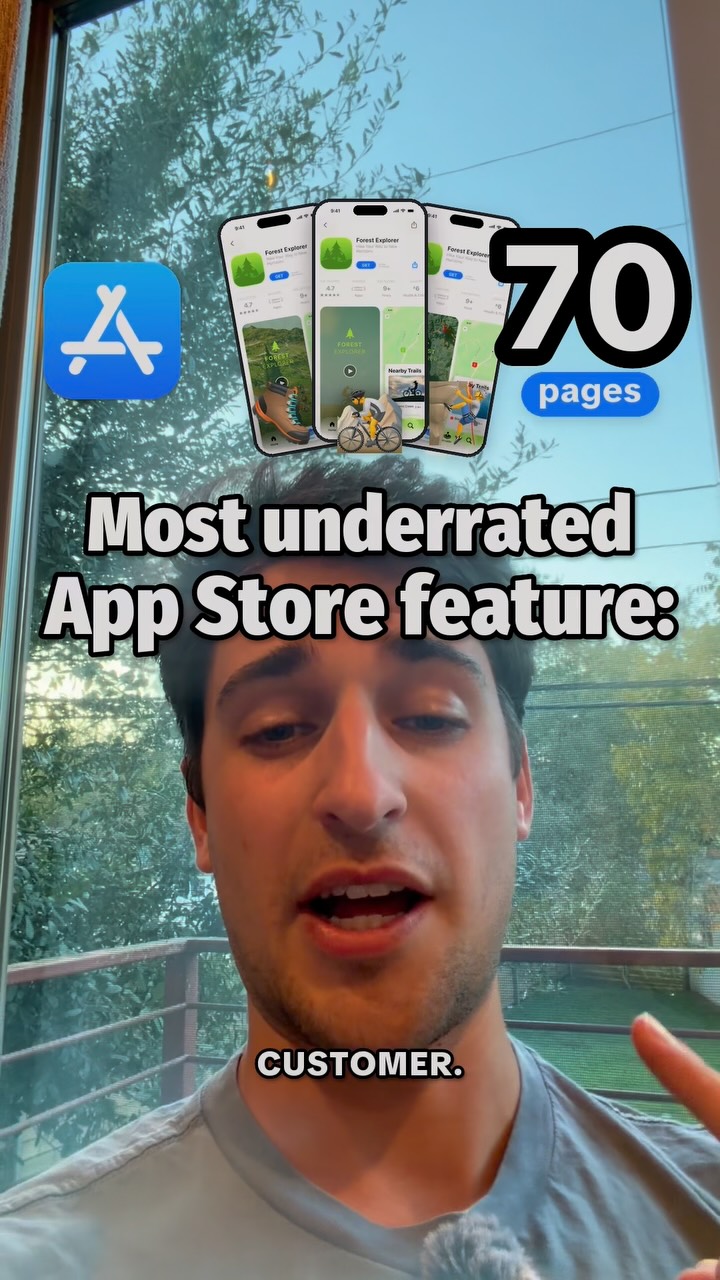
Before you change your app, check your App Store page.
Search inside any video
SavedThat transcribes your saved videos and lets you search across all of them instantly. Save this video and find any moment.
TL;DR
Learn how to create Custom Product Pages on the App Store to target different customers with tailored content and improve conversions.
Chapters
- 0:00Introduction to Custom Product Pages01
- 0:05Benefits of Custom Pages02
- 0:15Targeting Different Audiences03
- 0:25Creating Custom Pages04
- 0:35Assigning Keywords05
- 0:40Conclusion and Tips06
Transcript
Apple lets you make 70 versions of your App Store page, each aimed at a different customer. They're called Custom Product Pages. Each gets its own screenshots, preview video, and link. Say you have a language learning app. One of your ads promotes learning English, another promotes Japanese, but both send you to the same generic App Store page.
With Custom Pages, your Japanese ad links to screenshots showing Japanese lessons. People see exactly what made them click. You can also assign keywords so those pages appear in App Store search, and then you can compare the downloads and conversions from each version.
To create one, open Custom Pages in App Store Connect, change the screenshots, and submit it. No update needed. Follow for more App Store tips.
Are you the creator or rights holder of this video? Request removal of this transcript.
Related Transcripts
 0:53Instagram
You can literally test different screenshots out to see what ones convert the…
Gus | Building A Meal Plan App
 0:51Instagram
Apple released a playbook on how to stand out on the App Store
Alex & Max
 0:27Instagram
Here’s how to make premium high performing App Store screenshots that look like…
Arshan Adili
 1:03Instagram
Welcome to my mini series on App Store Connect secrets you probably don’t know about.
Gus | Building A Meal Plan App
 0:44Instagram
10/10 ways to get downloads for your app on a budget, but it gets increasingly more niche 1.
Freddy | Apps & Tech
 15:51YouTube
He Spent $1M on A/B Tests. Here's What Won.
Mobbin
Never lose a moment again
Save videos from YouTube, Instagram, and TikTok. Search everything that was said, and jump to the second.
Start Saving Videos - Free Trial